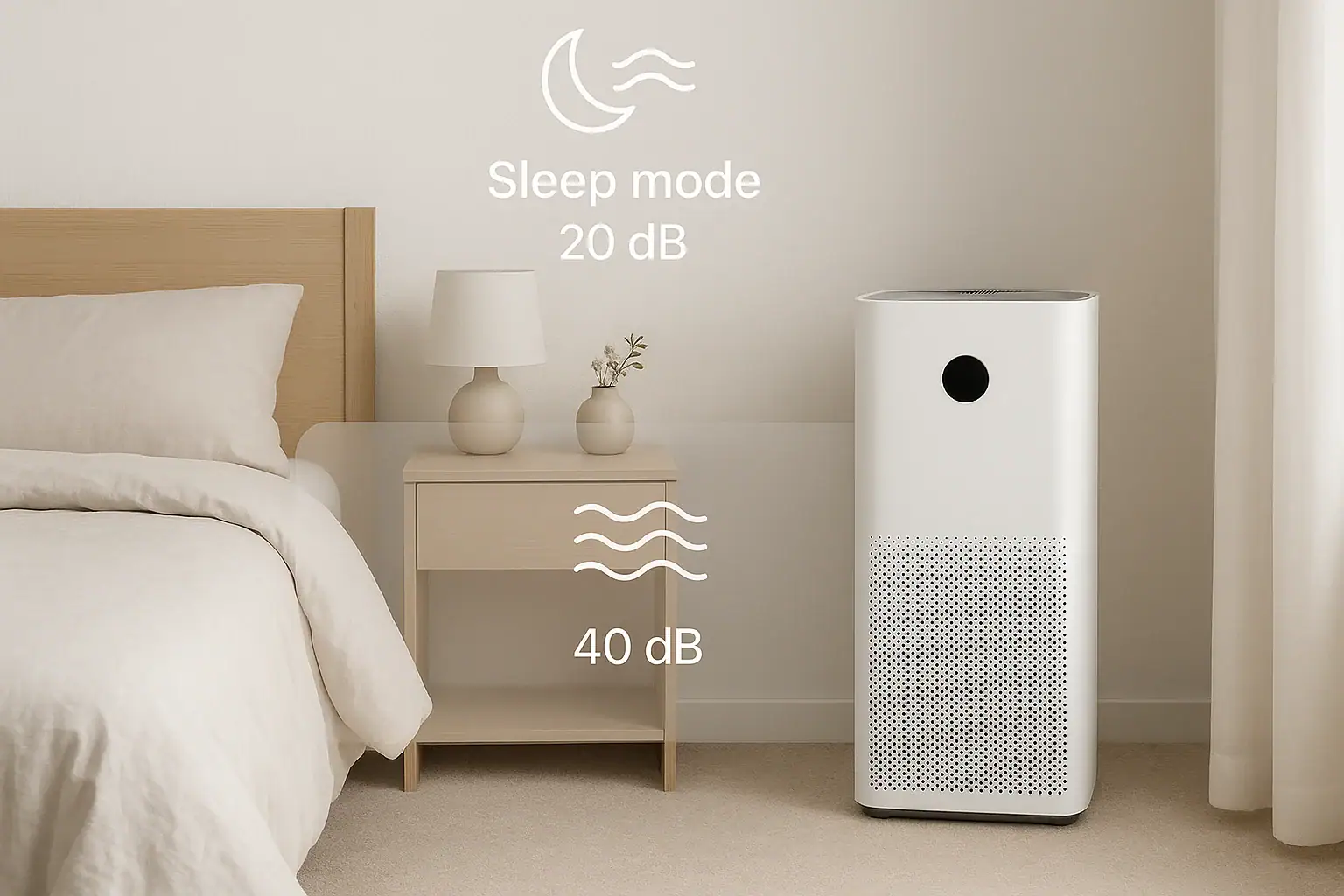
Air purifiers can make your home more comfortable, but the constant hum or whoosh of a fan can be distracting, especially in a bedroom or home office. Many models offer multiple fan speeds and a special sleep mode, yet it is not always clear how these settings affect noise levels and actual air cleaning performance. Understanding the trade-off between quiet operation and effective filtration helps you choose the right settings for each room and time of day.
This guide explains how air purifier noise is measured, what typical noise ranges sound like in real life, and how sleep mode compares to low, medium, and high fan speeds. You will also learn how to set up your purifier for quiet nights, productive workdays, and efficient whole-home use, plus a few simple tips to reduce noise without sacrificing cleaner air. If you are building a more comfortable home environment, this comparison will help you get the most from your purifier settings.
How Air Purifier Noise Is Measured
Before comparing sleep mode to fan speed, it helps to understand how noise is measured and what the numbers actually mean in a home setting.
What decibels (dB) mean in everyday life
Air purifier noise is usually listed in decibels, or dB. The scale is logarithmic, which means a small change in dB can feel like a big change in loudness.
Here is how common sound levels compare:
- 20–25 dB: Very quiet room, rustling leaves, whisper at a distance
- 25–35 dB: Typical bedroom at night, very soft fan noise
- 35–45 dB: Quiet office, low conversation, gentle fan
- 45–55 dB: Normal conversation at home, moderate fan
- 55–65+ dB: Busy office, loud conversation, strong fan or small vacuum
Most air purifiers fall somewhere between about 20 dB on the lowest setting and 60 dB or more on the highest setting. Even a 10 dB increase can sound roughly twice as loud to the human ear.
Why noise ratings can be confusing
Noise ratings are often measured in controlled test environments that may not match your bedroom or living room. In real homes, sound can be affected by:
- Room size and shape: Small, hard-surfaced rooms can make sound seem louder.
- Distance from the purifier: Moving just a few feet farther away can noticeably reduce perceived noise.
- Background sounds: A purifier may seem louder in a very quiet home and quieter in a home with steady background noise.
Because of this, it is more useful to think in ranges and comparisons rather than focusing on a single number.
What Sleep Mode Really Does
Sleep mode is designed for nighttime use, but it can also be helpful whenever you need a quieter environment, such as during phone calls or focused work. It usually changes more than just fan speed.
Typical features of sleep mode
While details vary, sleep mode often includes a combination of these changes:
- Reduced fan speed: The fan typically drops to its lowest or near-lowest setting.
- Dimmed or off display lights: Indicator lights may dim or turn off to keep the room darker.
- Limited beeps or alerts: Some units silence button tones or notifications in sleep mode.
The main goal is to lower noise and visual distractions so you can fall asleep and stay asleep more easily.
Typical noise levels in sleep mode
In many cases, sleep mode noise levels fall roughly in the:
- 20–30 dB range: Comparable to a quiet bedroom or soft whisper
At this level, the purifier often fades into the background and may be perceived as gentle white noise. For light sleepers, this can be a major benefit compared to running the purifier on medium or high all night.
How sleep mode affects air cleaning
The trade-off is that sleep mode usually moves less air through the filters. That means:
- The purifier may take longer to clean the room air.
- It may not keep up as well with heavy pollutants such as smoke, strong odors, or frequent pet dander.
- Air quality sensors (if present) may respond more slowly to changes.
However, in many bedrooms with closed doors and moderate pollution levels, sleep mode can still maintain acceptable air quality once the room has already been cleaned at a higher speed earlier in the day.
Fan Speed Settings and Their Noise Levels
Most air purifiers offer at least three manual fan speeds: low, medium, and high. Some also include turbo or maximum modes for quick cleaning. Each step up in speed increases both air flow and noise.
Low fan speed
Typical noise range: around 25–35 dB
Low speed is often similar to sleep mode, though not always as quiet. It can be a good compromise for people who are not extremely sensitive to noise but still want a peaceful environment.
Pros:
- Quiet enough for many bedrooms and home offices
- Uses less energy than higher speeds
- Helps maintain air quality once the room has been thoroughly cleaned
Cons:
- Slower to remove new pollutants
- May be insufficient in large rooms or during allergy peaks
Medium fan speed
Typical noise range: around 35–45 dB
Medium speed is a common daytime setting. It is usually noticeable but not overwhelming, similar to a quiet office or soft conversation.
Pros:
- Better balance between noise and air cleaning
- Effective for most average-sized rooms with normal daily activity
- Suitable for living rooms, kitchens, and shared spaces
Cons:
- May be too loud for very quiet bedrooms or for people sensitive to sound
- Can interfere with low-volume television or soft music if placed very close
High or turbo fan speed
Typical noise range: around 45–60+ dB
High or turbo mode is designed for rapid air cleaning. The sound can be similar to a strong fan or a loud conversation. Many people find this too loud for continuous use in a bedroom but acceptable for short bursts.
Pros:
- Quickly reduces dust, odors, and other pollutants
- Helpful after cooking, cleaning, or bringing in outdoor air
- Useful in larger rooms or open-concept spaces
Cons:
- Often too noisy for sleep or quiet reading
- Can be distracting during calls, streaming, or study sessions
- Higher energy use compared to lower speeds
Sleep Mode vs Fan Speed: How to Choose the Right Setting
Choosing between sleep mode and a specific fan speed depends on your room, your schedule, and your sensitivity to noise. Comparing the two helps you find a routine that keeps your air clean without disturbing your comfort.
Key differences at a glance
- Noise level: Sleep mode is usually the quietest, followed by low, then medium and high speeds.
- Air cleaning speed: High speed cleans the air fastest, while sleep mode is the slowest.
- Energy use: Sleep mode and low speed use less power than higher speeds.
- Lighting and alerts: Sleep mode often dims lights and tones, while standard fan speeds keep normal indicators active.
When to use sleep mode
Sleep mode is ideal when quiet is your top priority and pollution levels are moderate. Consider using sleep mode when:
- You are a light sleeper or share a bedroom with someone sensitive to sound.
- Your windows and doors are closed, limiting new outdoor pollutants.
- The room has already been cleaned at a higher speed earlier in the evening.
- You prefer darker, quieter conditions with minimal indicator lights.
When to use low or medium fan speeds instead
Low or medium speeds may be better than sleep mode when you want more active filtration but still care about noise.
Use low speed when:
- You can tolerate a gentle fan sound while sleeping.
- The room is slightly larger, and you want a bit more air flow than sleep mode provides.
- You are working or studying and want a soft background noise.
Use medium speed when:
- You are in a living room, kitchen, or shared space with regular activity.
- Allergy season is active, and you want stronger filtration.
- There are pets, frequent visitors, or more dust and dander.
When high or turbo makes sense
High or turbo speeds are best used in short bursts when air quality suddenly worsens. For example:
- After cooking with strong odors or frying foods
- When outdoor smoke or pollution drifts inside
- After vacuuming, sweeping, or dusting
- When you first turn on the purifier in a closed room
You can run high speed for 15–30 minutes to quickly refresh the air, then switch back to medium, low, or sleep mode once the air has improved.
Practical Noise Comparisons for Common Rooms
The best setting can vary from room to room. Here is how sleep mode and fan speeds typically compare in different parts of the home.
Bedroom
In a bedroom, noise tolerance is often the lowest, especially at night.
- Evening (before bed): Run the purifier on medium or high for 30–60 minutes with the door closed to clean the air thoroughly.
- Overnight: Switch to sleep mode or low speed to maintain air quality with minimal noise.
- Very light sleepers: Sleep mode is usually the best choice, with the purifier placed a few feet away from the bed.
Nursery or child’s room
For nurseries, many caregivers prefer a consistent, gentle sound that does not startle the child.
- Sleep mode can provide soft white noise that may help mask household sounds.
- Low speed may be acceptable if the child is not easily disturbed by a slightly stronger fan sound.
- Avoid frequent speed changes at night, which can draw attention and disturb sleep.
Home office
In a home office, the main concern is often balancing clean air with minimal distraction during calls or focused tasks.
- Low or medium speed is often best during work hours.
- Sleep mode may be helpful during video calls if the microphone picks up fan noise.
- Place the purifier slightly behind you or to the side, rather than directly next to your desk, to reduce perceived noise.
Living room or open-concept space
In larger areas, higher speeds are usually needed to move enough air, but this can increase noise.
- Use medium or high speed when the room is in use and doors are opening and closing frequently.
- Switch to low speed in the evening when watching television or relaxing.
- Sleep mode may be too weak for very large, open spaces unless the purifier is sized generously for the area.
Tips to Reduce Air Purifier Noise Without Losing Performance
Beyond selecting the right mode, a few simple adjustments can make your air purifier sound quieter while still keeping your air clean.
1. Check placement and distance
- Move it away from your head: In bedrooms, place the purifier across the room or at least several feet from the bed.
- Avoid corners and tight spaces: Placing the unit too close to walls or furniture can cause sound reflections and vibration.
- Keep air paths clear: Make sure intake and outlet vents are not blocked, which can strain the fan and increase noise.
2. Use soft surfaces to absorb sound
- Place the purifier on a stable, level surface to avoid rattling.
- If the floor is hard, use a thin, firm mat or rug under the unit to reduce vibration.
- Soft furnishings such as curtains, rugs, and upholstered furniture can help absorb sound in the room.
3. Keep filters and vents clean
Clogged filters and dusty vents can force the fan to work harder, increasing noise.
- Follow the recommended schedule for replacing or cleaning filters.
- Gently vacuum intake and outlet grilles to remove dust buildup.
- If the fan suddenly becomes louder, check for obstructions or misaligned parts.
4. Use a timed routine
Instead of running the purifier on high all day, create a routine that balances noise and performance:
- Run on high or turbo when you are out of the room or during busy daytime hours.
- Switch to medium or low when you are nearby.
- Use sleep mode overnight or during quiet activities.
Finding Your Ideal Balance of Quiet and Clean Air
There is no single perfect setting that works for every home. The right choice depends on your room size, air quality concerns, and personal sensitivity to noise. Sleep mode offers the quietest operation and is well suited for nighttime and very quiet spaces, while low and medium fan speeds provide a stronger balance of cleaning power and manageable sound for most daytime activities.
A practical approach is to use higher speeds strategically to quickly clean the air, then rely on sleep mode or low speed to maintain that cleanliness with minimal noise. By paying attention to how each setting sounds in your own rooms and how your body responds, you can adjust your purifier to support both cleaner air and a more comfortable, restful home environment.
For more ways to improve comfort and air quality throughout your home, you can explore additional air and comfort tips, including ventilation, humidity control, and room-by-room strategies for a healthier indoor space.
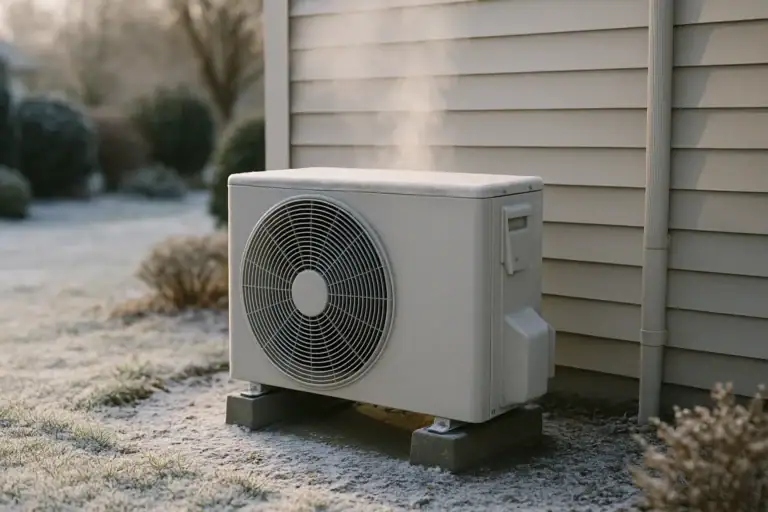 Heat Pump Defrost Mode Explained Simply
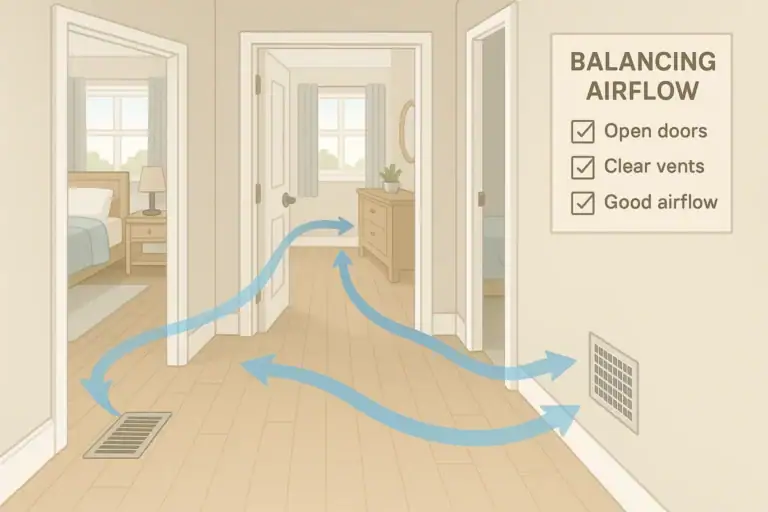 How to Balance Airflow Between Rooms at Home: A Practical Checklist
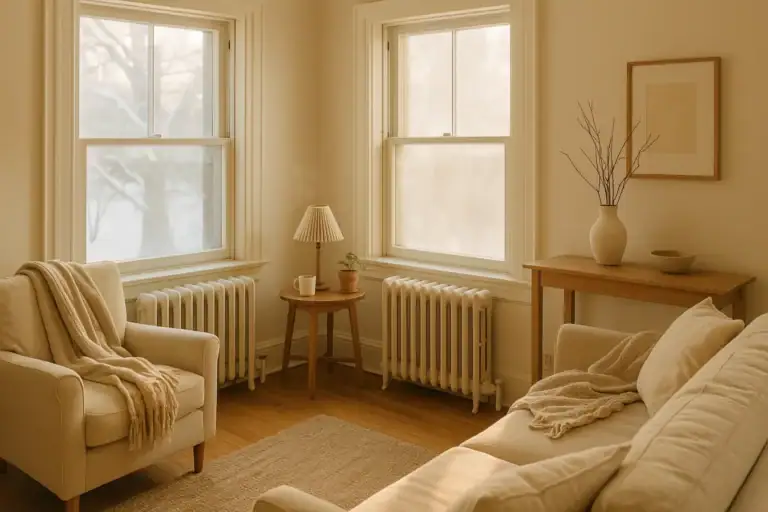 Radiator Heat Balancing Tips for Older Homes: A Practical Guide