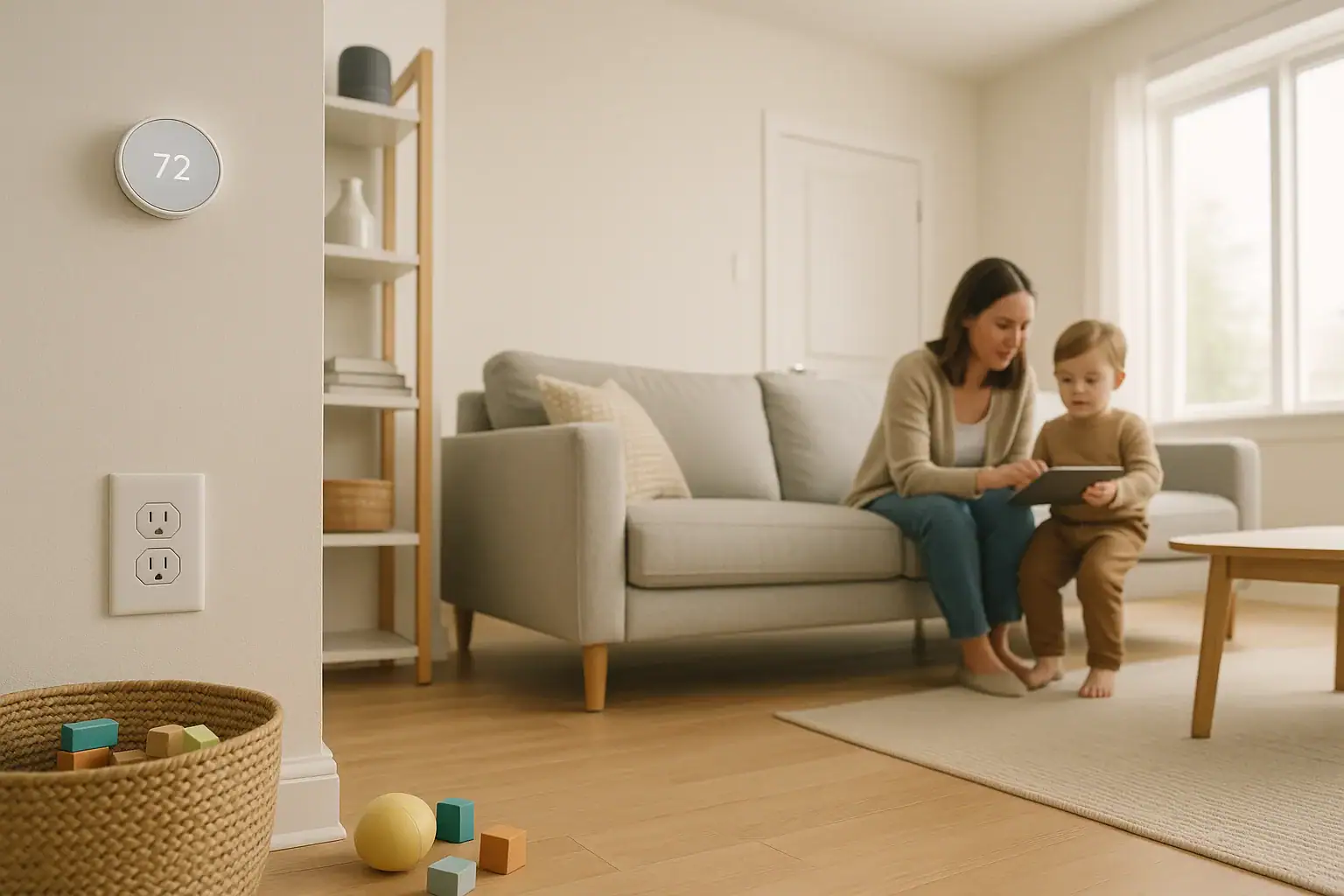
Smart home devices can make life easier, but they also introduce new safety concerns when you have babies, toddlers, or curious older kids. Voice assistants, smart locks, cameras, and connected plugs can all affect your child’s safety if they are not set up thoughtfully. The good news is that with a mix of smart settings and old-fashioned childproofing, you can enjoy the convenience of a connected home while reducing risks. This guide walks through practical steps to secure your devices, adjust digital controls, and reinforce physical safety so your smart home supports, rather than threatens, your family’s well-being.
On this page(click to collapse)
- Start With a Family Safety Mindset
- Secure Accounts, Apps, and Wi-Fi First
- Childproof Voice Assistants and Smart Speakers
- Make Smart Locks and Entry Systems Child-Safe
- Use Smart Lighting to Support Safety
- Smart Plugs, Outlets, and Power Safety
- Smart Cameras, Monitors, and Privacy
- Thermostats, Sensors, and Environmental Safety
- Combine Smart Tech With Traditional Childproofing
- Putting It All Together
- Related guides
Start With a Family Safety Mindset
Before changing settings or adding gadgets, step back and think about how your children actually use your home. Smart safety is not just about blocking access; it is about guiding safe behavior and planning for mistakes.
- Consider your child’s age and abilities: A toddler may randomly press buttons, while a preteen might experiment with apps and voice commands.
- Identify high-risk areas: Front doors, garages, windows, medicine cabinets, and anywhere with sharp, hot, or heavy items.
- Map digital and physical overlap: Note where smart controls affect physical safety, such as locks, lights, thermostats, and power outlets.
- Plan for supervision gaps: Think about what could happen if a child interacts with a device when you are not right there.
Use this mindset as you review each device. The goal is to reduce chances for accidents, misuse, or access to off-limits areas or content.
Secure Accounts, Apps, and Wi-Fi First
Every smart device in your home is tied to accounts and your home network. If those are not secure, childproofing individual gadgets will only go so far.
Lock Down Your Wi-Fi Network
- Use strong, unique passwords: Avoid simple or shared passwords that older kids could guess or reuse.
- Enable WPA3 or WPA2 encryption: Check your router settings and choose the most secure option available.
- Create a guest network: Put visitors’ devices on a separate network so they cannot access your smart controls.
- Rename your network: Avoid names that reveal your family name, address, or other personal details.
Protect Smart Home Accounts
- Turn on multi-factor authentication: Require a code or prompt in addition to a password for your main smart home accounts.
- Use separate adult accounts: Each caregiver should have their own login when possible, instead of sharing one account.
- Avoid storing passwords in plain sight: Do not write them on sticky notes or in unlocked notes apps that kids can access.
- Review connected services regularly: Remove old devices and apps you no longer use from your smart home system.
Control App Access on Phones and Tablets
Children often pick up phones and tablets left on counters or couches. If your smart home app is open or easily accessible, they may tap their way into settings or controls.
- Use a device lock screen: Require a PIN, pattern, fingerprint, or face unlock on all phones and tablets controlling the home.
- Hide or restrict smart home apps: Use parental controls or app locks so kids cannot open them without permission.
- Log out on shared devices: Sign out of smart home apps on tablets used by children for games or streaming.
- Avoid giving kids admin-level access: If your system offers household or guest roles, choose the least powerful option for older kids.
Childproof Voice Assistants and Smart Speakers
Voice assistants are fun for kids, but they can also unlock doors, change thermostats, or make purchases if not configured carefully. A few setting adjustments can make them much safer.
Limit What Voice Commands Can Do
- Turn off voice purchasing: Disable buying by voice, or require a code that only adults know.
- Restrict access to locks and garage doors: Do not allow voice commands to unlock exterior doors or open the garage.
- Control thermostat changes: Limit temperature ranges so kids cannot set unsafe heating or cooling levels.
- Disable device removal or reset by voice: Prevent kids from resetting or removing devices through spoken commands.
Set Up Kid-Friendly Profiles and Filters
- Create child profiles where available: These can filter music, block explicit content, and limit certain skills or actions.
- Enable content filters: Turn on safe search and age-appropriate media filters for music, audiobooks, and videos.
- Control calling and messaging: Review which contacts your child can call or message through the device, or turn the feature off.
- Use quiet hours: Schedule times when the assistant will not respond loudly, such as late at night.
Place Devices Out of Reach
Even with safe settings, placement matters.
- Keep devices off the floor and low tables: Place smart speakers and displays on higher shelves to reduce button pressing and cable pulling.
- Avoid bedrooms for younger kids: Place voice assistants in shared spaces so usage is easier to supervise.
- Secure power cords: Use cord clips or covers to prevent tripping or tugging on cables.
Make Smart Locks and Entry Systems Child-Safe
Smart locks and connected entry systems can be powerful safety tools, but only if they are configured to keep young children from wandering outside or letting strangers in.
Prevent Accidental Unlocking
- Disable unlocking by voice: Do not allow any voice assistant to unlock doors or open the garage.
- Use separate codes for adults and older kids: Create unique access codes and avoid sharing adult codes with children.
- Limit app access: Do not install lock control apps on devices your child regularly uses.
- Turn on auto-lock: Set doors to lock automatically after a short time so they are not accidentally left open.
Add Physical Barriers for Toddlers
Digital controls do not replace physical childproofing, especially for very young children.
- Install high-mounted latches: Add secondary latches above a child’s reach on doors leading outside.
- Use door knob covers where appropriate: These can slow down toddlers trying to open doors.
- Secure sliding doors: Use floor-level locks and top-rail bars to keep glass doors from opening easily.
- Consider door alarms: Small contact sensors can send alerts or chimes when a door opens unexpectedly.
Monitor Activity Without Oversharing
- Enable entry notifications for adults: Have your phone alert you when exterior doors are unlocked or opened.
- Avoid sharing access widely: Give temporary digital keys to caregivers only when needed, and remove them afterward.
- Review access logs: Periodically check who unlocked doors and when, to spot patterns or concerns.
Use Smart Lighting to Support Safety
Lighting is one of the easiest and safest ways to use smart technology to protect children. Well-planned lighting can reduce falls, ease nighttime fears, and help everyone move around more safely.
Create Safe Nighttime Pathways
- Add motion-activated night lights: Place them in hallways, bathrooms, and near stairs to guide kids at night.
- Use dim, warm light for nighttime: Set scenes that are bright enough to see but not harsh on sleepy eyes.
- Automate bedtime lighting: Schedule lights to gradually dim as bedtime approaches to signal winding down.
Prevent Startling or Blinding Brightness
- Set maximum brightness at night: Use automations to cap brightness levels during overnight hours.
- Avoid strobe or rapid flashing effects: Skip playful effects that could be overwhelming or disorienting.
- Lock certain scenes: Limit access to bright or distracting lighting scenes in kids’ rooms.
Combine Lighting With Other Safety Devices
- Link lights to door or motion sensors: Turn on hallway or entry lights when doors open after dark.
- Use lights as alerts: Set subtle color changes or blinking patterns to notify adults of certain events, such as a door opening.
- Ensure manual switches still work: Kids and caregivers should always be able to turn lights on and off without an app.
Smart Plugs, Outlets, and Power Safety
Smart plugs and outlets can control lamps, fans, and appliances, but they also deal with electricity. Treat them like any other electrical device when it comes to childproofing.
Choose Safe Uses for Smart Plugs
- Avoid high-heat appliances: Do not use smart plugs with space heaters, irons, or other devices that can become fire hazards.
- Skip critical medical devices: Do not put medical equipment on smart plugs that could be turned off accidentally.
- Use them for low-risk items: Lamps, fans, and decorative lights are usually safer choices.
Block Physical Access to Outlets
- Use tamper-resistant outlets or covers: Install safety covers on unused outlets, including smart ones.
- Hide plugs behind furniture when possible: Place furniture to limit access to cords and outlets.
- Bundle and secure cords: Use cord wraps or covers to prevent pulling, chewing, or tripping.
Control Who Can Turn Things On and Off
- Disable voice control for risky devices: Do not allow voice assistants to power devices that could be dangerous if misused.
- Use schedules instead of manual control: Automate lights and fans to reduce the need for kids to interact with switches.
- Review automation rules: Ensure no routine accidentally powers on something unsafe at odd hours.
Smart Cameras, Monitors, and Privacy
Indoor cameras and baby monitors can help you keep an eye on children, but they also raise privacy and security questions. A careful setup can balance safety with respect for your child’s space.
Secure Your Cameras Against Hacking
- Change default usernames and passwords: Never leave cameras on factory credentials.
- Keep firmware updated: Turn on automatic updates when available so security patches install quickly.
- Use encrypted connections: Make sure remote viewing uses secure, encrypted connections.
- Limit who has access: Share viewing access only with trusted caregivers, and remove it when no longer needed.
Place Cameras Thoughtfully
- Avoid private spaces for older kids: Be cautious about placing cameras in bedrooms or bathrooms once children are old enough to expect privacy.
- Use wide views instead of close-ups: Position cameras to monitor safety zones like playrooms and common areas.
- Secure mounts and cords: Mount cameras out of reach and secure any hanging cables.
Set Clear Family Rules
Talk to your children, especially older ones, about cameras and monitoring.
- Explain what is monitored and why: Frame cameras as safety tools, not surveillance for punishment.
- Discuss online privacy: Teach kids not to share camera feeds or screenshots with others.
- Review notifications: Adjust motion alerts so you are not overwhelmed and tempted to ignore them.
Thermostats, Sensors, and Environmental Safety
Smart thermostats, sensors, and alarms can help maintain a safe home environment by monitoring temperature, air quality, and potential hazards.
Protect Children From Extreme Temperatures
- Lock thermostat controls: Use a PIN or app-only control so kids cannot change settings at the wall unit.
- Set safe temperature ranges: Program limits so the home never gets dangerously hot or cold.
- Use room sensors in nurseries: Monitor actual temperature where your child sleeps, not just at the main thermostat.
Use Smart Sensors to Catch Problems Early
- Install smoke and carbon monoxide detectors: Choose models that can send alerts to your phone in addition to sounding alarms.
- Add water leak sensors: Place them near water heaters, under sinks, and in basements to catch leaks before they cause damage.
- Consider window and door sensors: Use them on windows in children’s rooms to alert you if they are opened unexpectedly.
Plan How You Will Respond
- Set up notification groups: Make sure multiple adults receive critical alerts.
- Test alarms regularly: Use test buttons and app checks to confirm devices are working.
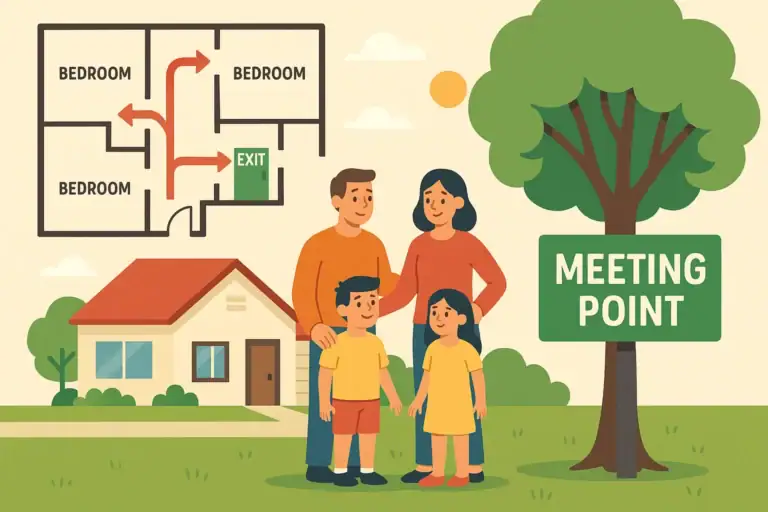
- Practice family drills: Teach children what to do if alarms sound, including how to exit the home.
Combine Smart Tech With Traditional Childproofing
Smart home tools are helpful, but they do not replace basic childproofing. The safest homes blend both approaches.
Physical Safety Basics to Maintain
- Secure furniture and TVs: Use anti-tip straps to anchor heavy items to the wall.
- Lock cabinets and drawers: Use childproof latches for cleaning supplies, tools, and medications.
- Use safety gates: Block stairs and hazardous rooms for babies and toddlers.
- Store small objects out of reach: Keep batteries, magnets, and choking hazards in locked or high cabinets.
Teach Kids About Smart Devices
Education is one of the most powerful safety tools you have.
- Explain what devices do: Show children which devices are not toys and why they should not be touched.
- Set family rules for screens and voice assistants: Agree on when and how they can be used.
- Model safe behavior: Avoid bypassing safety steps in front of kids, such as propping open smart-locked doors.
Review and Adjust as Kids Grow
- Revisit settings regularly: As children become more tech-savvy, update restrictions and access levels.
- Update physical barriers: Replace low gates and knob covers with higher latches as kids grow taller.
- Involve older kids in safety: Teach them how to respond to alerts, alarms, and emergencies responsibly.
Putting It All Together
Childproofing a smart home means looking at both the digital and physical sides of your space. Secure your network and accounts, limit what voice assistants and apps can control, and use smart locks, lights, and sensors in ways that support safety instead of undermining it. At the same time, keep up with traditional childproofing, from outlet covers to cabinet locks and safety gates.
As technology in your home evolves, so will your child’s abilities and curiosity. Make a habit of reviewing your settings and physical safeguards a few times a year, and after any major change in your smart home setup. With thoughtful planning and regular check-ins, you can enjoy the benefits of connected living while keeping your children protected.
For more ideas on creating a safer, more comfortable connected home, explore additional smart home safety guides and resources at Signature Home Guide.
Recommended next:
Related posts
Browse this topic →
Water Heater Leak Pan and Alarm Setup Checklist for a Safer Home
Smart Lock Battery Dead? How to Create a Reliable Backup Access Plan
Password Manager Basics for Families at Home: A Simple Guide
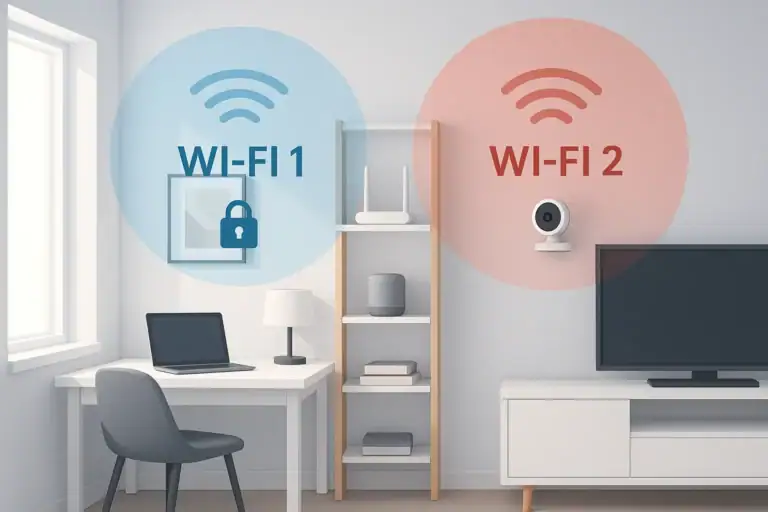
How to Set Up a Secure Home WiFi Guest Network for Smart Devices
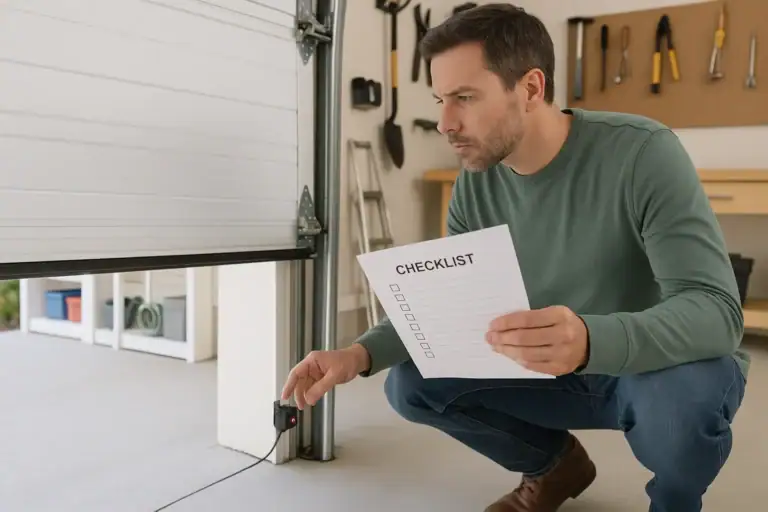
Garage Door Sensor Safety Testing Checklist for a Safer Home
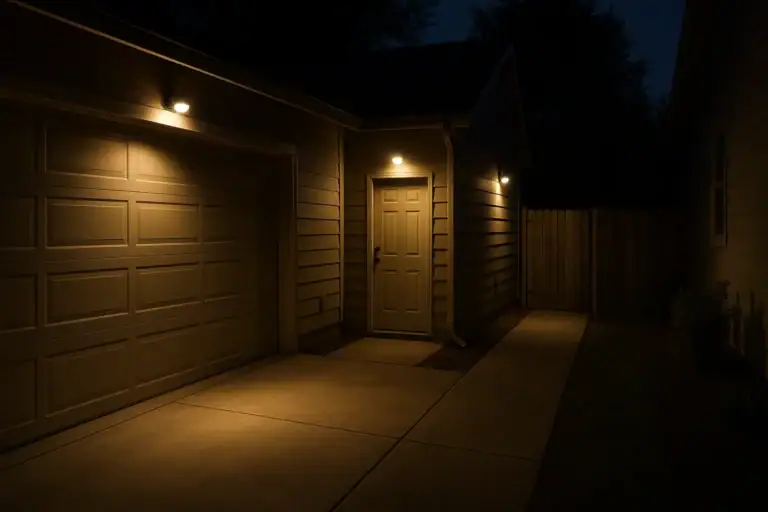
Motion Sensor Light Placement for Driveway and Side Yard: A Practical Checklist
Keep reading
About this site
Signature Home Guide publishes practical, independent home guides. We aim to be clear, helpful, and transparent.
Affiliate disclosure
As an Amazon Associate, we earn from qualifying purchases. Some links on this site may be affiliate links. If you buy through these links, we may earn a small commission at no extra cost to you. This helps support our content. Learn more.