Smart air quality monitors can be incredibly helpful, but only if the alerts they send actually match what is happening in your home. If the thresholds are too strict, you get constant notifications and start ignoring them. If they are too relaxed, you might miss early warning signs of unhealthy air. The goal is to set alert levels that reflect your health needs, your local environment, and your everyday activities, so you get useful guidance instead of noise.
On this page(click to collapse)
- Why Smart Air Quality Alerts Matter
- Key Air Quality Metrics Your Monitor May Track
- Step 1: Identify Who You Are Protecting
- Step 2: Establish a Baseline for Your Home
- Step 3: Choose Practical Thresholds for Each Pollutant
- Step 4: Use Time and Duration to Avoid False Alarms
- Step 5: Tailor Alerts by Room
- Step 6: Link Alerts to Simple Actions
- Step 7: Review and Adjust Over Time
- Balancing Peace of Mind and Practicality
- Related guides
This guide walks you through how to understand common air quality metrics, choose realistic thresholds, and adjust them over time. You will learn how to balance safety and comfort, how to set different levels for daytime and nighttime, and how to fine-tune alerts for kids, older adults, or anyone with breathing issues. By the end, you will be able to dial in your smart air quality alerts so they make sense for your home and are actually worth paying attention to.
Why Smart Air Quality Alerts Matter
Indoor air can be several times more polluted than outdoor air, especially in tightly sealed homes. Everyday activities like cooking, cleaning, burning candles, or using certain products can release particles and gases that affect comfort and health. Smart air quality sensors help you see what is happening in real time and nudge you to take simple actions, like opening a window or turning on a fan.
Thoughtful alert thresholds can help you:
- Catch unhealthy spikes before they become long-term problems
- Learn which activities impact your air the most
- Protect sensitive family members, such as children or older adults
- Use ventilation and filtration more efficiently
- Avoid alarm fatigue from constant, low-importance notifications
To get there, you need to understand what your monitor is measuring and what the numbers actually mean.
Key Air Quality Metrics Your Monitor May Track
Most smart air quality devices watch several different pollutants or comfort indicators. The exact list varies, but these are the most common metrics you will see when setting alert thresholds.
PM2.5 (Fine Particulate Matter)
PM2.5 refers to tiny particles with a diameter of 2.5 micrometers or smaller. They can come from cooking, smoke, dust, and outdoor pollution that drifts inside. Because they are so small, they can reach deep into the lungs.
Typical PM2.5 ranges used in public health guidance are:
- 0–12 µg/m³: Good
- 12.1–35.4 µg/m³: Moderate
- 35.5–55.4 µg/m³: Unhealthy for sensitive groups
- 55.5–150.4 µg/m³: Unhealthy
These ranges are a helpful starting point for your alert thresholds.
TVOCs (Total Volatile Organic Compounds)
TVOCs are gases released from paints, cleaners, air fresheners, furniture, and building materials. They can irritate eyes, nose, and throat, and may cause headaches or dizziness at higher levels. TVOC readings are usually shown in parts per billion (ppb) or milligrams per cubic meter (mg/m³). The exact safe range depends on the mix of compounds, but lower is generally better.
Carbon Dioxide (CO₂)
CO₂ is a natural gas we exhale, and it builds up in poorly ventilated rooms. High CO₂ levels do not usually pose an immediate danger in homes, but they can make you feel tired, foggy, or give you a headache. Typical indoor CO₂ ranges are:
- 400–800 ppm: Fresh, well ventilated
- 800–1200 ppm: Common in occupied rooms
- 1200+ ppm: Often feels stuffy; time to ventilate
Carbon Monoxide (CO)
CO is a colorless, odorless gas produced by incomplete combustion from sources like gas appliances, fireplaces, and vehicles. It can be dangerous even at relatively low levels. If your smart device tracks CO, treat alerts very seriously and follow safety guidance for your home.
Humidity and Temperature
While not pollutants, humidity and temperature strongly affect comfort and can influence mold growth and dust mites. For most homes, a relative humidity between about 30% and 50% is a comfortable and practical target. Higher humidity for long periods can encourage mold; very low humidity can irritate skin and airways.
Step 1: Identify Who You Are Protecting
The right alert thresholds depend on who lives in your home and how sensitive they are to air quality changes. Before touching any settings, think about your household.
Consider Sensitive Groups
People who may need stricter thresholds include:
- Children, especially babies and toddlers
- Older adults
- Anyone with asthma or other breathing conditions
- Anyone with heart disease or chronic health issues
- Pregnant people
If your home includes one or more of these groups, you may want alerts at lower pollution levels, especially for PM2.5 and TVOCs.
Think About Lifestyle and Location
Your environment also shapes reasonable thresholds. Ask yourself:
- Do you cook frequently on a gas or electric stove?
- Do you live near a busy road, industrial area, or wildfire-prone region?
- Do you use candles, incense, or fireplaces often?
- Do you have pets that stir up dust and dander?
The more pollution sources you have, the more you will see short-term spikes. Your thresholds should distinguish between brief, expected events and sustained, concerning levels.
Step 2: Establish a Baseline for Your Home
Before you set tight alerts, it helps to understand what is normal in your home on a typical day. Many people skip this step and end up with thresholds that are either too sensitive or not sensitive enough.
How to Capture a Baseline
- Pick a calm day. Choose a day without unusual events like heavy outdoor smoke or major cleaning projects.
- Place the monitor in a main living area. Avoid corners, vents, or direct sunlight. A central spot in the living room or hallway is often best.
- Let it run for at least 24–48 hours. Go about your normal routine: cooking, sleeping, working, and relaxing as usual.
- Review the data. Look for typical low points (often overnight) and typical high points (often during cooking or gatherings).
Write down average daytime and nighttime values for PM2.5, TVOCs, CO₂, and humidity. These numbers will guide your threshold choices.
Step 3: Choose Practical Thresholds for Each Pollutant
Now you can translate public health ranges and your home baseline into specific alert levels. The idea is to set thresholds that are slightly above your normal values, but below levels that would be considered clearly unhealthy.
Example Thresholds for PM2.5
Use your baseline plus general guidance to set three levels:
- Information alert: For example, 15–20 µg/m³. This level tells you air quality is drifting above ideal but not yet urgent. You might open a window or run a fan.
- Action alert: For example, 25–30 µg/m³ (or lower if you have sensitive family members). At this level, you should actively ventilate or use filtration and avoid adding more smoke or fumes.
- High alert: For example, 35–40 µg/m³ or higher. This level suggests unhealthy air, especially for sensitive groups. Limit exposure and take strong steps to clear the air.
If your baseline is already high, consider why. You may need to address sources, not just adjust alerts.
Example Thresholds for TVOCs
TVOC scales vary widely between devices, so focus on relative changes compared with your baseline. A practical approach is:
- Information alert: When TVOCs rise to about 2–3 times your typical low reading.
- Action alert: When TVOCs stay elevated at 3–5 times your typical low for more than 30–60 minutes.
If you notice symptoms like headaches or irritation when TVOCs hit a certain level, use that as your personal action threshold.
Example Thresholds for CO₂
For many homes, these CO₂ thresholds work well:
- Information alert: Around 900–1000 ppm. This is a reminder to crack a window or run a ventilation fan.
- Action alert: Around 1200–1400 ppm. At this level, rooms often feel stuffy, and you may notice reduced focus.
In bedrooms, you may want slightly lower thresholds to support better sleep.
Humidity and Temperature Alerts
For humidity, consider:
- Low humidity alert: Below about 30% for several hours, especially in winter.
- High humidity alert: Above about 55–60% for several hours, which can encourage mold and dust mites.
For temperature, set alerts mainly to catch extreme conditions, such as very hot rooms in summer or very cold rooms in winter, especially for children or older adults.
Step 4: Use Time and Duration to Avoid False Alarms
Many air quality spikes are brief and expected, like when you sear food or run a hot shower. If your monitor alerts you every time, you will quickly learn to ignore it. To make alerts more meaningful, use time-based settings whenever your device allows it.
Set Minimum Duration for Alerts
Instead of alerting the moment a threshold is crossed, require the level to stay high for a certain period. For example:
- PM2.5 above your action threshold for at least 10–15 minutes
- TVOCs above your action threshold for at least 30 minutes
- CO₂ above your action threshold for at least 20–30 minutes
This approach filters out quick spikes and focuses on sustained problems that are more likely to affect health and comfort.
Use Quiet Hours and Schedules
Many smart systems let you create schedules. Consider:
- Night mode: Allow slightly higher thresholds for short periods at night to avoid being woken up by minor fluctuations, but keep strong alerts for serious issues.
- Cooking window: During regular cooking times, you might allow a higher information threshold for PM2.5, as long as levels drop back down afterward.
The key is to match alerts to your routine so they highlight unusual events, not everyday habits.
Step 5: Tailor Alerts by Room
If your system uses multiple sensors, do not feel you must use identical thresholds everywhere. Different rooms serve different purposes and can justify different alert strategies.
Living Areas and Kitchen
In these spaces, you can accept slightly higher short-term PM2.5 and TVOC levels during active times, as long as they fall back to normal after you ventilate. Focus on:
- Action alerts for PM2.5 and TVOCs that stay high after cooking or cleaning
- CO₂ alerts when gatherings make rooms feel stuffy
Bedrooms
Bedrooms are where you spend long, continuous hours, so cleaner air is especially important. You may want:
- Lower thresholds for PM2.5 and CO₂
- Humidity alerts to avoid conditions that encourage dust mites or mold
- Stricter alerts for any combustion-related gases
Basements and Utility Areas
These spaces can have higher humidity and may be closer to combustion appliances. Consider:
- Humidity alerts at lower thresholds to prevent mold
- Strong alerts for CO or unusual VOC spikes
Step 6: Link Alerts to Simple Actions
Alerts are only useful if they lead to clear, realistic actions. For each alert type, decide ahead of time what you will do. This keeps you from feeling overwhelmed when a notification pops up.
Common Responses to PM2.5 Alerts
- Open windows on days with good outdoor air
- Turn on kitchen or bathroom exhaust fans
- Reduce or pause activities that create smoke or dust
- Use portable filtration if you have it available
Common Responses to TVOC Alerts
- Increase ventilation by opening windows or running fans
- Limit use of strong cleaners, sprays, and scented products
- Store paints, solvents, and chemicals in well-ventilated or separate areas
Common Responses to CO₂ and Humidity Alerts
- For CO₂: Open windows, use mechanical ventilation, or reduce occupancy in small rooms
- For high humidity: Run exhaust fans, use a dehumidifier, and check for leaks
- For low humidity: Use a humidifier carefully and avoid over-drying the air
Step 7: Review and Adjust Over Time
Smart air quality alerts are not a set-it-and-forget-it feature. Your home, habits, and even local outdoor air can change from season to season. Plan to review your thresholds regularly.
When to Revisit Your Settings
- Season changes: Heating in winter and cooling in summer can affect humidity and ventilation.
- Major home projects: Painting, renovations, or new furniture can temporarily raise VOC levels.
- New family members: A new baby, an older relative moving in, or a new health diagnosis may call for stricter thresholds.
- New appliances: Changes in cooking or heating equipment can shift your baseline.
Use Trends, Not Just Single Events
Many smart systems let you view graphs over days or weeks. Look for patterns such as:
- Regular spikes at certain times of day
- Slowly rising baseline levels over time
- Rooms that consistently have worse air than others
Use these patterns to refine your thresholds and your habits. For example, if you always see PM2.5 spikes during cooking, you might start a vent fan earlier or adjust how you cook certain foods.
Balancing Peace of Mind and Practicality
The most useful smart air quality alerts are the ones you trust and act on. That means they must be rare enough to feel important, but not so rare that you miss problems. It also means the thresholds should reflect your real home, not a perfect laboratory environment.
To strike that balance:
- Use your own baseline data as a starting point
- Set separate information and action alerts
- Require elevated levels to last for a reasonable duration
- Customize thresholds for sensitive family members and key rooms
- Connect each alert to a simple, specific action
With a bit of tuning and periodic review, your smart air quality system can quietly watch over your home in the background, stepping in with clear, meaningful alerts only when you truly need them.
Related posts
Browse this topic →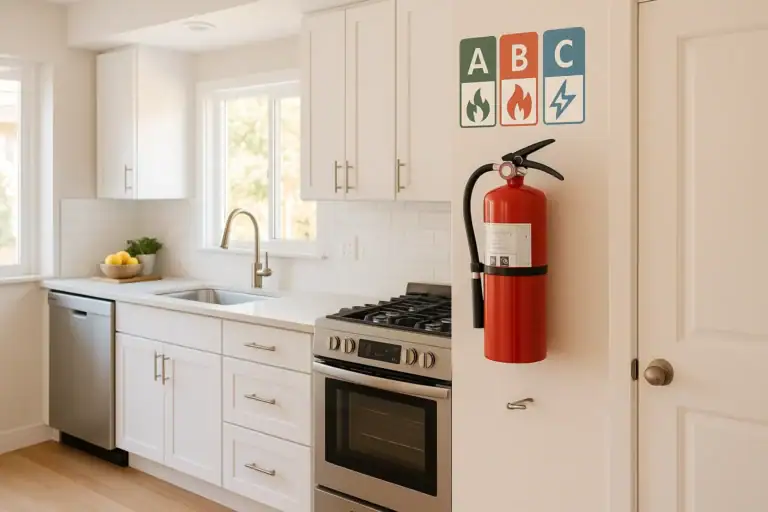
How to Choose a Fire Extinguisher for the Kitchen (Classes Explained)
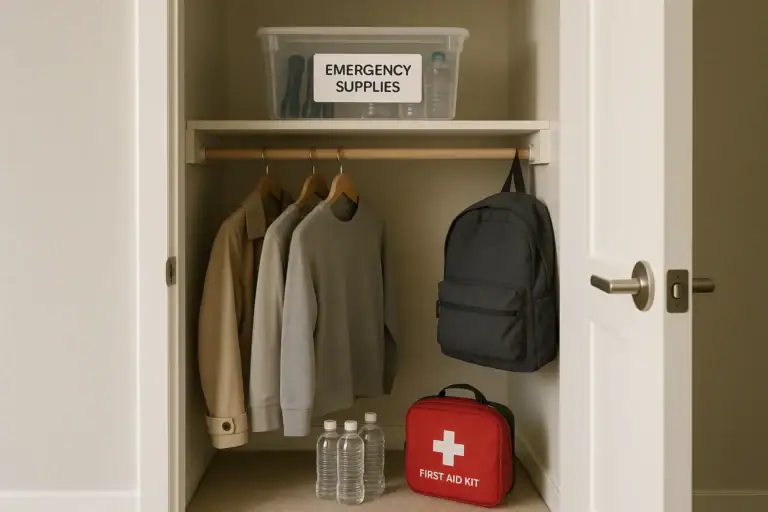
Emergency Kit for Apartments: Closet-Friendly Essentials for Small Spaces
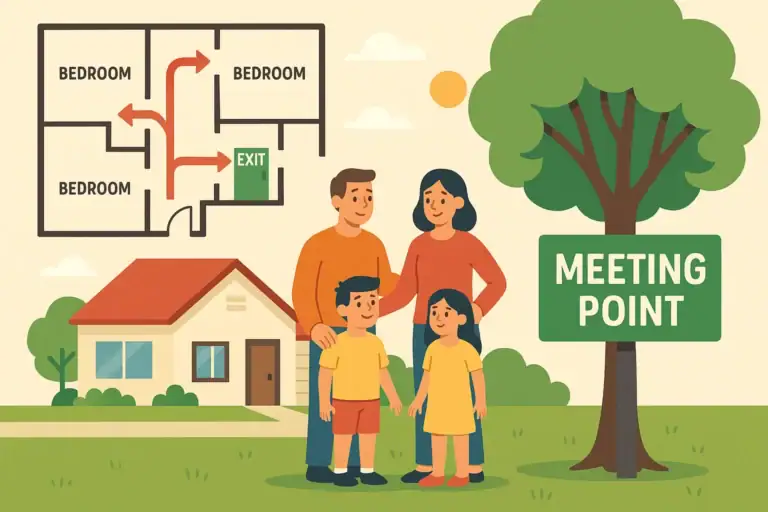
Home Fire Escape Plan: Map, Meeting Point, and Practice Checklist
Childproofing the Smart Home: Settings and Physical Safety Tips
Garage Door Safety: Sensors, Remotes, and Common Failure Fixes
How to Shut Off Water Quickly in an Emergency: A Simple Home Checklist
Keep reading
About this site
Signature Home Guide publishes practical, independent home guides. We aim to be clear, helpful, and transparent.
Affiliate disclosure
As an Amazon Associate, we earn from qualifying purchases. Some links on this site may be affiliate links. If you buy through these links, we may earn a small commission at no extra cost to you. This helps support our content. Learn more.