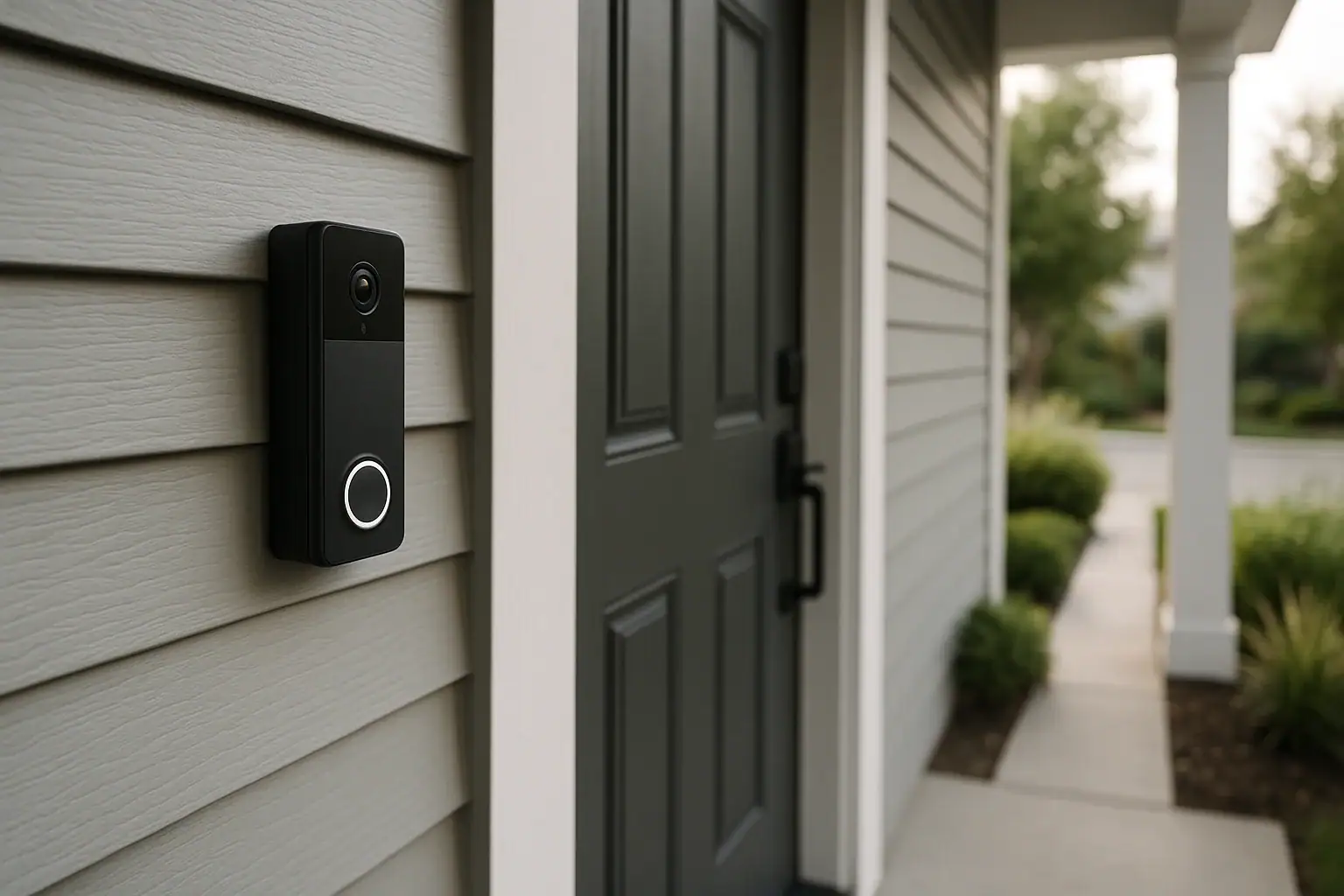
Smart doorbells have quickly become one of the most popular smart home and safety upgrades for households across the United States. They combine a doorbell, camera, microphone, and motion sensors into one compact device that lets you see and talk to visitors from your phone or smart display. When used thoughtfully, they can add convenience, deter unwanted visitors, and give you peace of mind when you are away from home. However, they also raise important questions about privacy, data security, and how to avoid being overwhelmed by constant alerts.
On this page(click to collapse)
- How Smart Doorbells Work
- Smart Doorbells and Privacy: What You Need to Know
- Managing Smart Doorbell Notifications Without Overload
- Best Placement for Smart Doorbells
- Wired vs Battery‑Powered Smart Doorbells
- Practical Setup Checklist for US Homes
- Balancing Security, Privacy, and Everyday Convenience
- Related guides
This guide walks you through how smart doorbells work, what privacy settings matter most, how to manage notifications so they are helpful instead of annoying, and how to choose the best placement for clear views and reliable performance. Whether you are installing your first smart doorbell or optimizing one you already own, you will find practical, step‑by‑step tips tailored for a typical US home.
How Smart Doorbells Work
Understanding the basics of how smart doorbells operate will help you make better decisions about privacy, alerts, and placement.
Key Components
Most smart doorbells include the following core features:
- Camera: Captures live video and records clips when someone rings or motion is detected.
- Microphone and speaker: Allow two‑way audio so you can talk to visitors from your phone or tablet.
- Motion sensor: Detects movement in front of your door and can trigger alerts and recordings.
- Wi‑Fi connection: Sends video and alerts to your devices through your home network.
- Doorbell button: Works like a traditional doorbell but also sends a notification to your phone.
- Power source: Either a rechargeable battery, connection to existing doorbell wiring, or both.
What Happens When Someone Approaches Your Door
When a person walks up to your front door, the motion sensor detects movement and sends a signal to the doorbell. Depending on your settings, the device may:
- Start recording a short video clip
- Send a push notification to your phone or tablet
- Trigger a chime inside your home
If the visitor presses the doorbell button, you receive a notification that someone is at the door. You can open the app to see live video, speak through the microphone, or ignore the alert.
Cloud Storage vs Local Storage
Recorded clips are usually stored in one of two ways:
- Cloud storage: Video uploads to remote servers and can be viewed later from your app. This often requires a monthly or yearly subscription.
- Local storage: Video saves to a memory card or a home hub device on your network. This can reduce ongoing costs and give you more control over your data.
Your choice between cloud and local storage has a direct impact on privacy and data security, which we will cover in more detail next.
Smart Doorbells and Privacy: What You Need to Know
Any camera that records your home, visitors, and nearby public spaces deserves careful attention to privacy. Smart doorbells are no exception. With a few smart settings and habits, you can significantly reduce risks while still benefiting from the technology.
Understand What Is Being Recorded
Before you install or adjust your smart doorbell, consider what the camera will see and record:
- Your front porch, steps, and doorway
- Sidewalks or driveways in front of your home
- Possibly parts of neighboring yards or doors
- People walking or driving past your home
In many US communities, it is legal to record video in areas where there is no reasonable expectation of privacy, such as your front yard or a public sidewalk. However, it is courteous and often wise to avoid pointing your camera directly at a neighbor’s windows, doors, or private yard areas.
Adjust Video Zones to Respect Neighbors
Most modern smart doorbells allow you to customize the area the camera pays attention to. This is often called an activity zone or motion zone. Use these settings to:
- Focus on your porch, walkway, and driveway
- Exclude neighboring doors, windows, and yards
- Reduce how much of the public sidewalk or street is monitored
By tightening your video zones, you not only respect privacy but also reduce unnecessary alerts from passing cars and pedestrians.
Control Who Can View Your Video
Access control is one of the most important privacy steps. In your doorbell app, you can usually:
- Create user accounts for household members
- Limit who can view live video or recorded clips
- Set up different roles, such as owner vs guest viewer
- Require a strong password and enable two‑factor authentication
Use unique, strong passwords for your smart home accounts and turn on two‑factor authentication whenever possible. This adds an extra layer of protection even if someone guesses or steals your password.
Decide How Long to Keep Recordings
Many services allow you to choose how long video clips are stored, such as 24 hours, a few days, or several weeks. For better privacy and data security:
- Choose the shortest storage duration that still meets your needs
- Regularly review and delete older clips you no longer need
- Disable continuous recording unless it is truly necessary
Shorter retention limits the amount of personal data stored about you, your family, and visitors.
Secure Your Home Network
Your smart doorbell relies on your home Wi‑Fi network, so network security is part of doorbell privacy. Consider these steps:
- Use a strong, unique Wi‑Fi password
- Change default router usernames and passwords
- Keep your router firmware updated
- Consider a separate guest network for visitors
- Limit who has access to your Wi‑Fi credentials
These basic measures help protect not only your smart doorbell but all devices on your network.
Managing Smart Doorbell Notifications Without Overload
Smart doorbells are most useful when they notify you about important events, such as a delivery, a visitor, or suspicious activity. But if your phone buzzes every time a car drives by, you may start ignoring alerts altogether. The goal is to tune your notifications so they are timely, relevant, and not overwhelming.
Types of Notifications
Most smart doorbells let you customize which events trigger alerts. Common options include:
- Doorbell press alerts: When someone actually rings the bell.
- Motion alerts: When movement is detected in front of the camera.
- Person detection alerts: When the system detects a human shape.
- Package or vehicle alerts: When a package or vehicle is recognized.
Start by enabling doorbell press alerts and person detection, then add or remove other types based on your daily experience.
Use Motion Zones to Cut Down on Noise
Motion zones are not just about privacy; they are also a powerful tool for notification control. By limiting the detection area to the space that truly matters, you can significantly reduce false or low‑value alerts. For example:
- Include your porch, front steps, and the area where packages are usually left
- Exclude the street, sidewalk, and distant parts of your yard
- Adjust the zone height so it does not pick up passing cars
Adjust Motion Sensitivity
Most apps offer a sensitivity slider or several levels such as low, medium, and high. Consider:
- Low sensitivity: Fewer alerts, best for homes on busy streets
- Medium sensitivity: Balanced for typical suburban neighborhoods
- High sensitivity: More alerts, useful for quiet areas or security concerns
Test a setting for a few days, review your alerts, and adjust gradually until you reach a comfortable balance.
Set Notification Schedules
If your doorbell app supports schedules, use them to match your daily routine:
- Enable frequent alerts during work hours when you are away
- Reduce or mute motion alerts overnight if they are not needed
- Create different schedules for weekdays and weekends
Some people prefer to keep doorbell press alerts on at all times but limit motion alerts to specific hours.
Use App and Phone Settings Together
Remember that your phone’s own notification settings also matter. You can:
- Allow sound and vibration for doorbell alerts but silence others
- Use “Do Not Disturb” modes at night while allowing priority alerts
- Customize alert tones so you recognize doorbell notifications instantly
Combining app controls with phone settings gives you fine‑tuned control over how and when you are interrupted.
Best Placement for Smart Doorbells
Even the smartest doorbell will not perform well if it is installed in the wrong spot. Proper placement affects video quality, motion detection accuracy, privacy, and how easily visitors can find and press the button.
Ideal Height and Angle
For most US homes, the recommended mounting height is around chest level for an average adult. This usually means:
- About 48 to 52 inches from the ground to the center of the doorbell
- Low enough to capture faces clearly
- High enough to see packages on the ground near your door
If your door frame or existing wiring is higher or lower, you can often use an angled mounting bracket to tilt the camera up or down for a better view.
Left or Right Side of the Door
Most people mount the doorbell on the side where the old doorbell button was located. If you have flexibility, consider:
- Mounting the doorbell on the side with the clearest view of approaching visitors
- Avoiding locations where a wall, post, or plant blocks the camera
- Ensuring visitors can easily see and reach the button
In some cases, moving the doorbell just a few inches can dramatically improve visibility and motion detection.
Avoid Direct Sunlight and Glare
Strong sunlight shining directly into the camera can wash out the image and reduce motion detection accuracy. To minimize glare:
- Avoid pointing the camera straight toward the rising or setting sun
- Use a small cover or doorbell hood to provide shade if necessary
- Check the video feed at different times of day and adjust the angle if needed
Consider Nighttime Lighting
Smart doorbells usually include infrared night vision, but nearby lighting still matters. For clear nighttime footage:
- Ensure your porch light or entry light does not shine directly into the camera
- Use soft, even lighting around the doorway
- Trim plants or decorations that create deep shadows
Good lighting helps the camera capture faces and details more accurately after dark.
Protect from Weather and Damage
Most smart doorbells are designed for outdoor use, but placement can still improve durability:
- Mount under an overhang or porch roof when possible
- Avoid areas where water can pool or drip directly onto the device
- Keep the doorbell out of easy kicking or bumping range
- Use tamper‑resistant screws if included in the kit
These steps help your doorbell last longer and reduce the chance of accidental damage.
Wired vs Battery‑Powered Smart Doorbells
Placement and performance are also influenced by how your smart doorbell is powered. Each option has pros and cons.
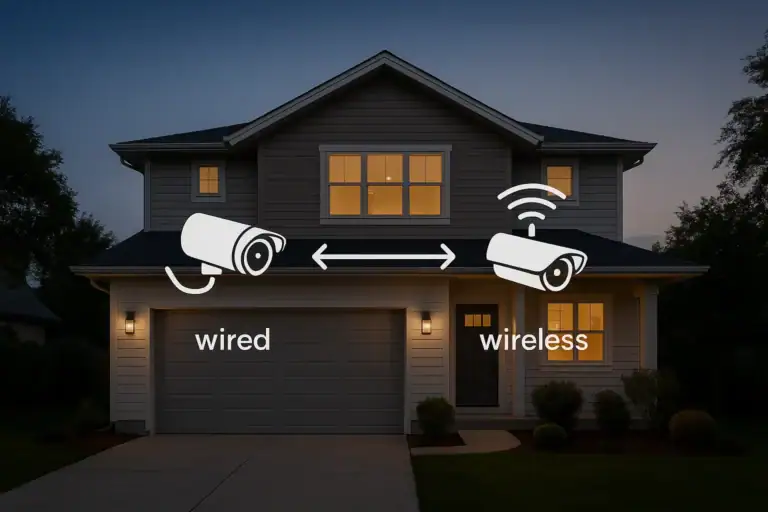
Wired Smart Doorbells
Wired models connect to your existing doorbell wiring and chime. Advantages include:
- Continuous power without battery changes
- Often more consistent video quality
- Integration with your indoor chime
However, wired installation requires compatible wiring and may limit where you can mount the doorbell. If your current doorbell location is poor, you might need professional help to move the wiring.
Battery‑Powered Smart Doorbells
Battery‑powered models are more flexible for placement because they do not rely on existing wiring. Benefits include:
- Easy installation with basic tools
- Freedom to choose the best position for camera angle and coverage
- Suitable for homes without existing doorbell wiring
The trade‑offs are the need to recharge or replace batteries and, in some cases, slightly reduced video quality or recording time to save power. When choosing placement for a battery‑powered doorbell, make sure it is easy to remove for charging without needing a ladder.
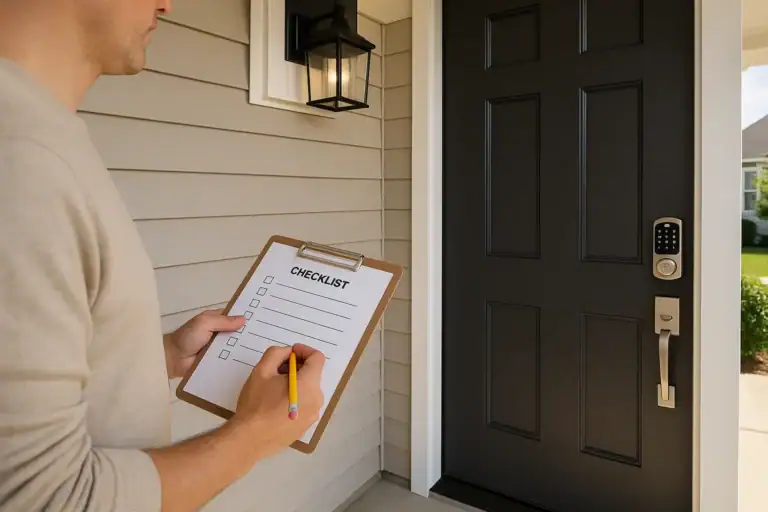
Practical Setup Checklist for US Homes
To bring everything together, use this checklist as you install or fine‑tune your smart doorbell.
Before Installation
- Decide whether you prefer wired or battery power
- Check your Wi‑Fi signal strength at the front door
- Plan a mounting height around 48 to 52 inches
- Choose the side of the door with the clearest view
- Look for potential glare from sun or porch lights
During Installation
- Follow the manufacturer’s mounting and wiring instructions carefully
- Use an angled bracket if needed to capture visitors and packages
- Secure the device with the recommended screws and mounting plate
- Confirm that the door can open fully without hitting the doorbell
After Installation
- Connect the doorbell to your Wi‑Fi network and test the signal
- Create user accounts for household members and enable two‑factor authentication
- Set up motion zones focused on your porch and walkway
- Adjust motion sensitivity based on your street’s activity level
- Choose notification types and schedules that match your routine
- Review privacy and data retention settings and select a reasonable storage duration
- Walk around your front area to test how the camera and alerts respond
Balancing Security, Privacy, and Everyday Convenience
Smart doorbells can be a valuable part of a modern home safety setup, especially when combined with good lighting, strong locks, and sensible daily habits. The key is to strike a balance between security, privacy, and convenience.
By thoughtfully choosing where to place your doorbell, how much of your surroundings it records, who can access the footage, and when you receive alerts, you can enjoy the benefits of smart technology without feeling watched or overwhelmed. Take time to review your settings every few months, especially after any changes to your home, landscaping, or routine.
If you are exploring additional ways to make your home safer and more connected, you can continue learning about smart locks, security lighting, and other smart home safety tools at Signature Home Guide. With the right approach, your smart doorbell can become a reliable, respectful, and convenient guardian of your front door.
Related posts
Browse this topic →
Smart Air Quality Alerts: How to Set Thresholds That Make Sense
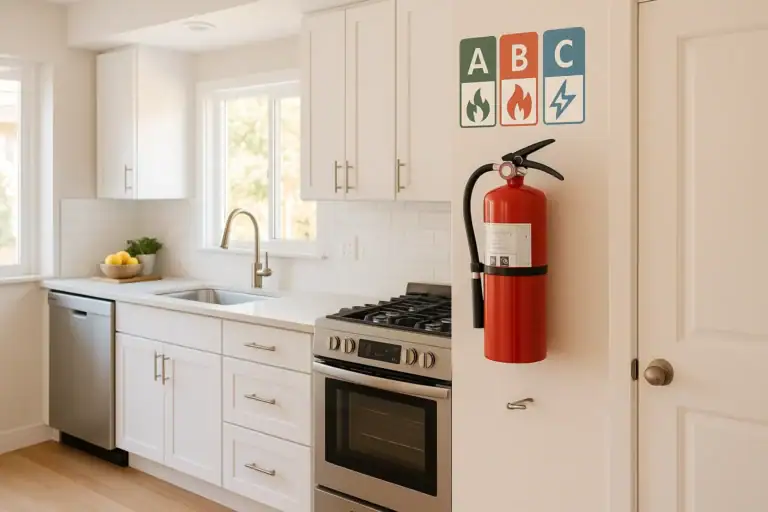
How to Choose a Fire Extinguisher for the Kitchen (Classes Explained)
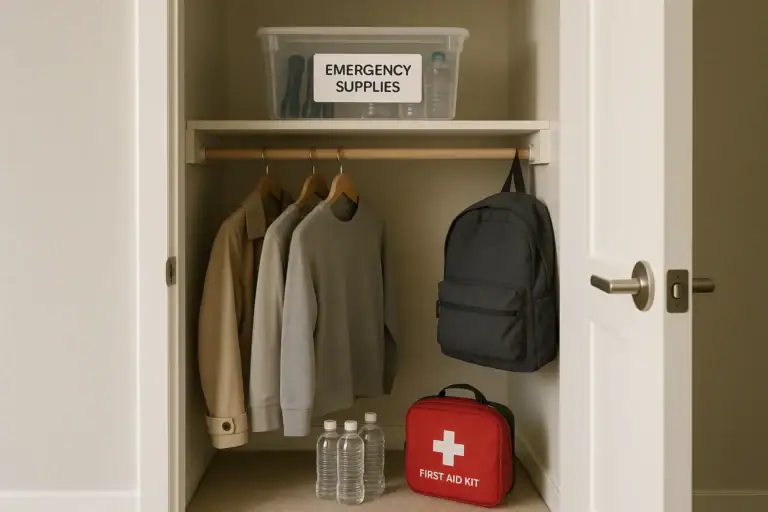
Emergency Kit for Apartments: Closet-Friendly Essentials for Small Spaces
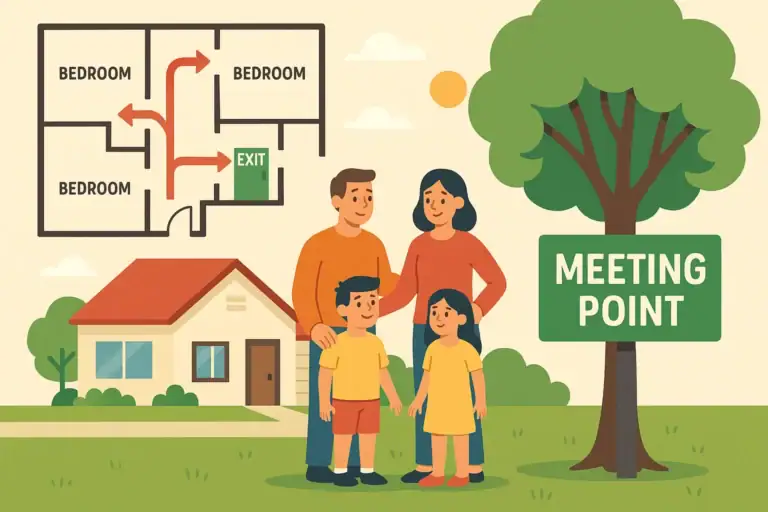
Home Fire Escape Plan: Map, Meeting Point, and Practice Checklist
Childproofing the Smart Home: Settings and Physical Safety Tips
Garage Door Safety: Sensors, Remotes, and Common Failure Fixes
Keep reading
About this site
Signature Home Guide publishes practical, independent home guides. We aim to be clear, helpful, and transparent.
Affiliate disclosure
As an Amazon Associate, we earn from qualifying purchases. Some links on this site may be affiliate links. If you buy through these links, we may earn a small commission at no extra cost to you. This helps support our content. Learn more.