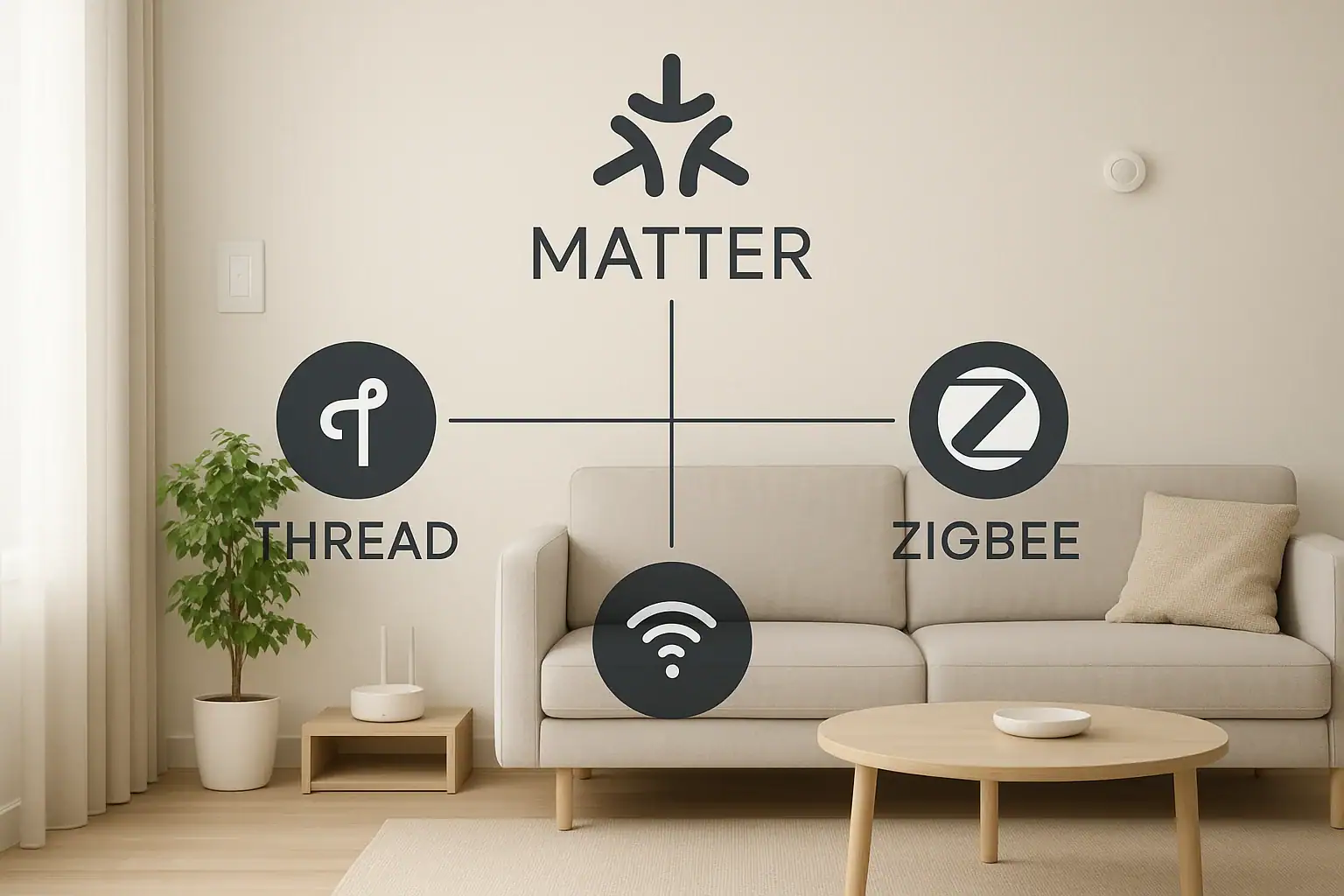
Smart home technology is finally starting to feel less like science fiction and more like everyday life. Lights, locks, thermostats, cameras, sensors, and speakers can all talk to each other and respond automatically. But the moment you start shopping, you hit a wall of confusing terms: Matter, Thread, Zigbee, Wi‑Fi, Bluetooth, hubs, bridges, controllers, and more. If you are wondering what actually matters for a stable, easy‑to‑use smart home, this guide is for you.
On this page(click to collapse)
- The Basics: What Is a Smart Home Hub?
- Meet the Three Technologies: Matter, Thread, and Zigbee
- Plain‑English Comparison: Matter vs Thread vs Zigbee
- How Matter, Thread, and Zigbee Work Together in Real Homes
- Choosing a Smart Home Hub: What to Look For
- Which Should You Prioritize: Matter, Thread, or Zigbee?
- Smart Home Safety and Reliability Considerations
- Practical Scenarios: Which Setup Fits You?
- Key Takeaways for a Future‑Ready Smart Home
- Related guides
This article explains Matter, Thread, and Zigbee in plain English. You will learn what each one does, how they are different, how they can work together, and what that means for your next smart home purchase. The goal is not to turn you into an engineer, but to give you enough clarity to pick devices and hubs with confidence, avoid dead‑end products, and build a home that just works.
We will also look at how these technologies affect reliability, range, security, and long‑term support so you can design a smart home that is both convenient and safe. When you are ready to go deeper or explore specific devices, you can find more resources at Signature Home Guide: Smart Home & Safety.
The Basics: What Is a Smart Home Hub?
Before comparing Matter, Thread, and Zigbee, it helps to understand what a smart home hub actually is. In simple terms, a hub is the traffic controller for your devices. It can:
- Connect different devices to your home network
- Translate between different wireless languages (protocols)
- Run automations, scenes, and routines
- Let you control devices from an app or with voice control
Some hubs are dedicated boxes that sit near your router. Others are built into devices you already own, like a smart speaker, router, or streaming box. In many homes, you may not realize you already have a hub because it is hidden inside another product.
Matter, Thread, and Zigbee are not hubs by themselves. They are the underlying technologies that hubs and devices use to talk to each other. Think of them as the languages and rules of the road that keep your smart home traffic moving smoothly.
Meet the Three Technologies: Matter, Thread, and Zigbee
What Is Matter?
Matter is a new standard designed to make smart home devices work together, no matter who made them. In plain English, Matter is about compatibility and simplicity. It focuses on:
- Making it easier to set up devices
- Letting the same device work with multiple apps and ecosystems
- Keeping more control inside your home instead of relying only on the cloud
Matter is not a radio technology like Wi‑Fi or Bluetooth. Instead, it is a language that can run over existing networks such as Wi‑Fi, Ethernet, and Thread. When you see a device labeled as Matter‑compatible, it means it can join a Matter network and be controlled by a Matter‑aware hub or controller.
What Is Thread?
Thread is a low‑power wireless networking technology built specifically for smart home devices. It is designed to be:
- Reliable: Devices form a mesh network and can route messages for each other.
- Low‑power: Great for battery‑powered sensors, locks, and switches.
- Fast to respond: Short delays when you tap a button or trigger an automation.
Thread uses the same basic radio frequencies as Wi‑Fi and Zigbee in the 2.4 GHz band, but it is optimized for small, efficient messages rather than streaming video or audio. A Thread network needs at least one border router, which is a device that connects the Thread mesh to your regular home network.
What Is Zigbee?
Zigbee is an older but still widely used smart home protocol. Like Thread, it is:
- Low‑power and good for battery devices
- Based on a mesh network, where devices help pass messages along
- Used for lights, sensors, plugs, and more
Zigbee typically requires a dedicated hub or bridge that understands the Zigbee language and can translate it to your home network. Many smart home setups over the last decade have relied on Zigbee to connect large numbers of devices without overloading Wi‑Fi.
Plain‑English Comparison: Matter vs Thread vs Zigbee
It is easy to get lost in technical details, so here is a high‑level comparison in everyday terms.
Think of Them as Roles in a Team
- Matter: The translator and rulebook. It makes sure everyone can understand each other and agree on how things should work.
- Thread: The quiet, efficient delivery crew. It carries messages between low‑power devices around your home.
- Zigbee: The older delivery crew that still works well but does not follow the new common rulebook.
How They Handle Device Compatibility
Matter is all about cross‑compatibility. A Matter‑enabled light or lock can, in theory, work with multiple apps and hubs without you having to worry about which system it was “made for.”
Thread and Zigbee by themselves do not guarantee that kind of flexibility. They define how devices talk over the air, but not how they integrate across different apps and ecosystems. Zigbee devices often end up tied to a specific hub brand or app, while Thread devices are increasingly being used as the foundation for Matter.
Network Type and Range
- Matter: Runs over Wi‑Fi, Ethernet, and Thread. Range depends on the underlying network.
- Thread: Mesh network with multiple hops, good for spreading coverage through a house.
- Zigbee: Also mesh, with similar range characteristics to Thread.
Both Thread and Zigbee can cover a typical home well when you have enough powered devices acting as repeaters, such as smart plugs or wired switches.
Speed and Responsiveness
For most everyday tasks like turning on lights or reading a door sensor, Thread and Zigbee are both fast enough that you do not notice delays. Matter running over Wi‑Fi can also be very responsive, especially when automations run locally on a hub instead of going to the cloud.
Power Use and Battery Life
Thread and Zigbee are both designed for low‑power devices, which is why they are popular for sensors, locks, and remotes. In contrast, Wi‑Fi uses more power and is better for devices that are plugged in, like cameras or smart speakers.
Security and Privacy
All three technologies support modern encryption and security practices. Matter places strong emphasis on secure onboarding and local control, which can reduce how much your devices rely on cloud servers. Thread and Zigbee also use encryption, but how secure your overall setup is will depend on how your hub and apps are configured.
How Matter, Thread, and Zigbee Work Together in Real Homes
These technologies are not always in competition. In many homes, they work side by side.
Matter Over Thread
One of the most powerful combinations is Matter over Thread. In this setup:
- Thread provides the low‑power mesh network for your devices.
- Matter provides the common language and control layer.
- A Matter controller (often built into a hub, router, or speaker) manages everything.
This gives you the efficiency of Thread with the cross‑compatibility of Matter. A single device can appear in multiple apps without needing separate hubs for each system.
Using Zigbee Alongside Matter and Thread
If you already own Zigbee devices, there is no need to replace them overnight. Many smart homes will continue to run a mix of:
- Zigbee devices connected to a Zigbee‑capable hub
- Matter devices on Wi‑Fi or Thread
- Wi‑Fi devices that are not yet part of Matter
In this kind of hybrid setup, your main hub or controller can bridge between older Zigbee devices and newer Matter gear. You may not see every device in every app, but you can still build powerful automations.
Choosing a Smart Home Hub: What to Look For
When picking a hub or main controller for your home, focus less on the buzzwords and more on how you plan to use it. Here are key factors to consider.
1. Supported Standards
For long‑term flexibility, look for a hub that supports:
- Matter (as a controller)
- Thread (as a border router, if possible)
- At least one legacy protocol such as Zigbee or Z‑Wave, if you plan to use older devices
This combination gives you a path forward as more devices adopt Matter and Thread while still working with existing gear.
2. Local Control vs Cloud Dependence
Whenever possible, choose systems that can run automations locally in your home, even if the internet goes down. Matter is designed with local control in mind, but it still depends on how your hub is built.
Questions to ask:
- Can I still turn lights on and off if my internet connection is out?
- Do motion‑based automations work without the cloud?
- Are my security‑related devices, like locks and sensors, usable during an outage?
3. App Experience and Ease of Use
The best technology does not matter if the app is confusing. Look for:
- Clear device organization and room grouping
- Simple automation creation with plain‑language options
- Good support materials and a responsive help center
4. Security and Updates
Your hub is the gatekeeper for your smart home. Make sure it receives regular software updates, supports strong passwords or passphrases, and allows you to manage which services and integrations have access to your devices.
5. Future‑Proofing
Matter and Thread are still growing, and new device types are being added over time. Choose a hub that clearly states support for upcoming Matter features and has a track record of keeping up with new standards.
Which Should You Prioritize: Matter, Thread, or Zigbee?
For most people building or expanding a smart home today, this simple priority list works well.
1. Favor Matter When Possible
If you are buying new devices, choosing Matter‑compatible options gives you:
- Better chances of working with multiple apps and hubs
- Local control in many setups
- A clearer upgrade path as standards evolve
2. Use Thread for Battery‑Powered and Spread‑Out Devices
Thread is especially useful for:
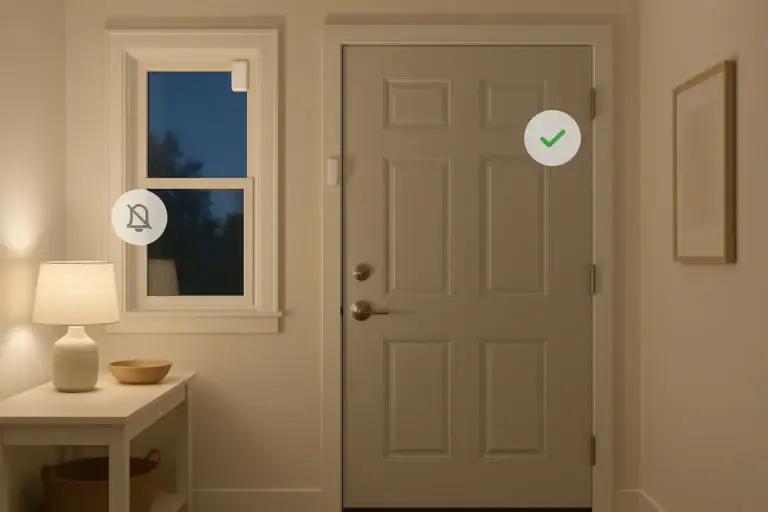
- Door and window sensors
- Motion detectors
- Smart locks and keypads
- Wall switches and remotes
These devices benefit from Thread’s low power use and mesh networking, which helps maintain coverage in larger homes.
3. Keep Zigbee for Existing Setups
If you already have a working Zigbee system, it can be smart to keep using it rather than replacing everything at once. Over time, as you add or replace devices, you can slowly move toward Matter and Thread while still relying on Zigbee where it works well.
Smart Home Safety and Reliability Considerations
Beyond convenience, your choice of hub and protocols affects safety and reliability in your home.
Network Load and Interference
Filling your home with dozens of Wi‑Fi devices can overload your router and create congestion. Using Thread or Zigbee for smaller devices helps spread the load across different networks. Because Thread and Zigbee use mesh networking, they can often maintain connections even if one device fails or moves.
Security for Locks, Cameras, and Alarms
For critical devices like locks and security sensors:
- Use strong, unique passwords for your hub and Wi‑Fi network.
- Enable multi‑factor authentication where available.
- Prefer local control paths so basic functions do not depend on cloud servers.
- Keep firmware updated so security patches are applied promptly.
Privacy and Data Sharing
Smart home systems can collect data about when you are home, when doors open, and when lights turn on. Review privacy policies and app permissions, and disable unnecessary data sharing or remote access features when you do not need them.
Practical Scenarios: Which Setup Fits You?
Scenario 1: Small Apartment, Mostly Plugged‑In Devices
If you live in a smaller space and mostly want smart plugs, a few lights, and maybe a thermostat:
- A Matter‑capable hub with Wi‑Fi devices may be enough.
- Thread is nice to have but not essential if you only have a few devices.
- You can add Thread or Zigbee later if you expand with more sensors.
Scenario 2: Larger Home with Many Sensors
For a bigger home with multiple floors and many battery‑powered devices:
- Prioritize a hub that supports Matter and Thread.
- Use Thread or Zigbee for sensors, locks, and switches to avoid Wi‑Fi overload.
- Place several powered devices (like smart plugs) to strengthen the mesh.
Scenario 3: Existing Zigbee System You Like
If you already have a reliable Zigbee setup:
- Keep using your Zigbee hub for now.
- When you add new devices, consider Matter‑compatible options.
- Over time, you can transition critical devices to Matter and Thread while still using Zigbee where it works well.
Key Takeaways for a Future‑Ready Smart Home
- Matter is the new common language that aims to make smart home devices work together more easily.
- Thread is a low‑power mesh network that is ideal for battery‑powered devices and works especially well with Matter.
- Zigbee is a proven, older mesh technology that still powers many existing smart homes.
- For new purchases, favor Matter‑compatible devices and hubs that support Thread.
- There is no need to throw out working Zigbee gear; you can run mixed systems during the transition.
- Focus on local control, strong security, and regular updates to keep your smart home safe and reliable.
With a basic understanding of Matter, Thread, and Zigbee, you can make smarter choices about hubs and devices, avoid unnecessary frustration, and build a home that is both connected and secure. For more guidance on planning and protecting your setup, explore additional resources at Signature Home Guide: Smart Home & Safety.
Related posts
Browse this topic →
Smart Air Quality Alerts: How to Set Thresholds That Make Sense
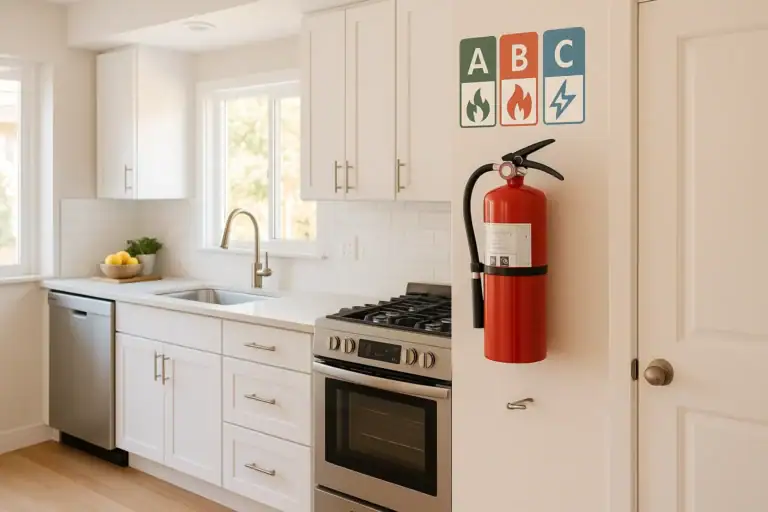
How to Choose a Fire Extinguisher for the Kitchen (Classes Explained)

Emergency Kit for Apartments: Closet-Friendly Essentials for Small Spaces
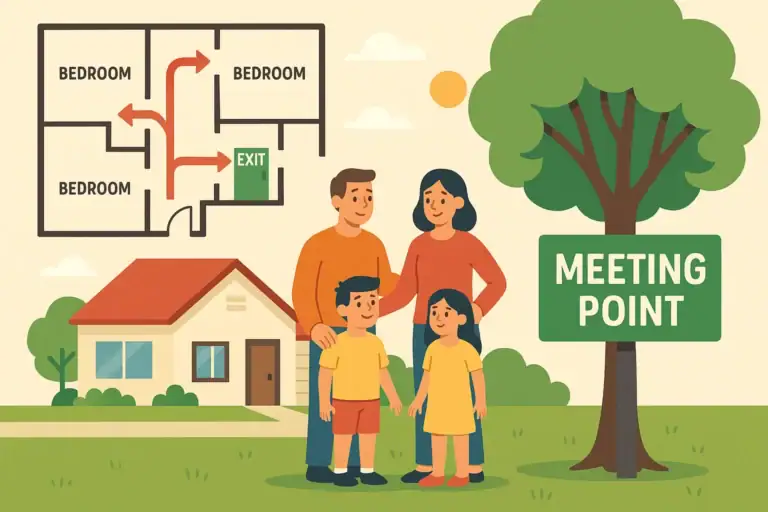
Home Fire Escape Plan: Map, Meeting Point, and Practice Checklist

Childproofing the Smart Home: Settings and Physical Safety Tips
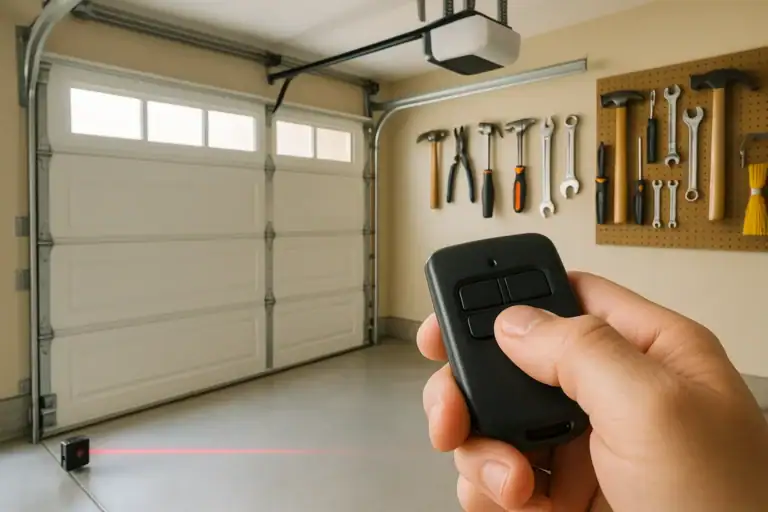
Garage Door Safety: Sensors, Remotes, and Common Failure Fixes
Keep reading

About this site
Signature Home Guide publishes practical, independent home guides. We aim to be clear, helpful, and transparent.
Affiliate disclosure
As an Amazon Associate, we earn from qualifying purchases. Some links on this site may be affiliate links. If you buy through these links, we may earn a small commission at no extra cost to you. This helps support our content. Learn more.