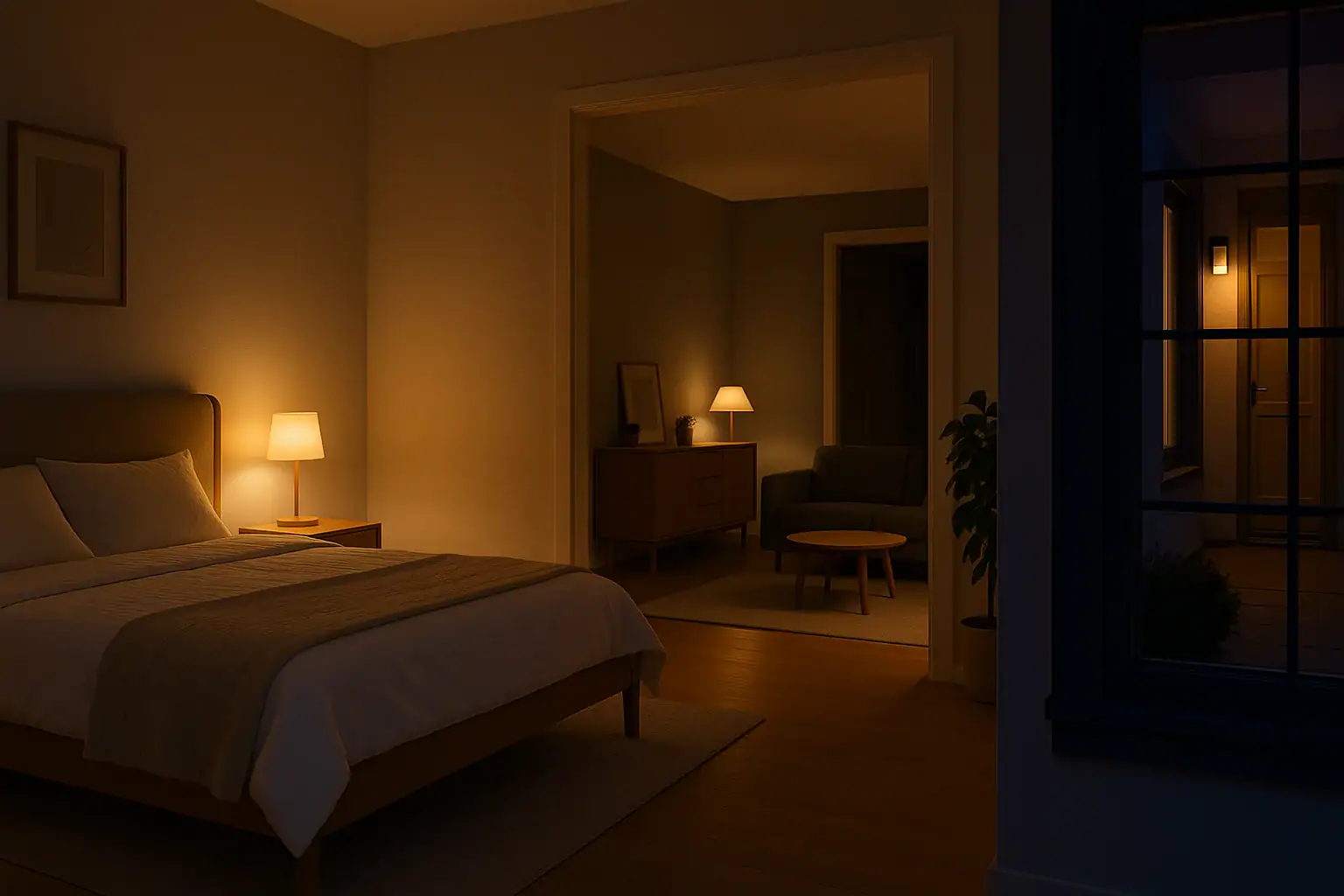
Smart lighting can quietly transform the way your home feels and functions every day. Instead of flipping switches and trying to remember which lights to turn off, you can build simple routines that match your daily rhythm. Thoughtful lighting routines can help you wake up more gently, wind down at night, and make your home look occupied when you are away. This checklist walks you step-by-step through designing and setting up smart lighting routines for wake-up, bedtime, and away modes so you can enjoy more comfort, safety, and energy savings without extra effort.
On this page(click to collapse)
- Step 1: Prepare Your Home for Smart Lighting Routines
- Step 2: Design Your Wake-Up Lighting Routine
- Step 3: Build a Calming Bedtime Lighting Routine
- Step 4: Set Up Away Mode for Security and Energy Savings
- Step 5: Coordinate All Routines So They Do Not Conflict
- Step 6: Add Safety and Convenience Automations
- Step 7: Fine-Tune Brightness, Colors, and Schedules
- Step 8: Common Smart Lighting Mistakes to Avoid
- Putting It All Together
- Related guides
Use this guide as a practical worksheet. Move through each section, check off the items that apply to your home, and adjust over time as your schedule changes. By the end, you will have a clear, repeatable plan for smart lighting that supports your lifestyle, protects your home, and keeps your energy use under control.
Step 1: Prepare Your Home for Smart Lighting Routines
Before building routines, make sure your basic smart lighting setup is ready. This foundation will help your wake-up, bedtime, and away modes work reliably.
Smart lighting preparation checklist
- Identify which lights are already smart and which still use standard bulbs or switches.
- Confirm your smart lights are connected to your home Wi-Fi or hub and show as “online.”
- Group lights by room or zone (for example: primary bedroom, hallway, kitchen, exterior, nursery).
- Label each light clearly in your app so you know exactly which fixture you are controlling.
- Decide which app or platform will be your main control center for routines.
- Check that your time zone and location are correctly set for sunrise and sunset automations.
- Test manual control of each light from your phone or voice assistant before creating routines.
Once you can reliably turn lights on and off from your device, you are ready to design routines that match your daily schedule.
Step 2: Design Your Wake-Up Lighting Routine
A well-planned wake-up routine can help you feel more alert without harsh light. The goal is to mimic a gentle sunrise that gradually prepares your body and mind for the day.
Questions to answer before setting your wake-up routine
- What time do you usually wake up on weekdays?
- Do you have a different wake-up time on weekends?
- Which room do you enter first in the morning (bedroom, bathroom, kitchen)?
- Do you prefer soft, warm light or bright, cool light when you first wake up?
- Do you share a bedroom with someone who wakes up at a different time?
Wake-up routine checklist
Use this checklist to build a gradual, comfortable wake-up sequence.
- Set a consistent wake-up time for your main routine (for example, 6:30 a.m. on weekdays).
- Schedule bedroom lights to turn on 10–20 minutes before your alarm at a very low brightness.
- Choose a warm color temperature for the first stage of light (softer, amber tones).
- Increase brightness slowly in 2–3 stages leading up to your actual wake time.
- Add a second stage that brightens bathroom or closet lights shortly before you get up.
- Turn on kitchen or dining area lights to a medium level at your typical breakfast time.
- Use separate routines or zones if your partner or family members wake at different times.
- Include an “early workday” or “school day” variant if your schedule changes on certain days.
- Set routines to run only on specific days of the week to avoid early lights on weekends.
- Test the brightness levels for a few mornings and adjust to avoid glare or strain.
Optional wake-up enhancements
- Sync your wake-up lights with your alarm time so they adjust automatically if your schedule shifts.
- Use motion-activated nightlights in hallways for early risers who do not want to wake others.
- Create a “gentle wake” scene with lights at 20–40 percent brightness for calm morning routines.
Step 3: Build a Calming Bedtime Lighting Routine
Bedtime lighting should signal your body that it is time to relax. Softer, warmer light and a predictable pattern can make it easier to unwind, especially if you tend to stay up late on screens.
Questions to answer before setting your bedtime routine
- What time do you want lights to start dimming in the evening?
- Which rooms do you use most in the last hour before bed?
- Do you read in bed or watch television before sleeping?
- Do children in your home need nightlights or dim hallway lights?
Bedtime routine checklist
Use this checklist to create a predictable, calming lighting pattern each night.
- Choose a target “wind-down” time (for example, 9:30 p.m.) for lights to start dimming.
- Set living room and kitchen lights to gradually dim 30–60 minutes before your target bedtime.
- Shift color temperature to warmer tones in the evening to reduce blue light exposure.
- Create a “reading in bed” scene with low, focused light near the bed and darker surroundings.
- Schedule bright overhead lights to turn off first, leaving only lamps or accent lights on.
- Set hallway and bathroom lights to a very low level at night to avoid harsh light if you get up.
- Use a soft nightlight in children’s rooms or hallways if needed for comfort and safety.
- Set all non-essential lights to turn off automatically at a specific time (for example, 11:00 p.m.).
- Add a “goodnight” command or button that turns off all main lights and leaves only nightlights.
- Test your routine for a week and adjust timing so lights dim slightly earlier than you think you need.
Bedtime safety and security touches
- Keep an exterior front light on at a low or motion-activated level overnight.
- Set porch or driveway lights to dim, not fully off, if you expect late arrivals.
- Ensure stairway and entry lights have a low-level overnight setting to prevent trips and falls.
Step 4: Set Up Away Mode for Security and Energy Savings
Away mode routines help your home look lived-in while you are out, and they prevent lights from staying on unnecessarily. The goal is to balance realistic activity with efficient energy use.
Questions to answer before setting your away mode
- Do you want away mode to activate only when you leave the house or also on vacations?
- Which rooms should appear occupied in the evening (for example, living room, bedroom, office)?
- Do you prefer to trigger away mode manually or automatically based on your phone location?
- Are there any lights that should always remain off when you are away?
Away mode routine checklist
Use this checklist to create realistic, energy-conscious lighting patterns when you are not home.
- Identify key “visible” lights that can be seen from outside, such as living room or front room lamps.
- Set a schedule for these lights to turn on around sunset and off at a reasonable evening hour.
- Use slightly random or varied on/off times to mimic natural use instead of a rigid schedule.
- Avoid turning on every light in the house; focus on 2–4 strategic rooms.
- Keep bedroom lights on only for short windows in the evening to look realistic.
- Set interior hallway or entry lights to low brightness for added security and safety.
- Schedule exterior front and back lights to turn on at sunset and off at sunrise or a set time.
- Disable bright decorative lights that waste energy when you are away for extended periods.
- Use motion-activated exterior lights for driveways and backyards to deter unwanted visitors.
- Test away mode by stepping outside at night and viewing your home from the street.
Triggering away mode
- Set up a manual “Away” button or scene you can activate as you leave.
- Consider using location-based automation so lights switch to away mode when your phone leaves a set area.
- Create a separate “Vacation” mode with more conservative schedules for longer trips.
Step 5: Coordinate All Routines So They Do Not Conflict
Once you have wake-up, bedtime, and away routines, make sure they work together smoothly. Conflicting automations can cause lights to turn on or off at the wrong times.
Routine coordination checklist
- Review all existing routines and scenes in your app and remove any you no longer use.
- Confirm that wake-up routines only run when your home is set to “Home” mode, not “Away.”
- Make sure bedtime routines do not override away mode schedules when you are not home.
- Use clear names for routines such as “Weekday Wake-Up,” “Weekend Wake-Up,” and “Night Off.”
- Set priority or conditions where possible, such as “Run this only if someone is home.”
- Limit the number of overlapping routines controlling the same light at the same time.
- Test each routine individually, then test transitions (evening to night, night to morning, home to away).
- Keep a simple written list or note of your main routines and what they control.
Step 6: Add Safety and Convenience Automations
After your main routines are running well, consider a few extra automations that improve safety and everyday convenience throughout your home.
Safety-focused lighting checklist
- Install or configure motion-activated lights in stairways, hallways, and entry areas.
- Set a low-level nightlight scene for bathrooms and children’s rooms.
- Use exterior motion lighting near doors, garage, and backyard access points.
- Ensure at least one light turns on automatically if a door or window sensor is triggered at night.
- Schedule a quick “all lights on” scene you can activate in an emergency.
Convenience-focused lighting checklist
- Create a “Movie” or “Relax” scene that dims living room lights with one tap or voice command.
- Set kitchen lights to turn on at a low level if motion is detected during early morning hours.
- Use voice commands or a central control panel to trigger your main routines easily.
- Set porch lights to turn on automatically if a smart doorbell or camera detects motion.
- Create a “Welcome Home” scene that turns on key lights when you arrive after dark.
Step 7: Fine-Tune Brightness, Colors, and Schedules
Smart lighting routines are not set-and-forget. Your needs change with seasons, work schedules, and family routines. Plan to revisit your settings regularly.
Ongoing adjustment checklist
- Review your routines at the start of each season when daylight hours change.
- Adjust wake-up times during school breaks or schedule changes.
- Raise or lower brightness levels based on feedback from family members.
- Change evening color temperatures if you still feel wide awake at bedtime.
- Shorten away mode schedules if you notice unnecessary lights staying on too long.
- Update which lights are included if you add or move lamps and fixtures.
- Keep a simple rule: if a light feels too bright or too late, adjust the routine that controls it.
Step 8: Common Smart Lighting Mistakes to Avoid
As you refine your routines, watch for a few common problems that can make smart lighting feel more annoying than helpful.
Smart lighting pitfalls checklist
- Over-automation: Too many routines controlling the same lights at overlapping times.
- Harsh wake-ups: Lights turning on at full brightness suddenly in the morning.
- Inconsistent schedules: Weekday and weekend routines clashing or running at the wrong times.
- Forgotten away mode: Lights running normal routines while you are out of town.
- Dark entryways: No lights turning on when you arrive home after sunset.
- Excessive energy use: Large groups of lights left on all night without dimming.
- Confusing names: Scenes and routines with similar names that are hard to remember.
If any of these sound familiar, return to the relevant checklist above and simplify. Often, fewer, well-designed routines work better than many complex ones.
Putting It All Together
Smart lighting routines for wake-up, bedtime, and away modes can make your home feel more comfortable, secure, and efficient with very little daily effort. By following a clear checklist, you avoid guesswork and build routines that match how you actually live.
Start with the basics: prepare your devices, design a gentle wake-up sequence, and create a calming bedtime pattern. Then layer in away mode for realistic, energy-conscious lighting when you are not home. Finally, add safety and convenience automations and revisit your settings as seasons and schedules change.
If you want to explore more ways to connect lighting with other smart home devices, you can continue with broader smart home and safety guides at this smart home and safety hub. Over time, your lighting routines will become a natural part of your day, quietly supporting better sleep, smoother mornings, and a safer, more welcoming home.
Related posts
Browse this topic →
Smart Air Quality Alerts: How to Set Thresholds That Make Sense
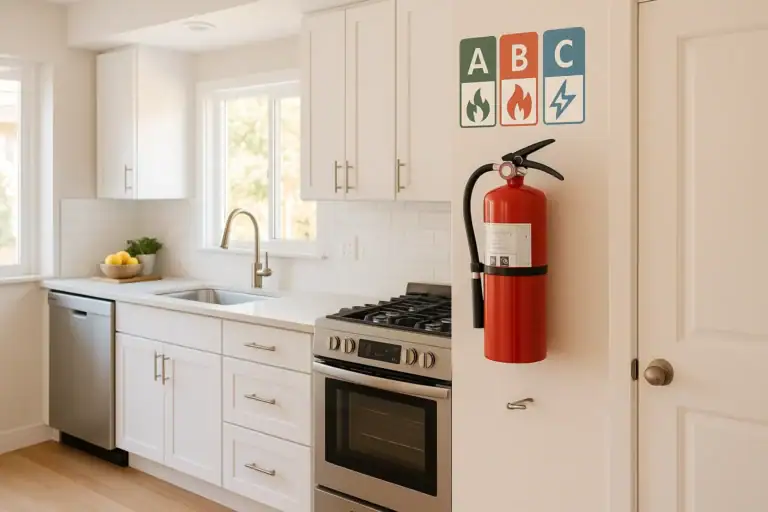
How to Choose a Fire Extinguisher for the Kitchen (Classes Explained)

Emergency Kit for Apartments: Closet-Friendly Essentials for Small Spaces
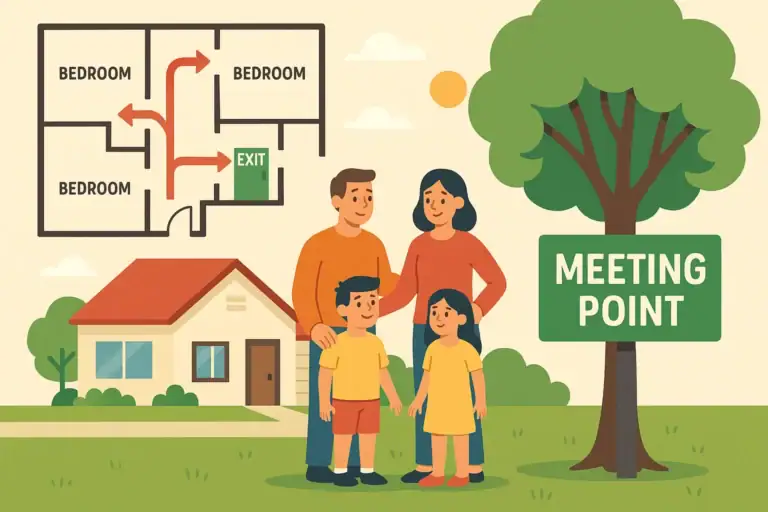
Home Fire Escape Plan: Map, Meeting Point, and Practice Checklist
Childproofing the Smart Home: Settings and Physical Safety Tips
Garage Door Safety: Sensors, Remotes, and Common Failure Fixes
Keep reading
About this site
Signature Home Guide publishes practical, independent home guides. We aim to be clear, helpful, and transparent.
Affiliate disclosure
As an Amazon Associate, we earn from qualifying purchases. Some links on this site may be affiliate links. If you buy through these links, we may earn a small commission at no extra cost to you. This helps support our content. Learn more.