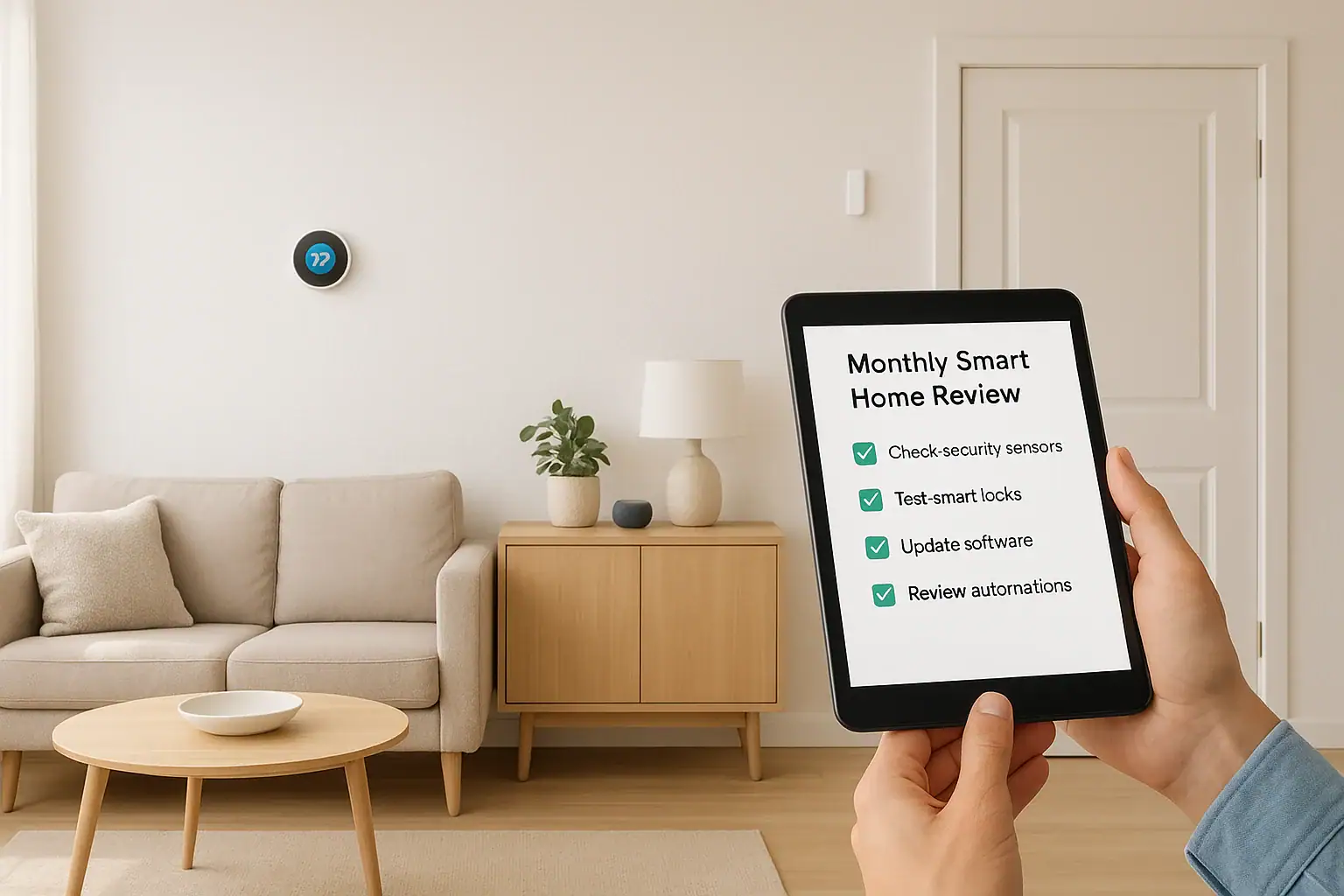
A smart home can make life safer, easier, and more efficient, but only if everything keeps working the way it should. Just like a car needs regular oil changes, your connected devices need a quick monthly checkup. The good news is that you do not need to be a tech expert or spend hours digging through settings. With a simple 15-minute routine, you can keep your smart home secure, responsive, and ready for anything.
This monthly smart home maintenance checklist walks you through a fast, practical review of your devices and apps. You will confirm that everything is online, secure, and running efficiently, while also catching small issues before they turn into bigger problems. You can follow this as a full routine once a month and bookmark it as your go-to guide. If you have a larger setup, simply split the list into two shorter sessions during the month.
How to Use This 15-Minute Monthly Checklist
Think of this as a quick health check for your smart home. You will:
- Confirm that key devices are online and responding
- Review security basics and account access
- Check automations, routines, and schedules
- Do light cleaning and battery checks
- Note any issues that need deeper troubleshooting later
You can follow the sections in order or focus on the ones that matter most to your home, such as security devices or climate control. If you use a central app or hub, keep it open as you move through each step.
Step 1: Start With a Quick System Snapshot (2 minutes)
Before diving into individual devices, get a quick overview of your smart home system. This helps you spot problems right away and prioritize your time.
Check your central app or dashboard
Open the main app or hub that manages most of your devices and look for:
- Offline devices: Anything showing as disconnected, unavailable, or not responding
- Alerts or warnings: Low battery notices, connection issues, or error messages
- Recent activity: Unusual events, repeated triggers, or failed automations
Make a short note of any device that appears offline or problematic. You will decide later whether it needs a quick fix now or a deeper review when you have more time.
Confirm internet and Wi-Fi basics
Many smart home issues are caused by network problems. Take 30 seconds to confirm:
- Your home internet is working on your phone or laptop
- Your phone is connected to the correct Wi-Fi network
- You are not using a guest network that blocks devices from talking to each other
Step 2: Do a Fast Security and Privacy Review (4 minutes)
Security is the most important part of smart home maintenance. A quick monthly review helps protect your home, data, and privacy.
Review account security
Spend a couple of minutes on your main smart home accounts:
- Sign-in alerts: Check for any logins from unknown locations or devices.
- Two-factor authentication: Make sure it is turned on for your primary smart home account and any accounts that control security devices.
- Shared access: Review who has access to your home through shared accounts or invitations and remove anyone who no longer needs it.
- Backup contact info: Confirm your email and phone number are current in case you need to recover an account.
Check camera and microphone privacy
If you use smart cameras, doorbells, speakers, or displays, run through this quick list:
- Confirm cameras are aimed where you want and not unintentionally recording private spaces.
- Review recording schedules and motion zones to avoid constant recording you do not need.
- Check that indoor cameras are disabled or set to privacy mode when you prefer not to be recorded.
- Look at microphone settings on smart speakers and displays to confirm you are comfortable with their behavior.
Update passwords when needed
You do not need to change passwords every month, but use this review to ask:
- Have you shared a password with anyone recently?
- Have you reused this password on other sites?
- Have you seen any suspicious activity?
If the answer is yes to any of these, plan to update those passwords with strong, unique ones using a password manager.
Step 3: Confirm Key Devices Are Working (4 minutes)
Next, quickly test the devices that matter most for safety, comfort, and convenience. You do not need to test every bulb or plug each month. Focus on the essentials first.
Security and entry devices
Spend 1–2 minutes checking:
- Door and window sensors: Open and close one or two key doors or windows and confirm the app updates correctly.
- Smart locks: Lock and unlock from the app and at the door to confirm both respond quickly.
- Doorbell: Press the button and confirm you receive a notification and can view live video if available.
- Outdoor cameras: Trigger motion or open the live view to confirm video loads reliably.
Safety and environment devices
For devices related to safety and comfort:
- Smart thermostat: Adjust the temperature a degree or two and confirm the change registers.
- Smart smoke or carbon monoxide alerts (if connected): Confirm the app shows them as online and healthy.
- Water leak sensors: Confirm they appear online in the app and located where they should be.
Lighting and essential plugs
For lighting and outlets you rely on daily:
- Turn on and off at least one key smart light from the app and with a voice command if you use one.
- Confirm any smart plugs powering critical items, such as a router or lamp, are online and responding.
If any device is slow or unresponsive, note it for later troubleshooting. Do not let one stubborn device derail your entire 15-minute routine.
Step 4: Review Automations, Routines, and Schedules (3 minutes)
Automations are what make a smart home feel truly helpful. Over time, schedules and routines can drift away from your actual habits. A quick monthly review keeps everything aligned with how you live now.
Check time-based schedules
Look at any automations that run at specific times:
- Morning and evening lighting routines
- Thermostat schedules for weekdays and weekends
- Outdoor lights that turn on at sunset and off at a set time
- Appliance or plug schedules, such as fans or coffee makers
Ask yourself:
- Are these times still accurate for your current routine?
- Have work, school, or sleep schedules changed?
- Do you need to adjust for the season or daylight changes?
Review motion and presence-based automations
Next, look at routines triggered by motion, door openings, or your phone entering or leaving home:
- Confirm lights turn on where and when you actually need them.
- Check that security modes change correctly when you leave or arrive.
- Make sure notifications are useful and not overwhelming.
If you find yourself regularly ignoring certain alerts or overrides, that is a sign the automation needs a small tweak.
Clean up old or duplicate routines
Over time, it is easy to collect half-finished or outdated automations. Once a month:
- Disable or delete routines you no longer use.
- Rename routines with clear, simple names so you know what they do at a glance.
- Combine similar routines if they overlap and cause confusion.
Step 5: Quick Battery and Power Check (1–2 minutes)
Many smart home devices rely on batteries. A few minutes each month can prevent unexpected failures at the worst time.
Scan for low-battery alerts
In your main app or hub, look for:
- Low battery warnings on locks, sensors, remotes, and keypads
- Devices that recently went offline and may be losing power
For anything marked as low, decide whether to replace batteries now or add them to your shopping list for the week. Prioritize security devices and locks first.
Check power for wired devices
For wired cameras, hubs, and routers:
- Confirm power cables are firmly connected and not under strain.
- Make sure power strips and surge protectors are not overloaded.
- Verify that any backup power solutions are still plugged in and functioning.
Step 6: Light Cleaning and Physical Inspection (2 minutes)
Dust, dirt, and physical wear can affect performance, especially for cameras, sensors, and vents. A brief physical check helps your devices last longer and work better.
Clean camera lenses and sensors
Use a soft, dry microfiber cloth to gently wipe:
- Indoor and outdoor camera lenses
- Video doorbell lenses and surrounding areas
- Motion sensors and occupancy sensors
Avoid harsh cleaners or sprays directly on devices. Clear lenses and sensors improve image quality and reduce false alerts.
Inspect mounting and placement
Walk past key devices and check:
- Are cameras still firmly mounted and aimed correctly?
- Have sensors shifted, been bumped, or partially detached?
- Are cables neatly routed and not creating tripping hazards?
- Are vents around hubs, routers, and gateways clear for airflow?
Make small adjustments now and note any larger mounting fixes to handle when you have tools available.
Step 7: Software Updates and Backups (2 minutes)
Keeping software up to date improves security and reliability. You do not need to chase every update the moment it appears, but a monthly review keeps you from falling behind.
Check for app and firmware updates
On your phone and in your smart home apps:
- Look for available updates to your main smart home app.
- In the app or hub settings, scan for device firmware updates.
- Prioritize updates for security devices, locks, and cameras.
If an update requires a restart or temporary downtime, schedule it for a time when you do not rely heavily on those devices.
Review backup and export options
Some systems allow you to back up settings, routines, or configurations. Once a month:
- Check whether your hub or app supports exporting settings.
- Confirm any cloud backups are enabled and working.
- Consider taking screenshots of key automation settings for quick reference.
Step 8: Note Issues and Plan Deeper Fixes (1 minute)
Your 15-minute checklist is meant to be quick. When you find something that needs more time, simply capture it so you can handle it later without forgetting.
Create a simple smart home log
Use a note on your phone or a small notebook to track:
- Devices that often go offline or respond slowly
- Automations that feel annoying or unreliable
- Areas where you want better coverage, such as dark walkways or entry points
- Batteries or accessories you need to purchase soon
Once a month, or every few months, set aside a longer session to work through this list. That way, your daily experience keeps improving without turning maintenance into a full-time project.
Optional: Seasonal Smart Home Checks
In addition to your monthly 15-minute routine, seasonal checkups help your smart home adapt to weather and lifestyle changes.
Spring and summer ideas
- Adjust thermostat schedules for warmer weather.
- Review outdoor lighting for longer days and more outdoor activity.
- Check outdoor cameras and sensors after storms or heavy winds.
- Review automations related to ceiling fans or window coverings.
Fall and winter ideas
- Update schedules for shorter days and earlier sunsets.
- Confirm heating-related automations and temperature presets.
- Check door and window sensors after weather changes or home repairs.
- Review holiday lighting or seasonal decorations that use smart plugs.
Make Your Monthly Smart Home Review a Habit
Once you run through this checklist a few times, it will feel natural and fast. Many households can complete it in 10 to 15 minutes, especially when focusing on the most important devices first.
To make the habit stick:
- Pick a consistent day each month, such as the first Saturday or the day your utility bill arrives.
- Set a recurring reminder on your phone labeled “Smart home monthly check.”
- Keep a short written version of this checklist in your notes app for quick reference.
- Involve other members of your household so everyone knows how things work.
With a simple 15-minute monthly maintenance routine, your smart home will stay safer, more reliable, and better aligned with how you actually live, instead of how it was set up on day one. Over time, these small checkups add up to fewer surprises, smoother automation, and a home that quietly supports you in the background.
If you would like to go deeper into smart home and safety planning, you can explore more guides and resources at Signature Home Guide.
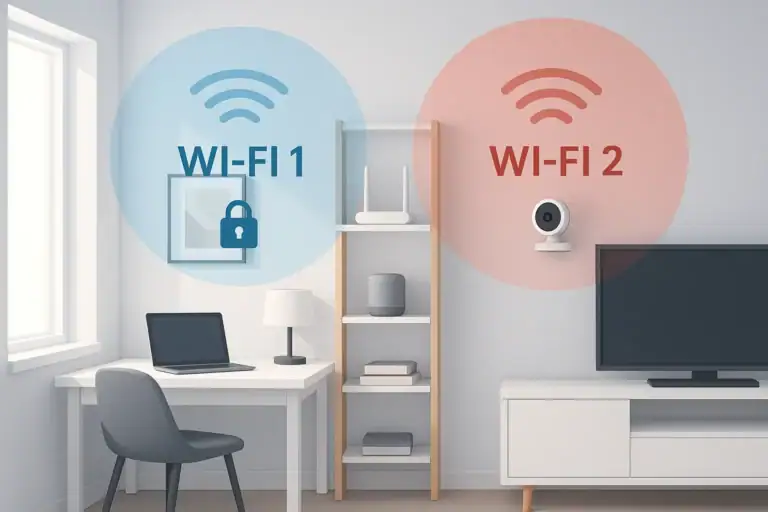 How to Set Up a Secure Home WiFi Guest Network for Smart Devices
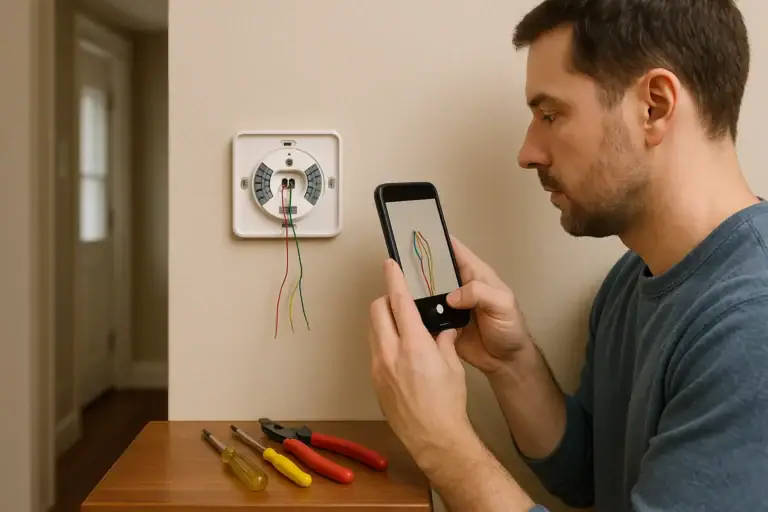 How to Install a Smart Thermostat Safely
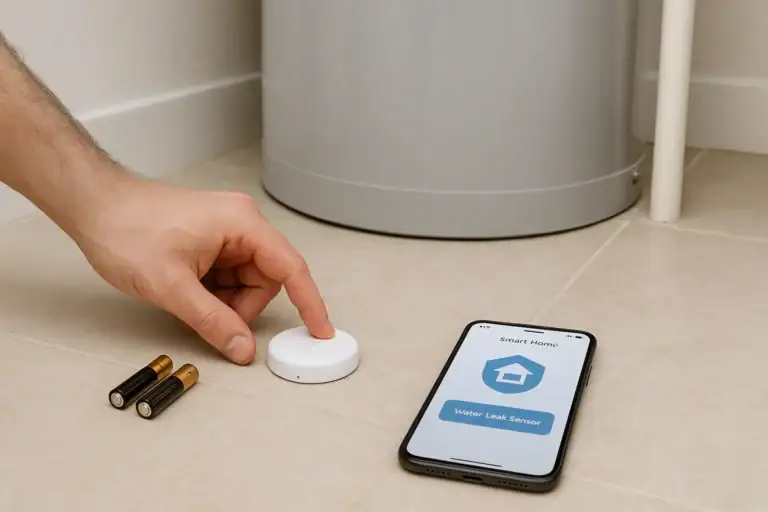 Water Leak Sensor Battery Test Schedule Checklist