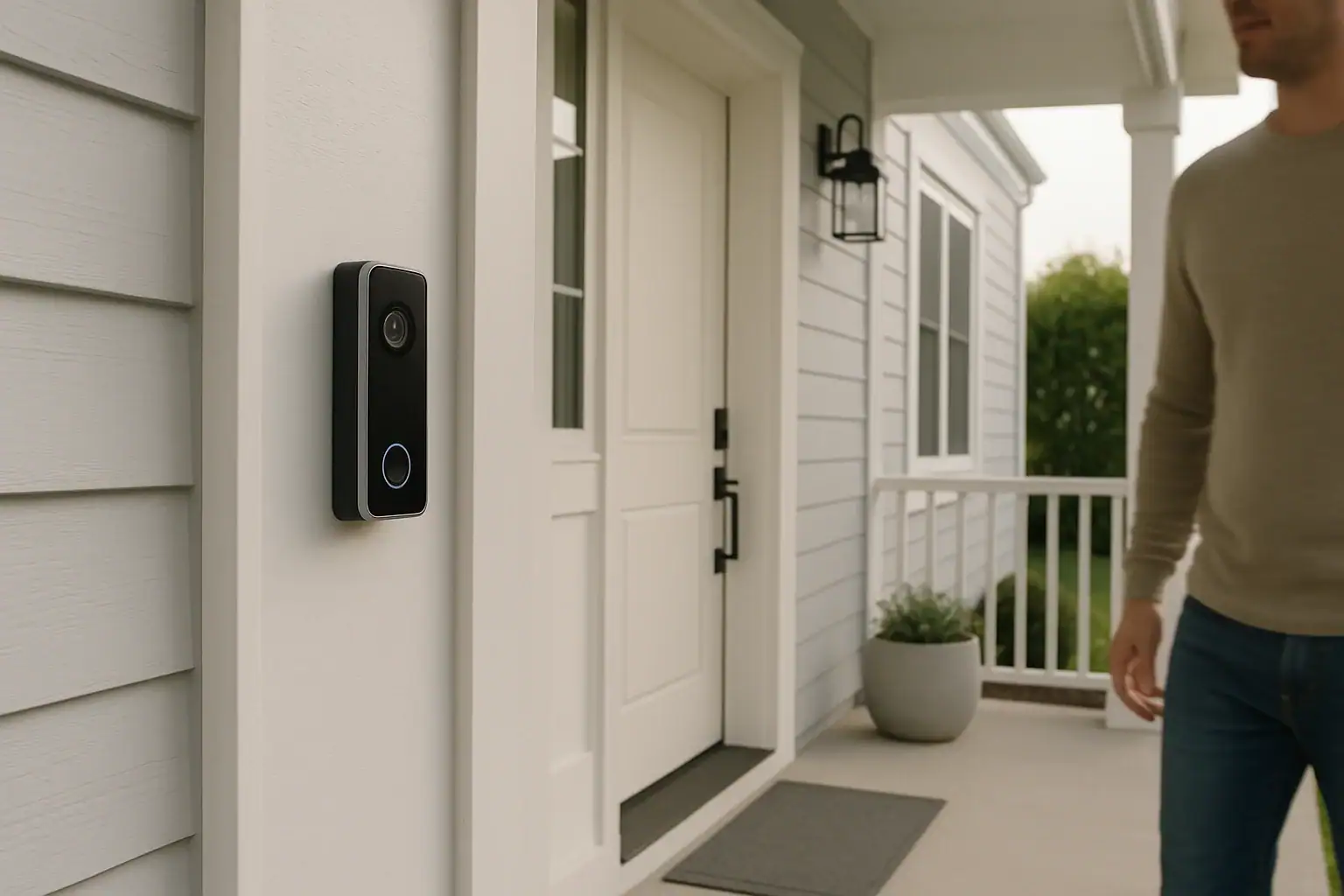
Many homeowners want the extra security of a video doorbell but do not want to be locked into monthly fees. The good news is that there are excellent doorbell cameras that work without a subscription and still provide clear video, motion alerts, and reliable recording. The key is knowing which features really matter and how to compare models that offer local or limited free cloud storage instead of paid plans.
This guide explains what to look for in the best doorbell camera without subscription, how no-fee models handle video storage, and which features are worth paying for up front. You will also find tips for installation, privacy, and everyday use so you can feel confident choosing a device that fits your home, your budget, and your comfort level with technology.
Why Choose a Doorbell Camera Without Subscription?
Subscription-free doorbell cameras appeal to homeowners who want predictable costs and control over their data. Instead of paying every month for cloud storage and advanced features, you pay once for the device and, in some cases, a small cost for a memory card or network storage device.
Key reasons to skip the subscription include:
- Lower long-term cost: A one-time purchase can be more affordable than years of monthly fees.
- More control over video clips: Local storage means your footage is usually saved on a card, hub, or home server you manage.
- Less account management: No need to track renewals, upgrades, or multiple subscription tiers.
- Privacy-conscious setup: Fewer third-party services may mean fewer places where your video is stored or analyzed.
While subscription plans can add extras like extended cloud history or advanced detection, many households find that a well-chosen, no-fee model already covers their core security needs.
How Doorbell Cameras Work Without Monthly Fees
Doorbell cameras without subscription typically provide live view, motion alerts, and basic recording at no ongoing cost. The main difference is where and how the video is stored, and how long it is kept.
Local Storage Options
Most subscription-free models rely on local storage, which can include:
- MicroSD card inside the doorbell: Video clips are recorded directly to a memory card installed in the device.
- Base station or hub: Some systems send footage to a hub inside your home that stores video on its own drive or card.
- Network video recorder (NVR): The doorbell connects to a dedicated recorder or home server on your network.
Local storage usually gives you continuous access to your clips as long as the card or drive has space. When it fills up, the oldest recordings are often overwritten automatically.
Limited Free Cloud Storage
Some manufacturers offer a small amount of free cloud storage, such as:
- Short event-based clips stored for a few days
- Thumbnail snapshots instead of full-length videos
- Daily limits on the number of events saved
These free tiers can be enough for users who mainly want to see what happened in the last day or two, without building a long-term archive.
Key Features to Look For in the Best Doorbell Camera Without Subscription
Not all subscription-free models are equal. When comparing options, focus on core performance and usability rather than flashy extras you might never use.
1. Video Quality and Field of View
Clear video is essential when you need to identify a visitor or package. Look for:
- Resolution: At least 1080p full HD. Higher resolutions can provide more detail but may use more storage and bandwidth.
- Field of view: A wide-angle lens, often 120 to 160 degrees, helps capture people standing off to the side and packages on the ground.
- Night vision: Infrared or low-light color modes so you can see clearly after dark.
- Distortion control: Some wide-angle lenses can cause a fish-eye effect; better models reduce this for more natural images.
2. Motion Detection and Alerts
Smart motion detection helps you avoid constant false alerts from passing cars or swaying trees. Consider:
- Adjustable sensitivity: Lets you fine-tune how easily motion triggers a recording.
- Activity zones: Define areas to watch, such as your porch or walkway, and ignore the street or sidewalk.
- Person or package detection: Some models identify people or objects using on-device processing, even without a subscription.
- Notification options: Push alerts, chime sounds, or email notifications so you can respond quickly.
3. Power Source: Wired vs Battery
How your doorbell camera is powered affects installation and maintenance.
- Wired doorbell cameras: Connect to existing doorbell wiring. They provide constant power, usually support mechanical or digital chimes, and avoid battery swaps. Installation is more involved and may require turning off power at the breaker.
- Battery-powered doorbell cameras: Easier to install, especially for doors without existing wiring. Batteries may last weeks to months depending on usage and weather. You will need to recharge or replace the battery periodically.
Some models support both wired and battery operation, giving you flexibility if you move or remodel.
4. Storage Type and Capacity
Since you are avoiding a subscription, storage is a critical detail. Pay attention to:
- Supported card size: Many models support microSD cards up to 128 GB or 256 GB.
- Recording mode: Continuous recording uses more space, while event-based clips are more storage-efficient.
- Clip length and cooldown: Longer clips capture more context but fill storage faster. Some devices add a cooldown period between recordings.
- Backup options: Ability to back up clips to a home server or network drive for extra security.
5. App Experience and Smart Home Integration
The mobile app is how you will interact with your doorbell most of the time. Look for:
- Responsive live view: Minimal lag when you open the app to see who is at the door.
- Easy clip playback: A clear timeline to review events and download important videos.
- Multiple user support: Family members can receive alerts and view footage.
- Smart home compatibility: Integration with popular voice assistants, smart displays, and routines for lights or locks.
6. Audio Quality and Two-Way Talk
Two-way audio lets you speak with visitors, delivery drivers, or unexpected guests. Consider:
- Noise cancellation: Reduces background noise from traffic or wind.
- Speaker volume: Visitors should hear you clearly even from a few feet away.
- Full-duplex audio: Allows both sides to talk without constant cutting in and out.
7. Weather Resistance and Durability
Outdoor devices must handle sun, rain, and temperature swings. Check for:
- Weather rating: A clear indication that the device is designed for outdoor use.
- Operating temperature range: Important for very hot or cold climates.
- Solid mounting hardware: Metal or sturdy plastic brackets that hold the unit firmly in place.
Best-For Guide: Matching Doorbell Cameras to Your Needs
Instead of focusing on specific model names, it helps to think in terms of which type of doorbell camera is best for your situation. Use the scenarios below to narrow your choices.
Best For Budget-Conscious Buyers
If you want a simple, affordable doorbell camera without subscription, prioritize:
- 1080p resolution with basic night vision
- Motion-activated recording to a microSD card
- Battery power for easy DIY installation
- A straightforward app with live view and alerts
Skip advanced analytics and long-term cloud storage. A reliable, no-frills model can still give you clear video of visitors and packages.
Best For Renters and Apartments
Renters often cannot change wiring or drill large holes. Look for:
- Battery-powered doorbell cameras with adhesive or clamp-style mounts
- No requirement to connect to existing doorbell wiring
- Compact designs that fit narrow doorframes
- Easy removal when you move out
Some models also support shared access so roommates can receive alerts without needing full admin control.
Best For Homeowners With Existing Doorbell Wiring
If you already have a wired chime, a hardwired doorbell camera can be the most seamless option. Prioritize:
- Compatibility with your existing transformer voltage
- Support for mechanical or digital chimes
- Continuous power for 24/7 recording, if desired
- Local storage via hub or internal card
Wired models can be more set-and-forget, with no need to recharge batteries and often more consistent performance in extreme temperatures.
Best For Large Front Yards or Wide Porches
Homes with long driveways or wide porches may need more coverage. Look for:
- Extra-wide field of view, often 150 degrees or more
- High-resolution video, possibly above 1080p
- Advanced motion zones so you can focus on key areas
- Strong Wi-Fi performance or support for wired network connections
You may also consider pairing the doorbell with additional outdoor cameras for full coverage of side gates or garages.
Best For Privacy-Focused Households
If privacy is your top concern, choose models that emphasize on-device processing and local storage. Focus on:
- Local-only recording to card, hub, or home server
- End-to-end encryption or secure access controls
- On-device person detection instead of cloud analysis
- Clear privacy settings to control what is shared and with whom
Also review the manufacturer’s privacy policy to understand how they handle metadata, app usage, and any optional cloud services.
Best For Smart Home Enthusiasts
If you already have smart lights, locks, or displays, choose a doorbell camera that fits into your existing system. Look for:
- Compatibility with your preferred voice assistant
- Support for smart displays so doorbell video can appear automatically
- Integration with smart locks to let in guests remotely
- Automation support, such as turning on porch lights when motion is detected
Even without a subscription, these integrations can create a smooth, connected home entry experience.
Installation Tips for Subscription-Free Doorbell Cameras
Proper installation ensures you get the best video quality and most reliable alerts. The steps vary depending on whether your unit is wired or battery-powered, but some best practices apply to both.
Plan the Mounting Location
Before drilling or mounting, consider:
- Height: Mount around chest level for a clear view of faces and packages.
- Angle: Use angled mounting wedges if needed to point the camera toward your walkway and away from the street.
- Wi-Fi strength: Test signal quality at the door with your phone to avoid connectivity issues.
- Sunlight and glare: Avoid direct afternoon sun that can wash out the image.
Wired Installation Basics
If using existing wiring:
- Turn off power at the breaker before removing your old doorbell.
- Label the wires if needed so you know which leads are which.
- Use the included mounting plate and screws for a secure fit.
- Follow the manufacturer’s transformer and chime compatibility guidelines.
Battery Installation Basics
For battery-powered models:
- Fully charge the battery before initial setup.
- Use the recommended drill bit size for mounting anchors.
- Test live view and motion detection before tightening all screws.
- Consider a quick-release mount for easier battery swaps.
Managing Storage and Footage Without a Subscription
To get the most from a subscription-free system, you will want to manage storage proactively so important clips are not overwritten too soon.
Optimize Recording Settings
Most apps let you adjust how and when video is recorded. You can:
- Switch from continuous to motion-based recording to save space.
- Shorten clip length slightly while keeping enough context.
- Reduce sensitivity to avoid constant triggers from minor motion.
- Turn off audio recording if you prefer video-only clips.
Back Up Important Clips
For events you may need later, such as a delivery issue or suspicious activity:
- Download clips to your phone or computer soon after they occur.
- Store important videos in a secure cloud drive or external hard drive.
- Label and organize files by date and event for easy reference.
Privacy and Legal Considerations
Even when footage is stored locally, it is important to think about privacy and local laws.
- Aim the camera at your property: Try to avoid pointing directly into neighbors’ yards or windows.
- Be mindful of audio recording: Laws can vary on recording conversations; check local regulations if you are unsure.
- Secure your app and network: Use strong passwords, enable two-factor authentication, and keep your router firmware updated.
- Review sharing settings: Understand how clips are shared with family members or law enforcement, and adjust settings to match your comfort level.
Is a Doorbell Camera Without Subscription Right for You?
A doorbell camera without subscription is a strong choice if you want predictable costs, direct control over your footage, and enough features to monitor your front door effectively. By focusing on video quality, motion detection, storage options, and ease of use, you can find a device that fits your home without adding another monthly bill.
Think through your priorities: budget, installation style, smart home integration, and privacy. Then choose the type of doorbell camera that is best for your needs, whether you are a renter wanting a simple battery-powered unit or a homeowner looking for a wired system with robust local storage. With the right setup, you can enjoy peace of mind and better security at your front door, all without ongoing subscription fees.
For more smart home and safety ideas, explore additional guides and resources that cover outdoor cameras, lighting, and other tools to protect your home.
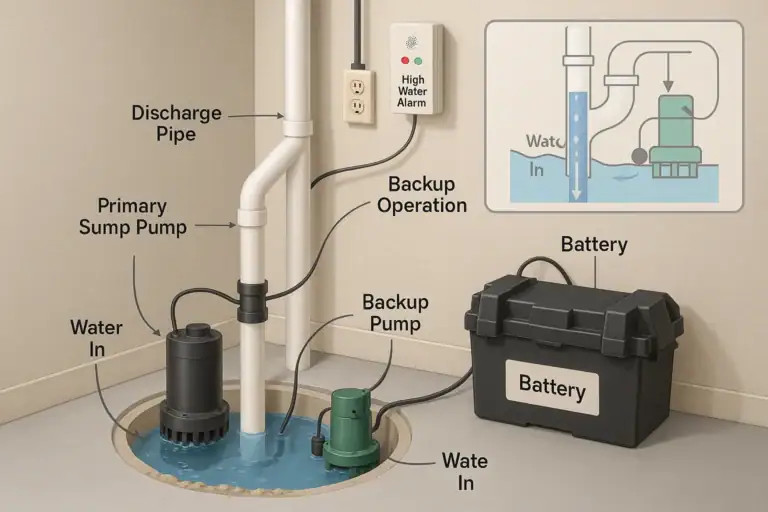 Sump Pump Alarm and Battery Backup Basics: A Practical Homeowner Guide
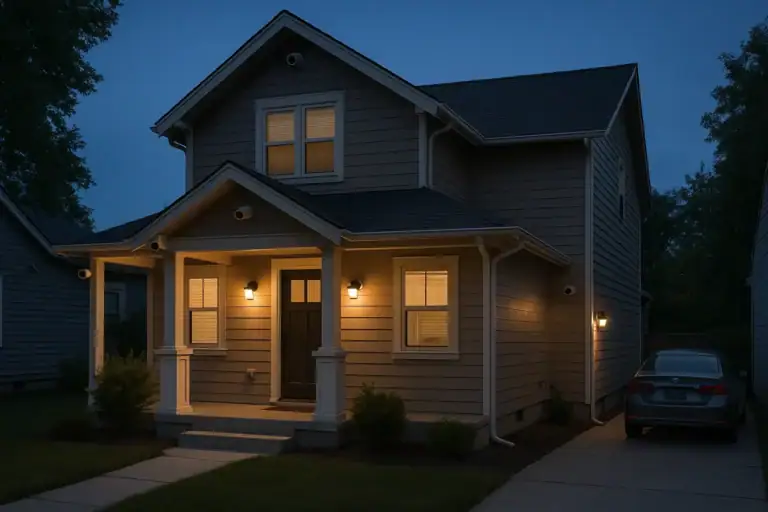 Security Camera Placement Without Blind Spots: A Practical Homeowner’s Guide
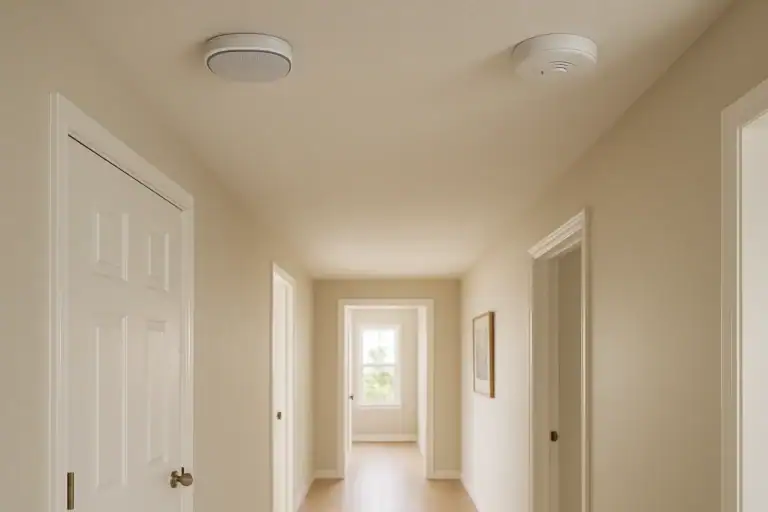 Smart Smoke Alarm vs Standard Smoke Alarm: Which Is Better for Your Home?