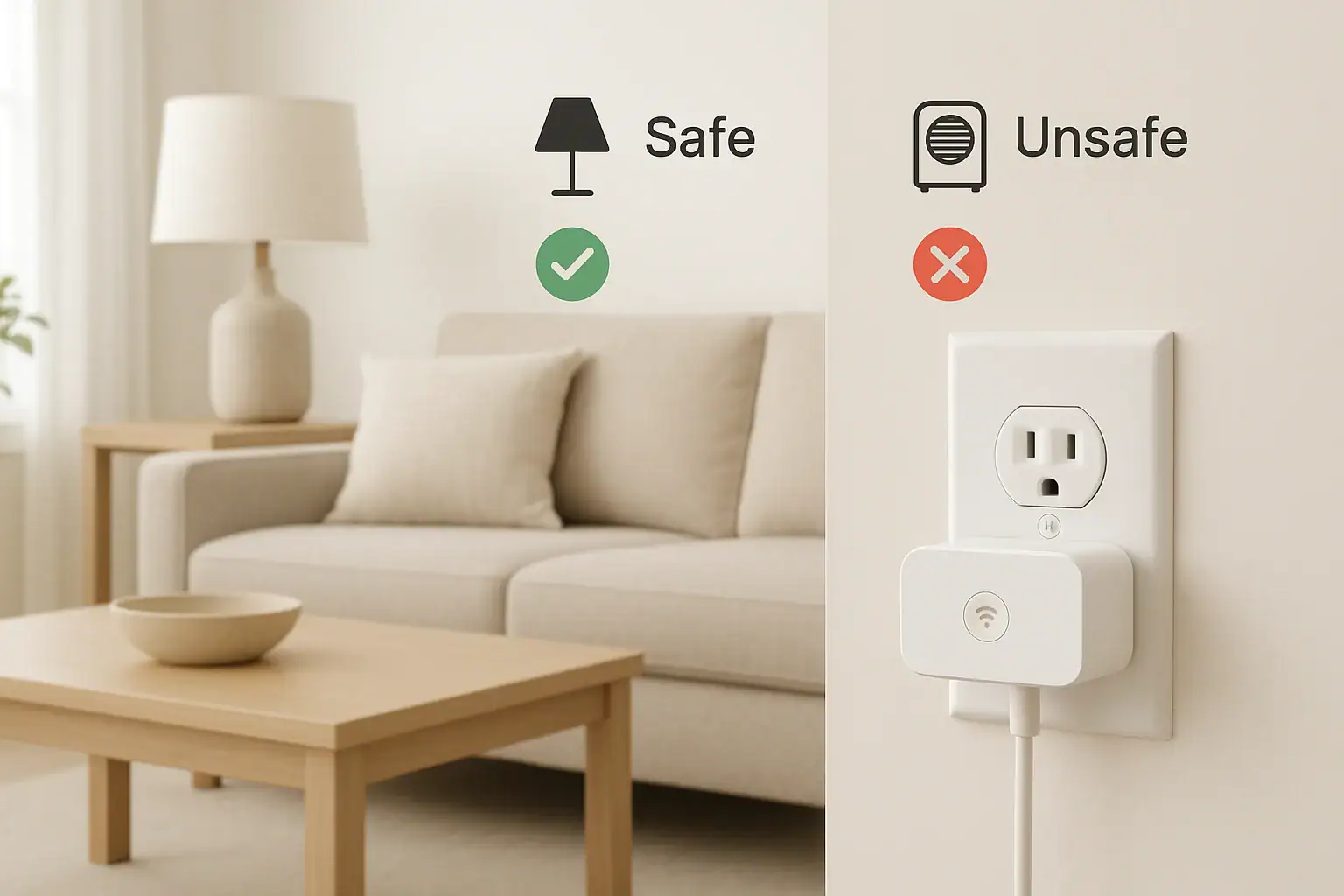
Smart plugs are one of the easiest ways to start building a connected home. They let you turn devices on and off from your phone, set schedules, and even automate routines. But like any electrical device, they come with safety limits. Plugging the wrong thing into a smart plug can lead to tripped breakers, damaged equipment, or in the worst case, fire risk. This guide walks you through what you should and should not plug into a smart plug, how to read ratings, and how to use them safely around your home.
Whether you are just starting with your first smart plug or adding more to an existing setup, understanding basic electrical safety will help you protect your home and your devices. We will cover typical use cases, explain wattage and amp limits in simple terms, and outline practical steps to avoid overloads and overheating. Use this as a reference before you connect your next lamp, heater, or appliance to a smart plug.
How Smart Plugs Work and Why Safety Matters
A smart plug is essentially a small, controllable on/off switch that sits between your wall outlet and your device. It connects to your home network and lets you control power using an app, voice assistant, or automation rules. What it does not do is increase the power capacity of the outlet or the wiring in your home.
Every smart plug has electrical limits. Exceeding those limits can cause:
- Overheating of the plug or cord
- Damage to the device you plugged in
- Tripped breakers or blown fuses
- Increased fire risk
Because smart plugs are often used with high‑demand appliances, it is important to match the device to the plug’s rating and follow basic safety guidelines.
Understanding Smart Plug Ratings (Amps, Volts, and Watts)
Before deciding what you can plug into a smart plug, you need to understand the numbers printed on the plug’s label or packaging.
Key Electrical Terms
- Voltage (V): In most US homes, standard outlets provide about 120 volts.
- Current (A or amps): How much electrical flow a device draws.
- Power (W or watts): How much power a device uses. Watts = Volts × Amps.
Most indoor smart plugs in the US are rated for something like 10–15 amps at 120 volts. That usually translates to a maximum of around 1,200–1,800 watts. Always check the exact rating on your plug.
How to Check if a Device Is Safe to Use
- Find the power label on your device or its manual. Look for watts (W) or amps (A).
- If the label shows amps, multiply by 120 volts to estimate watts. For example, 8 A × 120 V ≈ 960 W.
- Compare that number to the smart plug’s maximum watt or amp rating.
- Stay well below the maximum. A safe rule is to keep your load under about 80% of the plug’s rating.
Example: If your smart plug is rated for 15 A (about 1,800 W), aim to keep your total load under roughly 1,400–1,500 W.
Devices That Are Generally Safe to Use with Smart Plugs
Many low‑ to moderate‑power household devices work well with smart plugs, as long as you respect the plug’s rating.
Low‑Power Electronics and Lighting
These are typically safe and common uses for smart plugs:
- Table and floor lamps
- Desk lamps and reading lights
- String lights and holiday lights (within rating)
- Small fans
- Phone, tablet, and laptop chargers
- Small speakers and audio equipment
- Routers, modems, and network gear (if you accept brief power interruptions)
These devices usually draw relatively little power and do not create large surges when turning on.
Small Kitchen and Household Appliances
Some small appliances can be used safely with smart plugs if their power draw is within limits:
- Coffee makers that simply turn on when powered
- Electric kettles with simple on/off switches
- Toasters (short, supervised use only)
- Slow cookers and rice cookers with mechanical switches
- Small air purifiers
- Humidifiers and dehumidifiers within rating
- Box fans and pedestal fans
Always confirm the wattage first. Many of these can approach the upper limits of a smart plug, so stay mindful of how long they run and never leave heat‑producing appliances unattended.
Devices You Should Avoid Plugging into a Smart Plug
Some devices are poor candidates for smart plugs because of high power draw, safety concerns, or how they behave when power is restored.
High‑Power Heating Appliances
These often draw close to or above the maximum rating of a typical indoor smart plug:
- Space heaters
- Portable electric fireplaces
- Large radiant or infrared heaters
- High‑power hair dryers and styling tools
- Clothes irons and steamers
Even if the wattage is technically within the plug’s rating, the continuous high heat and long run times increase risk. Many safety experts recommend avoiding smart plugs for portable heaters entirely.
Major Appliances and Motors
Large appliances and motor‑driven devices can create heavy startup surges and should not be controlled by standard smart plugs:
- Refrigerators and freezers
- Dishwashers
- Washing machines and dryers
- Window or portable air conditioners
- Well pumps and sump pumps
- Garage door openers (unless using dedicated smart controls)
These devices may exceed the plug’s current rating, and interrupting power can also interfere with built‑in safety features or control boards.
Life‑Safety and Medical Equipment
Never connect critical devices to a smart plug, including:
- Medical support equipment used for breathing or circulation
- Medical monitoring devices that must stay powered
- Home security base units that do not have battery backup
- Smoke alarms or carbon monoxide alarms
Anything that directly affects health, safety, or emergency response should not depend on a smart plug or automation that could fail or be turned off accidentally.
Devices That Must Be Manually Reset
Some electronics do not automatically resume normal operation after a power cut. They may require pressing a button or navigating a menu. Examples include:
- Certain desktop computers and game consoles
- Some televisions and home theater receivers
- Microwaves and ovens with digital controls
- Complex audio or video equipment
Using a smart plug to cut power to these devices repeatedly can lead to improper shutdowns, data loss, or long‑term wear.
Special Case: Heat‑Producing Devices
Heat‑producing devices deserve extra attention because they can start fires if left on or if something flammable is nearby.
When It Might Be Acceptable
Some homeowners use smart plugs with lower‑power heat devices such as:
- Small wax warmers
- Low‑wattage decorative lights
- Small heated blankets or pads that are specifically rated for continuous use
If you choose to do this, follow these guidelines:
- Confirm the total wattage is well under the plug’s rating.
- Keep the device away from curtains, bedding, and flammable materials.
- Use timers and schedules so it does not run longer than necessary.
- Check the device regularly for signs of wear or damage.
When to Avoid Heat Devices Entirely
Do not rely on a smart plug as the primary safety control for any device that can ignite nearby materials if left on. If a device could cause a fire when unattended, it is safer to turn it on and off manually and to stay nearby while it is operating.
Indoor vs. Outdoor Smart Plug Safety
Smart plugs are rated for specific environments. Using an indoor plug outdoors can expose it to moisture and temperature extremes it was not designed to handle.
Indoor‑Rated Smart Plugs
Indoor smart plugs are intended for dry, climate‑controlled spaces. Use them for:
- Living rooms, bedrooms, and home offices
- Indoor lamps and electronics
- Indoor fans and small appliances
Keep them away from sinks, bathtubs, and other wet locations unless the outlet is protected by a ground‑fault circuit interrupter and local codes allow it.
Outdoor‑Rated Smart Plugs
Outdoor smart plugs are designed with weather‑resistant housings and seals. They are better suited for:
- Landscape and path lighting
- Holiday lights and decorations
- Outdoor fountains or small pumps within rating
- Porch or patio string lights
Even with outdoor‑rated plugs, keep connections off the ground, avoid standing water, and use only with properly grounded outdoor outlets.
Using Power Strips and Extension Cords with Smart Plugs
It is common to wonder whether you can plug a power strip or extension cord into a smart plug. The answer is: only with caution, and often it is better to avoid it.
Power Strips on Smart Plugs
If you plug a power strip into a smart plug, the total load of all devices on that strip must stay within the smart plug’s rating. Risks include:
- Accidentally overloading the smart plug
- Overheating cords and connections
- Difficulty tracking the total wattage of multiple devices
If you do this, keep the load very light, such as a couple of low‑wattage lamps. Avoid mixing high‑ and low‑power devices on the same strip.
Extension Cords and Smart Plugs
Extension cords add more connection points and more chances for loose or damaged plugs. If you must use an extension cord:
- Use a heavy‑duty cord rated for at least the same amps as the smart plug.
- Fully unwind the cord to prevent heat buildup.
- Inspect the cord regularly for cuts, kinks, or frayed insulation.
- Do not run cords under rugs or furniture.
For long‑term setups, it is usually safer to use a smart plug directly in the wall outlet and relocate devices if needed.
Smart Plug Safety Checklist for Your Home
Use this quick checklist before connecting any device to a smart plug.
Before You Plug In
- Check the smart plug’s amp and watt rating.
- Find the device’s wattage or amp rating on its label.
- Confirm the device’s load is comfortably under the plug’s limit.
- Decide whether the device is safe to run unattended.
- Avoid using smart plugs with high‑power heaters or major appliances.
While in Use
- Feel the smart plug occasionally. It may be warm, but it should not be hot.
- Listen for buzzing or crackling sounds, which can signal loose connections.
- Watch for flickering lights or frequent breaker trips.
- Use schedules and timers to limit how long devices run.
- Keep cords untangled and away from heat sources.
When to Stop Using a Smart Plug
Unplug and replace the smart plug if you notice:
- Cracks in the housing
- Discoloration or burn marks
- Melting or soft plastic
- Loose fit in the outlet or device plug
- Persistent overheating even with low‑power devices
Automation Tips That Improve Safety
Smart plugs can actually improve safety when used thoughtfully. The key is to design automations that reduce risk, not increase it.
Use Schedules for Routine Devices
Consider schedules for:
- Lamps that turn on at sunset and off at bedtime
- Holiday lights that shut off automatically at night
- Coffee makers that turn off after a set time
- Fans that stop running when you typically leave home
These automations reduce the chance of leaving something on for hours by accident.
Use Away Modes for Security Lighting
Smart plugs can help your home look occupied when you are away. Use random or varied schedules for:
- Living room and bedroom lamps
- Porch or entry lights (with outdoor‑rated plugs)
This can discourage opportunistic intruders while avoiding the waste of leaving lights on all night and day.
Avoid Remote Activation of Risky Devices
Be cautious about turning on any heat‑producing device when you are not home. Remote control is convenient, but it should not replace basic supervision and common sense. If a device could cause damage without someone nearby, it is better to leave it off until you return.
When to Consult a Professional
If you are unsure about the electrical load of a device or the condition of your home’s wiring, consider speaking with a licensed electrician. This is especially important if:
- Your breakers trip frequently when using certain devices
- Outlets feel hot to the touch
- You live in an older home with limited or ungrounded outlets
- You plan to automate multiple high‑draw devices
A professional can help you understand circuit limits, recommend safer configurations, and suggest where dedicated circuits or upgraded wiring might be needed.
Key Takeaways: Smart Plug Safety at a Glance
- Always match the device’s wattage or amps to the smart plug’s rating and stay below the maximum.
- Use smart plugs mainly for low‑ to moderate‑power devices like lamps, fans, and small electronics.
- Avoid using smart plugs with space heaters, major appliances, and life‑safety or medical equipment.
- Choose indoor or outdoor smart plugs based on where they will be used.
- Be cautious with power strips and extension cords; keep total load low.
- Use automations to turn things off reliably, not to leave risky devices running unattended.
With a basic understanding of electrical limits and a few simple habits, smart plugs can be a safe and useful part of your connected home. For more ways to keep your home both smart and safe, explore additional resources at Signature Home Guide.
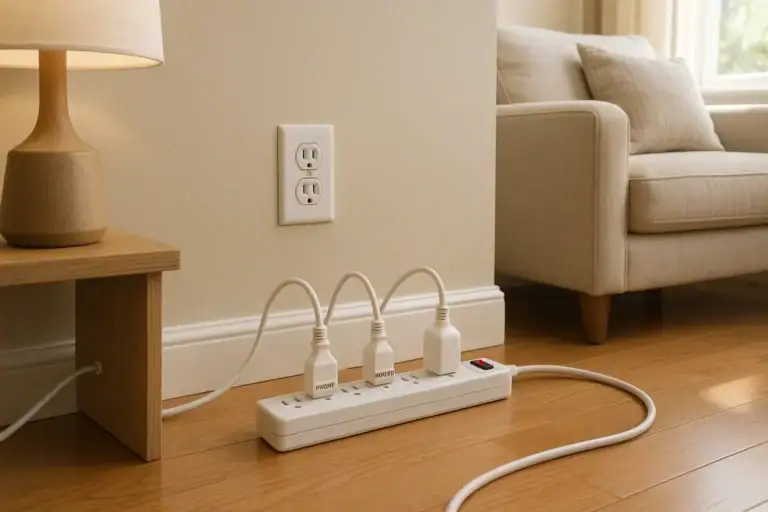 Outlet Overload Signs and Safe Power Strip Use at Home
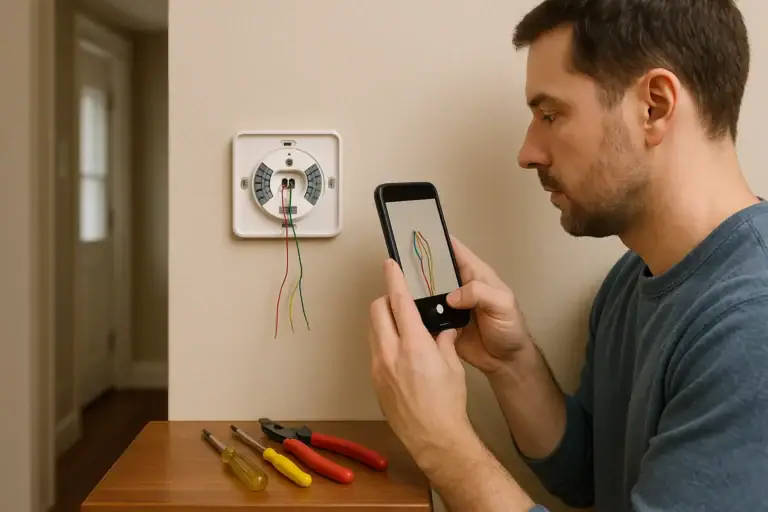 How to Install a Smart Thermostat Safely
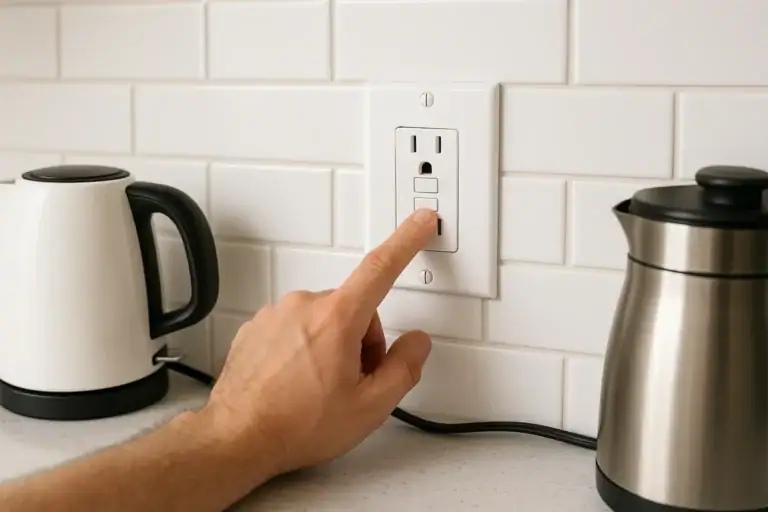 GFCI Outlet Will Not Reset: Simple Checks and When to Call Help