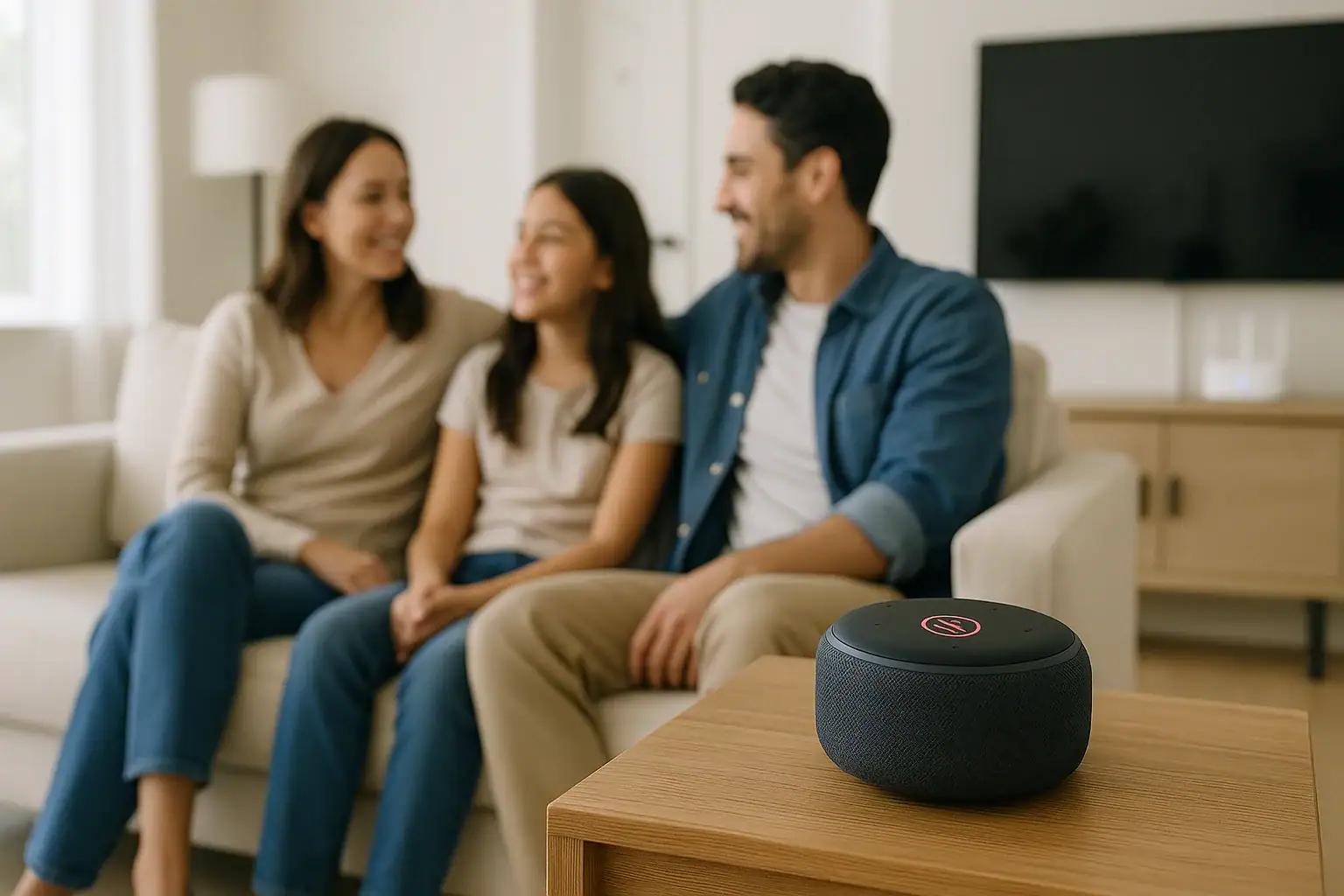
Smart speakers can be incredibly convenient, but they also place microphones inside the most private parts of your home. If you use voice assistants for music, timers, or controlling lights, you are also bringing in devices that can store recordings, analyze your voice, and learn your household’s routines. The good news is that you do not need to be a tech expert to reduce the risks. By choosing practical default settings and reviewing them a couple of times a year, you can enjoy hands‑free help while keeping tighter control over what is heard, stored, and shared.
This guide walks you step by step through the most important privacy settings for smart speakers, explains what each one really does, and offers realistic default choices for most households. You will learn how to manage voice recordings, limit data sharing, set up kid‑safe controls, and create simple house rules so everyone understands what the device can and cannot do.
Why Smart Speaker Privacy Settings Matter
Smart speakers are designed to be helpful by listening for a wake word and responding to your commands. To improve accuracy and add new features, they often collect information about what you say, when you say it, and how you use connected services. Without careful setup, this can create several risks.
Common Privacy Concerns
- Always‑listening microphones: Devices listen for wake words, and in rare cases may mishear and start recording when you did not intend to activate them.
- Stored voice recordings: Clips of your voice can be saved to the cloud and kept for long periods unless you change the defaults.
- Household profiles: Usage patterns can reveal routines like when you are home, asleep, or on vacation.
- Children’s voices: Kids may share personal details without realizing the device is recording.
- Third‑party skills or apps: Extra features sometimes need access to more data than you expect.
Adjusting privacy settings does not mean turning everything off. Instead, you can choose balanced defaults that keep the features you actually use while minimizing long‑term data collection and accidental recording.
Start with a Smart Speaker Privacy Checklist
Before diving into individual options, it helps to have a simple checklist. You can walk through these items in the companion app for your smart speaker or on the manufacturer’s website.
Core Privacy Actions
- Turn on physical microphone controls when you want guaranteed privacy.
- Limit how long voice recordings are stored, or turn off storage if possible.
- Disable use of your recordings for product improvement or human review.
- Review and delete existing voice history.
- Restrict personal results, purchases, and messaging to specific voices or devices.
- Set up a kid‑safe profile or parental controls if children use the device.
- Review and remove third‑party skills or services you do not use.
Most of these settings live under sections labeled privacy, security, or account in the app. Plan to spend 15 to 30 minutes the first time you set them, then quickly review them every few months.
Control the Microphone: Your First Line of Defense
The simplest and most powerful privacy control on any smart speaker is the microphone setting. Many people forget that you can treat the device like any other appliance and turn it off when you do not need it listening.
Use the Physical Mute Button
Most smart speakers include a physical button or switch that disables the microphone. When it is on, the device cannot listen for the wake word.
- When to keep the mic on: In common areas during the day, when you actively use voice commands.
- When to mute the mic: During private conversations, work calls, overnight, or when guests are visiting and may not want to be recorded.
Practical default: Leave the microphone on only in rooms where you actually use voice commands frequently, and mute it in bedrooms or home offices when you are not using it.
Use Power Control for Extra Privacy
If you want certainty that the device is not listening, you can unplug it or use a smart plug or switched outlet to cut power quickly. This is especially useful for vacation homes or guest rooms.
Practical default: Connect rarely used smart speakers to a switched outlet or smart plug and turn them off when not needed.
Manage Voice Recording and Storage
By default, many smart speakers store voice commands to improve accuracy and personalize responses. This can be helpful, but it also means your voice history may live on servers for months or years. Adjusting how long recordings are kept is one of the most important privacy steps you can take.
Find and Review Your Voice History
In the companion app or online account, look for a section labeled history, activity, or voice recordings. There you can:
- See a list of past voice commands, sometimes with audio clips.
- Listen to specific recordings to understand what is stored.
- Delete individual entries or clear all history.
Reviewing a few entries can be eye‑opening and helps you decide how comfortable you are with long‑term storage.
Change How Long Recordings Are Kept
Most platforms offer options such as:
- Do not save audio recordings at all.
- Auto‑delete after a short period, such as 3 months.
- Auto‑delete after a longer period, such as 18 months.
- Keep until you manually delete them.
Practical defaults for most households:
- If you value privacy over personalization, choose do not save audio recordings if available.
- If you want some personalization, choose auto‑delete after 3 months and avoid indefinite storage.
Turn Off Human Review Where Possible
Some services allow snippets of audio to be reviewed by human analysts to improve recognition. Look for options such as product improvement, voice improvement, or help improve services. You can usually opt out.
Practical default: Opt out of human review and product improvement programs unless you are comfortable with the trade‑off.
Limit Personalized Results and Sensitive Actions
Smart speakers can access calendars, messages, shopping, and other personal data. While convenient, this also means someone else in the room could ask the device to read your information or place orders. Tightening these settings protects your accounts and prevents surprises.
Restrict Personal Results
Look for settings related to personal results, personal responses, or voice match. These options control whether the device can read out:
- Calendar events and reminders
- Messages, calls, or voicemails
- Saved locations, such as home or work
- Emails or task lists
Practical defaults:
- Enable personal results only on devices in private spaces, such as your bedroom or home office.
- Disable personal results on shared devices in living rooms, kitchens, and kids’ rooms.
Protect Purchases and Payments
Many smart speakers support voice ordering, subscriptions, and digital purchases. Without safeguards, anyone in your home could place an order by voice.
In the app, look for purchase, payments, or shopping settings. Options often include:
- Require a PIN or code for purchases.
- Disable voice purchasing entirely.
- Limit purchases to certain accounts or profiles.
Practical defaults for families:
- Disable voice purchasing on shared devices.
- If you keep it on, require a PIN and do not share it with children or guests.
Set Up Kid‑Safe Defaults and Household Rules
Children often treat smart speakers like toys or friends, which can lead to oversharing. A few simple settings, combined with clear house rules, can protect their privacy while still letting them enjoy music, stories, and questions.
Use Child Profiles or Parental Controls
Many platforms offer child or family modes that:
- Filter explicit music and content.
- Limit calling, messaging, and purchasing.
- Offer kid‑friendly responses and games.
- Provide parents with activity summaries.
Practical default: Create separate child profiles for kids and link them to specific speakers in their rooms or play areas.
Teach Simple Privacy Rules to Kids
Even with controls in place, children should understand basic privacy around smart speakers. Consider posting a short list near the device.
- Do not share your full name, address, or school with the speaker.
- Do not talk about trips or when the house will be empty.
- Ask an adult before using the speaker for calls or messages.
- Tell an adult if the speaker says or suggests anything that feels strange.
Review Third‑Party Skills, Apps, and Integrations
Smart speakers become more powerful when you connect them to other services, such as games, news, smart lights, or thermostats. Each extra skill or integration can also request access to more data. Periodic clean‑up keeps your system lean and safer.
Audit Connected Skills and Services
In your account or app, look for a section labeled skills, actions, or integrations. For each item, check:
- What information it can access (location, contacts, account details).
- When you last used it.
- Whether it is still needed or active.
Practical defaults:
- Remove any skill or integration you have not used in the last 3 to 6 months.
- Avoid enabling skills that request access to contacts, messages, or sensitive data unless absolutely necessary.
Limit Data Sharing with Other Smart Home Devices
When you connect cameras, locks, or thermostats to your smart speaker, you may allow voice control over security‑sensitive devices.
Consider the following guidelines:
- Require a PIN or confirmation phrase for unlocking doors or disabling alarms.
- Restrict camera viewing commands to devices in private rooms, not shared spaces.
- Disable voice control for actions that could affect safety if misused, such as opening garages or unlocking gates.
Use Guest and Shared Space Settings Wisely
Smart speakers in living rooms, kitchens, and guest areas are often used by multiple people. Without proper configuration, these devices can accidentally expose your personal information to visitors or roommates.
Configure Shared Devices Differently
For devices in common areas, consider a more restrictive setup:
- Turn off personal results and access to calendars, messages, and email.
- Disable voice purchasing or require a PIN.
- Limit access to only basic features like music, weather, timers, and general questions.
- Mute the microphone during gatherings if guests are uncomfortable with voice assistants.
Use Guest Modes if Available
Some platforms offer guest or temporary modes that limit access to personal data while still allowing basic voice commands.
Practical default: Enable guest or shared mode on devices in entryways, living rooms, and kitchens, and reserve full‑access features for private spaces.
Secure the Accounts Behind Your Smart Speaker
Even with perfect device settings, your privacy depends on the security of the accounts linked to your smart speaker. A weak password or missing two‑factor authentication can undo your careful privacy choices.
Strengthen Your Main Account
- Use a strong, unique password: Avoid reusing passwords from other sites. A password manager can help.
- Turn on two‑factor authentication: Require a code from your phone or an app when signing in from new devices.
- Review sign‑in alerts: Check for notifications about new logins or unusual activity.
Check Linked Services and Permissions
In your account settings, look for a list of linked services or connected apps. Remove anything you no longer use, and double‑check permissions for services that can access:
- Contacts and messaging
- Financial accounts or payment methods
- Security systems, locks, and cameras
Create a Simple Household Privacy Plan
Technical settings are only part of the picture. A short household plan helps everyone understand how to use smart speakers responsibly and respectfully.
Decide Where Smart Speakers Belong
Not every room needs a listening device. Consider:
- Keeping smart speakers out of bathrooms and children’s bedrooms.
- Using them mainly in shared spaces like kitchens and family rooms.
- Muting or unplugging them during sensitive conversations or work calls.
Agree on Basic Rules
Discuss and post a short list of rules, such as:
- Ask before enabling new skills or connecting new services.
- Do not use the speaker to snoop on other household members.
- Review privacy settings together twice a year.
- Mute or unplug the device if anyone in the room is uncomfortable with it listening.
Review and Maintain Your Privacy Settings Over Time
Smart speaker platforms update features and privacy options regularly. A setting that was not available last year might now give you better control over your data. Treat privacy like routine home maintenance.
Set a Recurring Reminder
Add a reminder on your calendar every 6 months to:
- Review voice history and delete old recordings.
- Check new privacy or security options in the app.
- Remove unused skills, apps, and integrations.
- Confirm that child profiles and parental controls are still appropriate for your kids’ ages.
Stay Informed Without Overwhelming Yourself
You do not need to follow every piece of tech news, but it helps to skim occasional updates from trustworthy privacy or consumer protection sources. Focus on:
- Major changes to privacy policies or terms of service.
- New features that affect voice recording or data sharing.
- Security alerts or recommended updates for your devices.
Balancing Convenience and Privacy in Your Smart Home
Smart speakers can make daily life easier, from setting cooking timers to controlling lights and playing music. With thoughtful defaults, you do not have to choose between convenience and privacy. The key steps are straightforward: control the microphone, limit how long recordings are stored, restrict access to sensitive information, and regularly review connected services.
As you adjust your settings, pay attention to which features you truly rely on and which ones you can live without. Over time, you can fine‑tune your setup so that your smart speakers support your routines without collecting more data than necessary. A few minutes spent on privacy today can help your home stay both smart and safe tomorrow.
If you use other connected devices such as cameras, locks, or thermostats, consider applying the same approach: start with conservative defaults, understand what data is collected, and only loosen settings when you are comfortable with the trade‑offs. A consistent, privacy‑aware mindset across your smart home will give you more control and peace of mind.
 Smart Lock Auto-Lock Settings: Safe Defaults That Prevent Lockouts
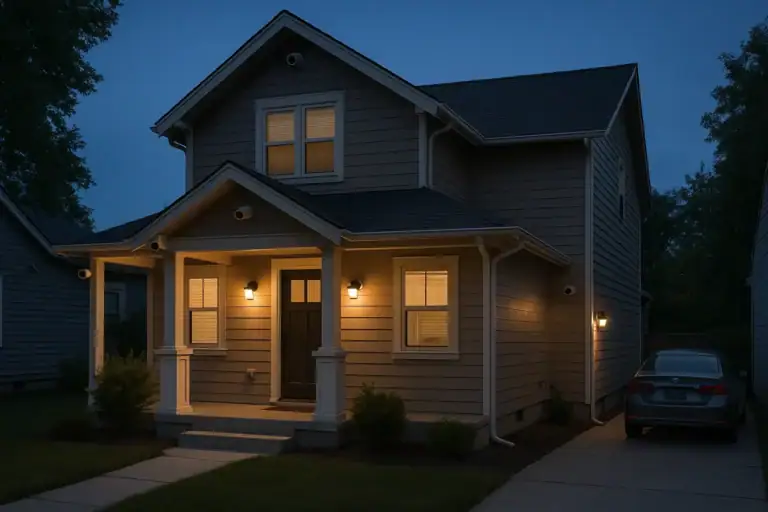 Security Camera Placement Without Blind Spots: A Practical Homeowner’s Guide
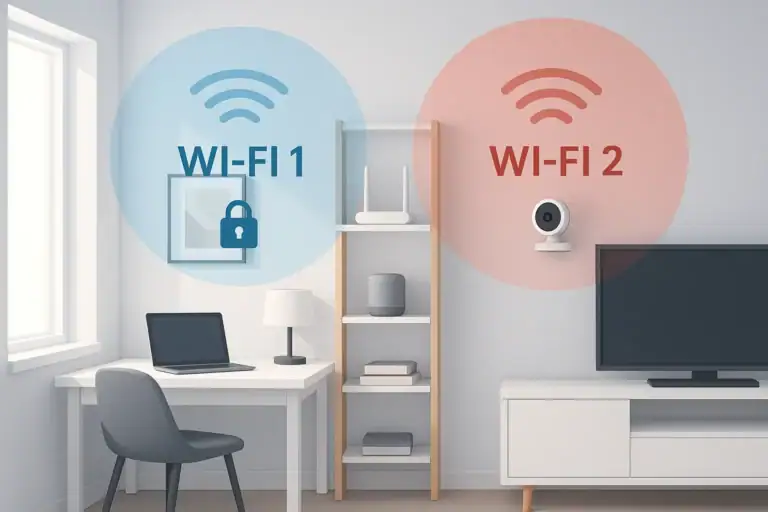 How to Set Up a Secure Home WiFi Guest Network for Smart Devices