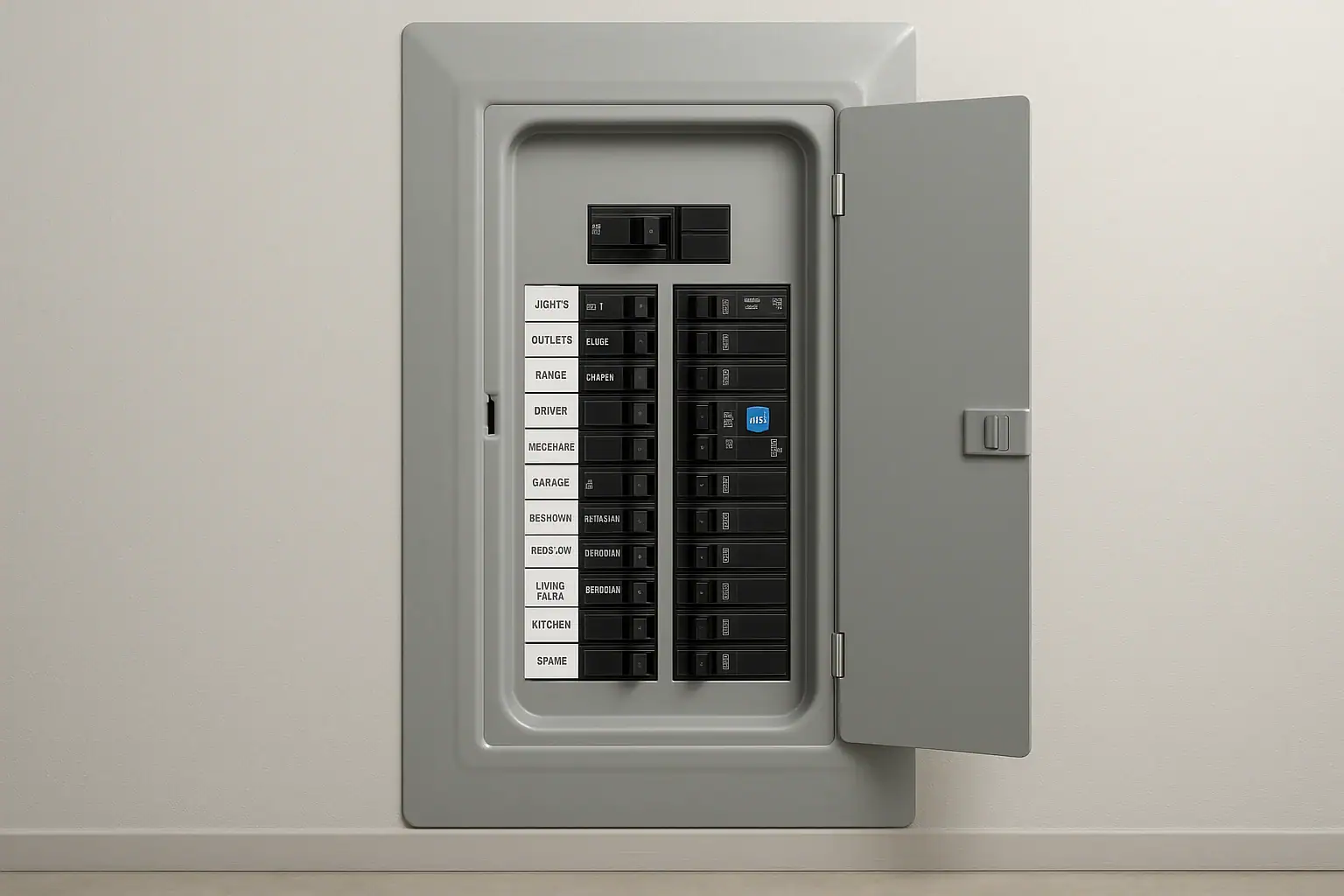
What it means when an AFCI breaker keeps tripping
If an AFCI (arc-fault circuit interrupter) breaker keeps tripping, it usually means one of three things:
- There is a real wiring or equipment problem that could create an electrical fire risk
- The breaker is reacting to the way certain devices operate (a nuisance trip)
- The breaker itself is damaged or worn out
Repeated tripping is not something to ignore. AFCI breakers are designed to detect arcing faults that standard breakers may miss. If the cause is not obvious and simple, it is safest to stop resetting the breaker and have a licensed electrician investigate.
The steps below focus on basic, non-invasive checks a homeowner can do, and how to decide when to call a pro. For broader home safety context, you can also see the smart safety resources at Signature Home Guide’s Smart Home & Safety hub.
Quick safety check before you start
- Do not open your electrical panel beyond removing the cover over the breakers themselves. Leave any work on wiring, connections, or breaker replacement to a qualified electrician.
- If you smell burning, see scorch marks, or feel unusual warmth at outlets, switches, or the panel, leave the breaker off and call an electrician immediately.
- Never bypass, tape, or jam an AFCI breaker to keep it from tripping.
The U.S. Consumer Product Safety Commission explains that arc-fault protection is intended to reduce fire risk from damaged or deteriorated wiring and cords. You can read more in their overview of arc-fault circuit interrupters.
Step 1: Confirm it is an AFCI breaker and identify the circuit
First, make sure you are dealing with an AFCI breaker and know what it controls.
- Look at the breaker handle and label. AFCI breakers are usually labeled “AFCI” or “AF” and often have a small test button.
- Check the panel directory. The inside of the panel door may list which rooms or outlets are on that breaker (for example, “Bedroom outlets” or “Living room / hallway”).
- Verify by testing. With the breaker off, see which lights and receptacles lose power. This helps you know what to unplug or inspect in later steps.
Step 2: Note when the AFCI trips
Patterns can point to the cause. Ask yourself:
- Does it trip immediately when you reset it, even with everything unplugged?
- Does it trip only when a certain device is used (vacuum, treadmill, printer, space heater, etc.)?
- Does it trip randomly, sometimes days apart?
Write down what was running each time it tripped. This log will help you or an electrician narrow things down.
Step 3: Try a safe reset the right way
If there is no sign of burning, buzzing, or damage, you can try one careful reset:
- Turn off or unplug everything you can on that circuit (lamps, electronics, appliances).
- At the panel, move the AFCI handle fully to the OFF position, then firmly back to ON.
- If it immediately trips again with everything unplugged, stop troubleshooting and call an electrician. That often indicates a wiring issue, a fault in a fixed device (like a hardwired light), or a bad breaker.
If the breaker holds with everything unplugged, the problem is more likely related to something you plug in or to a specific outlet or cord.
Step 4: Check for obvious damage on the circuit
With the breaker off, walk the rooms on that circuit and look for:
- Outlets or switches that are cracked, loose, or discolored
- Faceplates that are warm, scorched, or smell burnt
- Cords that are pinched under furniture, frayed, or chewed
- Extension cords or power strips daisy-chained together
Do not remove outlets or switches from the wall yourself unless you are qualified. If you see any damage or overheating, leave the breaker off and schedule an electrician.
Step 5: Plug-in device check (common nuisance triggers)
Some devices can cause an AFCI to trip even when they are not truly faulty. This is sometimes called a nuisance trip. Common examples include:
- Vacuum cleaners and older motors
- Treadmills and exercise equipment
- Laser printers and copiers
- Window air conditioners or portable heaters
- Devices with switching power supplies or speed controls
To narrow this down:
- With the breaker ON and everything unplugged, confirm it stays on.
- Plug in and turn on one device at a time on that circuit.
- Use each device as you normally would. If the breaker trips when a specific item runs, that item or its cord may be the trigger.
If a single device consistently trips the AFCI:
- Inspect its cord and plug for damage or looseness.
- Try it on a different AFCI-protected circuit, if available. If it trips there too, stop using the device and have it serviced or replaced.
- Do not move the device to a non-AFCI circuit just to avoid tripping; that can hide a real problem.
Step 6: Look for patterns with lighting and switches
If the breaker trips when you operate a light or switch:
- Note exactly which switch or fixture is involved.
- Try a different bulb in that fixture, especially if you are using dimmable LEDs with older dimmer switches.
- If a particular dimmer or fan control always seems to be involved, mention that to your electrician. Some older controls do not play well with AFCI protection.
Do not attempt to rewire fixtures or switches unless you are trained and permitted to do so.
Step 7: Consider recent changes or damage
Think about anything that changed shortly before the tripping started:
- New light fixtures, ceiling fans, or smart switches installed
- New outlets added or existing ones replaced
- Drywall work, mounting TVs, or hanging shelves that involved drilling into walls
- Water leaks, roof issues, or flooding that might have reached wiring
New work or physical damage can nick or pinch wires, which can lead to arcing. If you suspect this, keep the breaker off and call an electrician to inspect the affected area.
Step 8: When the AFCI itself may be the problem
Like any device, breakers can wear out or fail. Signs the AFCI itself might be at fault include:
- The breaker trips with nothing connected and no obvious wiring or fixture issues
- The handle feels loose or does not firmly click into place
- The test button does nothing, or the breaker will not reset after a trip
Breaker replacement should be done by a licensed electrician, who can also verify that the panel and wiring are compatible with the specific AFCI model.
When to stop troubleshooting and call an electrician
Stop resetting the breaker and contact a qualified electrician if any of the following apply:
- The AFCI trips immediately even with everything unplugged
- You see or smell signs of overheating, burning, or sparking
- The breaker will not reset or the test button does not work
- The tripping started after recent electrical work or storm/water damage
- You are not comfortable working around the panel or cannot safely isolate the problem
The National Fire Protection Association provides background on how arc-fault protection fits into modern wiring safety in its information on home electrical fire safety. Local codes may require AFCI protection in many living areas, so do not remove or downgrade it to stop nuisance trips.
Reducing future AFCI trips
Once the immediate issue is resolved, a few habits can help reduce future tripping:
- Avoid overloading circuits with multiple high-wattage devices on the same run.
- Use quality extension cords and power strips only as temporary solutions, and never daisy-chain them.
- Replace damaged cords, plugs, and receptacles promptly.
- Have older homes evaluated by an electrician if AFCI breakers start tripping after they are added to an existing panel.
For more ways to combine electrical safety with smart-home upgrades, you can explore the resources at Signature Home Guide’s Smart Home & Safety section.
Key takeaway
An AFCI breaker that keeps tripping is telling you something: either there is a real arc fault, a device that does not play well with AFCI protection, or a failing breaker. Basic checks like unplugging devices, watching for patterns, and inspecting for obvious damage are reasonable homeowner steps. Anything beyond that, especially repeated instant trips or signs of heat or burning, is a job for a licensed electrician.
 Video Doorbell Transformer Buzzing or Hot: What To Do
 GFCI Outlet Will Not Reset: Simple Checks and When to Call Help
 How to Test GFCI Outlets Safely in Bathrooms and Kitchens: A Simple Checklist