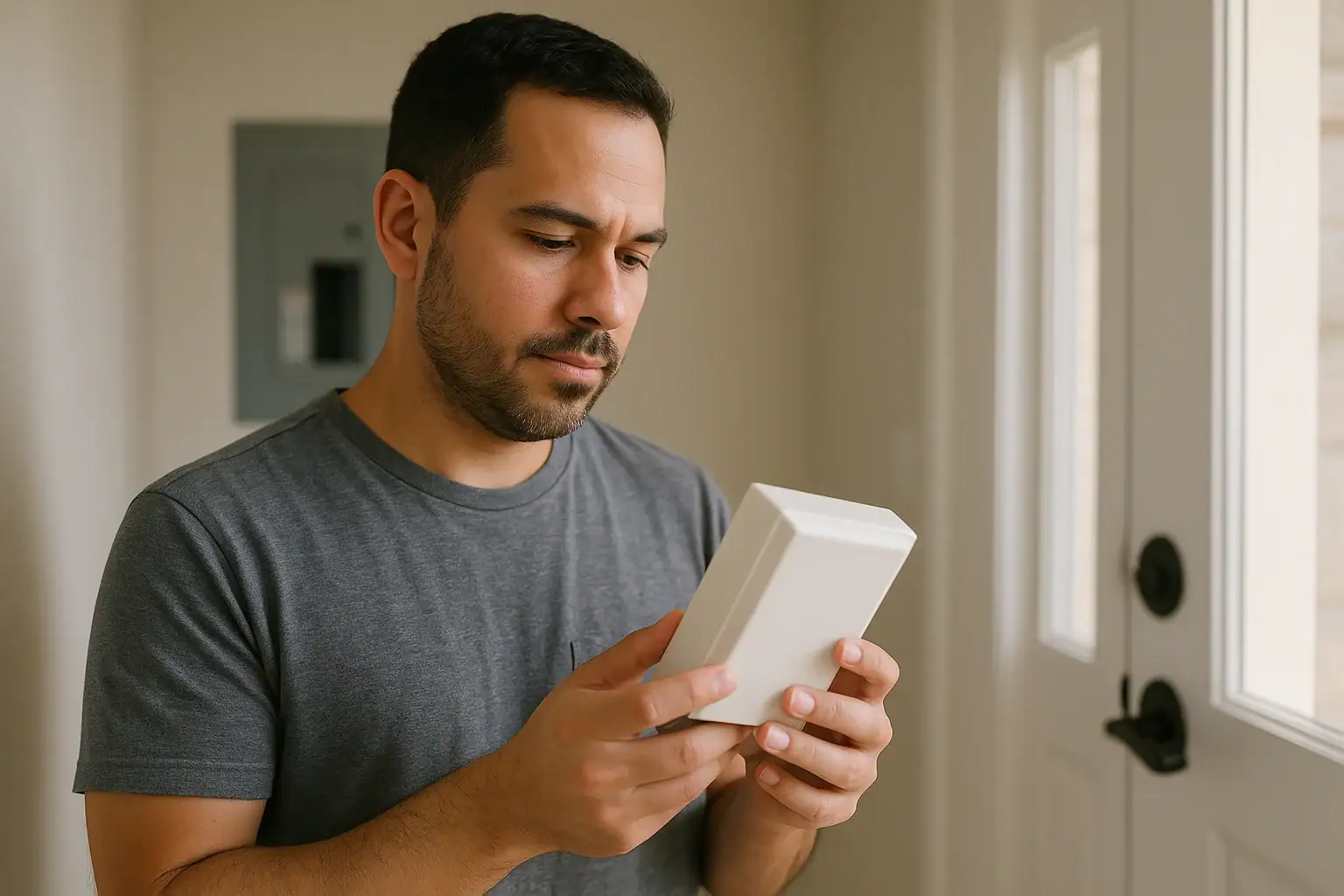
Is a buzzing or hot video doorbell transformer normal?
A slight hum and mild warmth from a doorbell transformer can be normal. These transformers run continuously and are often mounted to wood or metal that can amplify sound.
However, loud buzzing, a transformer that feels very hot to the touch, or a burning smell are not normal. Those can point to overloading, incorrect wiring, or a failing transformer, and they deserve quick attention.
This guide walks through simple checks you can do, what’s likely causing the noise or heat, and when to stop and call a licensed electrician.
Safety first with a buzzing or hot transformer
Doorbell transformers are usually low-voltage on the output side, but they are fed by standard household voltage on the input side. That higher-voltage side can shock or injure you if handled incorrectly.
- Turn off power to the transformer at the breaker before touching wiring or terminals.
- Do not open your home’s main electrical panel beyond flipping the labeled breaker off and on.
- Do not work on live wiring or attempt repairs if you are unsure what you’re seeing.
- Call a licensed electrician if the transformer is very hot, smells burnt, or the wiring looks damaged.
For general electrical safety guidance, the U.S. Consumer Product Safety Commission electrical safety center has helpful background information.
Quick checks: is your transformer just warm or truly overheating?
Transformers naturally get warm as they run. The question is whether yours is just warm, or uncomfortably hot.
- Turn off power at the breaker. Wait a minute for any heat to stabilize.
- Carefully touch the transformer housing.
- Warm to somewhat hot (you can keep your hand on it): often normal, especially with a video doorbell that draws more power than a classic chime.
- Too hot to keep your hand on for more than a second or two: this suggests overloading or a failing transformer. Leave power off and contact an electrician.
- Any burning smell, discoloration, or melted insulation: leave power off and call a pro. Do not restore power.
- Listen for buzzing with power back on.
- Soft hum only audible close-up: often normal.
- Loud buzzing, rattling, or a new noise: may indicate loose mounting, loose wiring, or an overloaded transformer.
Common causes of a buzzing or hot video doorbell transformer
Most issues come down to compatibility, wiring, or age.
1. Transformer not sized for a video doorbell
Traditional doorbells draw very little power. Many older homes have transformers rated around 10 VA (volt-amps). Video doorbells often need more power, and some manufacturers specify a minimum VA rating.
If the transformer is undersized, it can run hot and buzz as it struggles to supply enough power, especially when the camera, Wi‑Fi, and chime are all active.
Signs this might be the issue:
- Old transformer (often labeled 10 VA or similar)
- Video doorbell intermittently shuts off, reboots, or shows low power warnings
- Buzzing increases when someone presses the doorbell
2. Incorrect voltage or wiring configuration
Most wired video doorbells expect a specific low-voltage range (commonly in the 16–24 VAC range, but always check your model’s instructions). If your transformer output is outside the recommended range, or the wiring is misconnected, the transformer can overheat or buzz.
Potential wiring issues include:
- Wrong terminals used at the transformer or chime
- Doorbell wired in a way that keeps the chime coil energized continuously
- Short circuit in the low-voltage wiring (for example, bare wires touching)
3. Loose mounting or loose internal laminations
Transformers vibrate slightly when energized. If they are loosely mounted to a junction box or stud, that vibration can turn into a noticeable buzz. Older transformers can also develop internal vibration as parts age.
Clues:
- Buzzing changes or stops if you gently press on the transformer housing (with power off when you first test how it’s mounted)
- Transformer is only secured by one screw or is slightly crooked
4. Failing transformer
Transformers can fail over time, especially if they’ve been overloaded or exposed to high temperatures. A failing unit may buzz, run very hot, or stop providing stable voltage.
If your transformer is decades old, replacing it with a properly sized, compatible unit is often safer than trying to keep it going.
How to identify your transformer and doorbell load
Before changing anything, it helps to know what you have and what your video doorbell needs.
Step 1: Find the transformer
Common locations include:
- Mounted to the side of the main electrical panel
- On or near the doorbell chime box (inside a closet or hallway)
- In a basement or utility room, attached to a junction box
- In an attic near the front door area
Step 2: Read the label
Once you locate it, look for a small label or stamping on the transformer body. You’re looking for:
- Output voltage (for example, 16 VAC)
- VA rating (for example, 10 VA, 16 VA, 30 VA)
If the label is unreadable, an electrician can measure the output with a multimeter and help you choose a replacement if needed.
Step 3: Check your video doorbell’s requirements
Look at the installation manual or manufacturer’s website for your specific model. It should list:
- Required voltage range (VAC)
- Minimum VA rating
- Whether it can share a mechanical chime, digital chime, or needs a specific accessory
If your transformer’s output or VA rating is below the recommended range, that mismatch can explain buzzing or overheating.
Safe troubleshooting steps you can do at home
These steps focus on simple checks that don’t require specialized tools. If anything looks confusing or unsafe, stop and contact a professional.
1. Power cycle and observe
- Turn off the breaker feeding the transformer.
- Wait 5–10 minutes for the transformer to cool.
- Turn the breaker back on.
- Listen and feel:
- If the transformer quickly becomes very hot again or buzzes loudly, leave the breaker off and call an electrician.
- If the hum is mild and heat is moderate, continue with the next checks.
2. Inspect visible low-voltage wiring
With power off at the breaker:
- Look for bare copper touching at the transformer, chime, or doorbell.
- Check for cracked, brittle, or chewed insulation on the low-voltage wires.
- Confirm that wires are firmly secured under their terminal screws, not barely hanging on.
Any sign of damaged wiring is a reason to leave power off and call a pro. Damaged insulation can create short circuits that overheat the transformer.
3. Temporarily disconnect the video doorbell
This can help you figure out whether the transformer itself is the problem, or the load from the doorbell and chime.
- Turn off power at the breaker.
- Disconnect the two low-voltage wires from the video doorbell (label them if needed).
- Cap the bare wire ends separately with small wire nuts or electrical tape so they cannot touch.
- Turn the breaker back on.
- Listen to the transformer and check its temperature after 10–15 minutes.
What this tells you:
- If buzzing and excess heat go away with the doorbell disconnected, the issue is likely load-related: undersized transformer, wiring to the chime, or a problem in the doorbell itself.
- If buzzing and heat remain, the transformer may be failing or incorrectly wired on the high-voltage side. An electrician should investigate.
4. Check the chime box
Mechanical chimes use a coil and plungers that can buzz if they are partially energized or miswired.
- With power off, remove the chime cover.
- Look for loose wires, corrosion, or anything that looks burnt.
- Confirm that wires are on the correct terminals (often labeled “TRANS,” “FRONT,” and “REAR”). Your video doorbell’s instructions usually show the correct configuration.
If the chime coil is constantly powered due to wiring errors, it can overheat and put extra load on the transformer.
When you likely need a new transformer
Replacing a transformer is often the cleanest fix when you have:
- An older, low-VA transformer (for example, 10 VA) powering a modern video doorbell
- Repeated overheating or loud buzzing even after wiring checks
- Visible damage, rust, or a burnt smell
Choosing a replacement should be based on your doorbell’s published requirements. Many video doorbells specify a minimum VA rating and a voltage range. Staying within those limits helps avoid overheating and nuisance issues.
Because transformer replacement involves working with household voltage, many homeowners choose to have a licensed electrician handle the swap. This is especially important if the transformer is mounted to, or inside, an electrical box or near the main panel.
Preventing future buzzing and overheating
Once your system is stable, a few habits can help keep it that way:
- Match components: Use a transformer, chime, and video doorbell that are all compatible in voltage and VA rating.
- Follow manufacturer wiring diagrams: Small differences in wiring can keep a coil energized or overload the transformer.
- Keep connections tight: Loose screws at the transformer or chime can increase vibration and buzzing.
- Periodically feel for excess heat: Once or twice a year, briefly check that the transformer is only moderately warm, not scorching hot.
For more smart home and safety guidance, including how different devices interact with your home’s wiring and network, explore the Smart Home & Safety hub at Signature Home Guide.
When to call a professional immediately
Stop DIY troubleshooting and contact a licensed electrician if:
- The transformer is too hot to touch comfortably
- You smell burning or see smoke, charring, or melted insulation
- The breaker trips when the doorbell circuit is energized
- You are unsure which breaker controls the transformer
- You are uncomfortable working near any electrical equipment
In any situation involving smoke, fire, or active arcing, leave the area, shut off power at the main if it is safe to do so, and contact emergency services. The National Fire Protection Association’s electrical fire safety information offers additional context on why prompt action matters.
A quiet, only mildly warm transformer is a good sign that your video doorbell system is wired correctly and running within its limits.
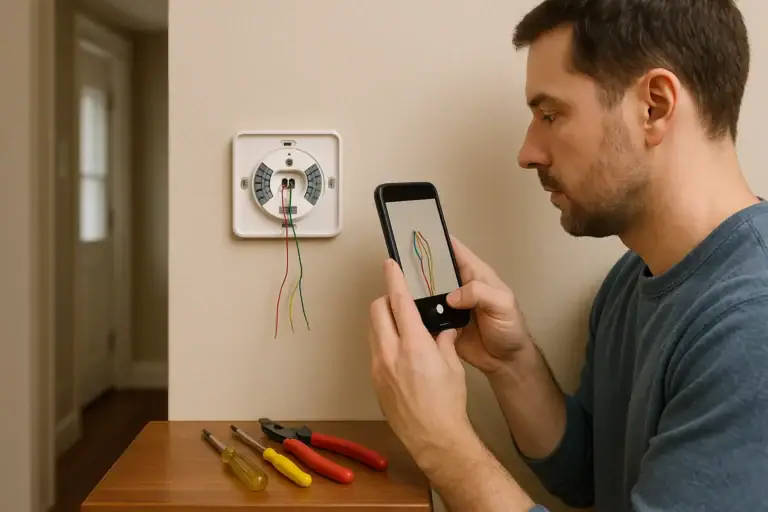 How to Install a Smart Thermostat Safely
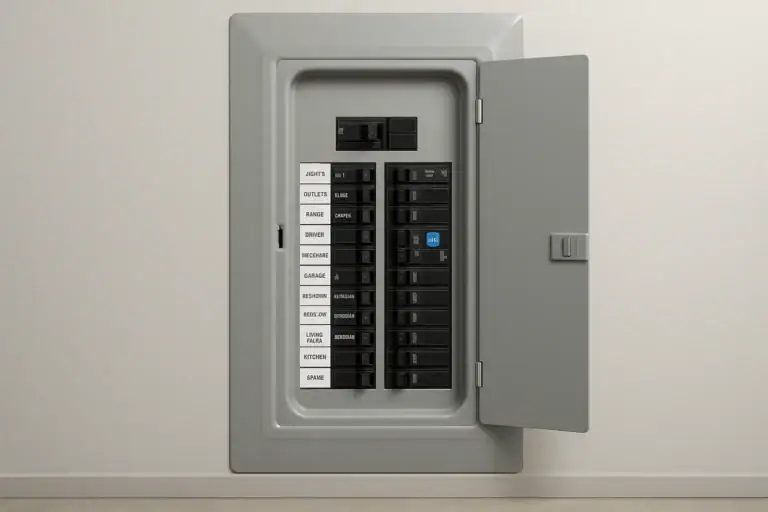 AFCI Breaker Keeps Tripping: How to Track Down the Cause
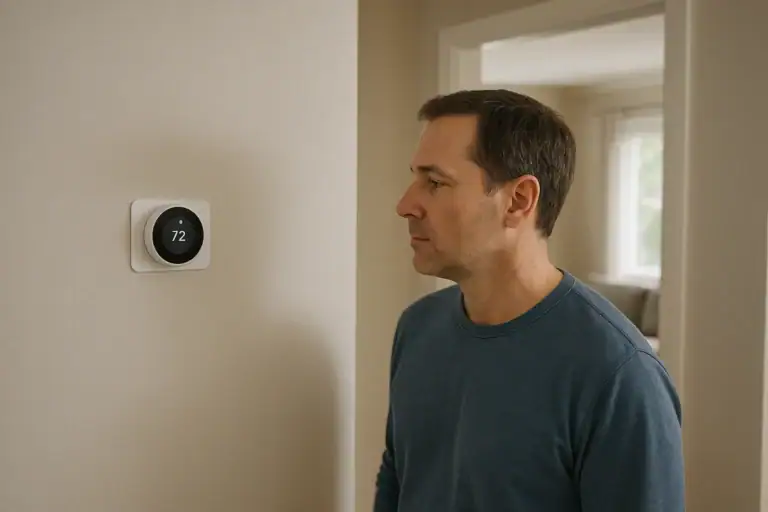 What Is a Smart Thermostat and How Does It Work?