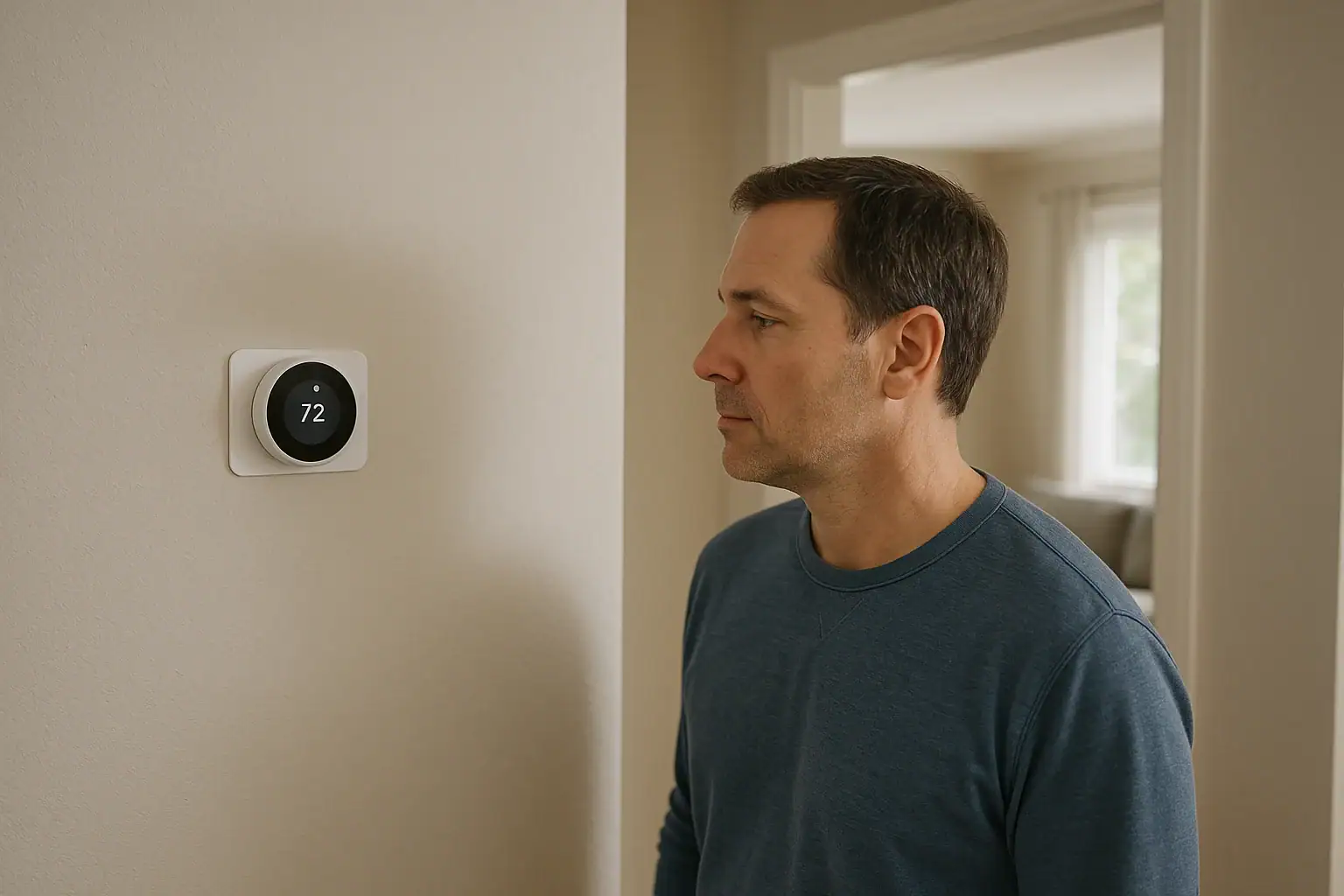
Quick answer: A smart thermostat is a wall control that senses indoor temperature and signals compatible heating, cooling, or fan equipment when to run. It adds software-based scheduling and may offer Wi-Fi, app control, sensors, and automations. Basic wall control may still work without Wi-Fi, but features and compatibility vary by model.
A smart thermostat is an HVAC control that senses indoor temperature, compares it with a selected temperature, and signals compatible heating, cooling, or fan equipment when operation is needed. It does not make warm or cool air itself; the HVAC equipment does that.
Compared with a basic wall thermostat, a smart model uses software for scheduling and may add Wi-Fi, app access, room or occupancy sensors, energy information, or connected automations. Those extra features are not universal. ENERGY STAR describes remote control, geofencing, learning, and software updates as features a smart thermostat may offer, while advising shoppers to check HVAC compatibility.
How a smart thermostat works
- It reads conditions. The thermostat uses its temperature sensor. Some models can also work with compatible room or occupancy sensors.
- It checks the target setting. The target can come from a wall adjustment, a stored schedule, an app command, or an enabled automation.
- It requests HVAC operation. With a compatible installation, the thermostat uses its configured terminals or another supported control connection to call for heating, cooling, or fan operation.
- The equipment responds. The furnace, air conditioner, heat pump, or other HVAC equipment runs according to its own controls and safety limits.
Internet-connected services are a separate layer from the thermostat’s core control job. They can enable remote access, notifications, reports, updates, or integrations, but their availability depends on the product, internet connection, account, and service support. Carrier’s overview of smart thermostats provides a general explanation of the relationship among sensors, schedules, wiring, and remote commands.
Standard, programmable, and smart thermostats
| Type | Typical way settings change | What to verify |
|---|---|---|
| Standard thermostat | A person changes the temperature at the wall. | Whether it has any built-in schedule or equipment-specific controls. |
| Programmable thermostat | A person creates time-based temperature schedules. | How schedules are set and whether they fit the household routine. |
| Smart thermostat | Local controls and schedules, with possible connected features or automation. | Which features work with the home’s equipment, power arrangement, internet service, and account. |
The U.S. Department of Energy’s programmable thermostat guidance distinguishes scheduled temperature changes from smart features that may include occupancy-based adjustments, smartphone control, and energy-use tracking. A smart label alone does not guarantee that a particular product includes all of those features.
Smart thermostat features and dependencies
| Feature | Main dependency | Before-buying question |
|---|---|---|
| Local temperature control | Compatible equipment, wiring, and thermostat/HVAC power | Can the thermostat be adjusted at the wall if connected service is unavailable? |
| Scheduling | Product software; cloud setup for some products | Can schedules be created or changed at the wall, and what happens if internet access is lost? |
| Remote access | Internet connection, supported app, and usually an account | Who needs access, and how are household members invited or removed? |
| Room or occupancy sensors | A compatible thermostat and correctly paired sensors | Which sensors can affect control, and what is documented to work offline? |
| Reports and automations | Often cloud services, collected data, and permissions | What data is used, and can integrations or optional programs be disabled? |
| Thermostat power | C-wire, batteries, or a manufacturer-approved alternative, depending on model | Does the exact model support the power arrangement at this installation? |
| HVAC operation | Correct voltage, terminals, stages, and configuration | Does the manufacturer’s checker approve the specific equipment and terminal labels? |
Will a smart thermostat work without Wi-Fi?
Loss of Wi-Fi is different from loss of household electrical power. When internet access or a connected service is unavailable, a thermostat may still provide basic wall control if it and the HVAC system have power. App access, alerts, and other connected features may stop. Scheduling, sensors, and automations can behave differently by model, so check the product’s manual and offline-support information.
For example, Google says supported Nest thermostats can still be adjusted at the wall when offline, while app control and some connected functions are unavailable. This is a Nest-specific support statement, not a promise for every smart thermostat.
An electrical outage can interrupt the thermostat, HVAC transformer, and heating or cooling equipment. Wi-Fi independence does not provide backup power. If a thermostat screen is blank after power returns, see Smart Thermostat Blank After Power Outage: What To Check for a separate, cautious troubleshooting task.
ENERGY STAR’s smart thermostat certification criteria require certified products to work as a basic thermostat without connectivity to their service provider. The criteria also include scheduling, energy feedback, HVAC-use information, static temperature accuracy within ±2°F, and average network-standby power of no more than 3 watts. These are certification requirements, not specifications that apply to every product marketed as smart.
What to check before buying
Identify the HVAC system
- Record whether the home has a furnace, boiler, air conditioner, heat pump, or another system.
- Note whether heating or cooling has multiple stages.
- For a heat pump, note auxiliary or emergency heat and any dual-fuel setup.
- Record accessible equipment model numbers and note zone panels or accessories such as humidifiers, dehumidifiers, or ventilators.
High-voltage controls, proprietary communicating systems, zoning, multiple stages, and connected accessories need careful model-specific verification. A broad statement that a thermostat supports heat pumps or multistage systems does not confirm compatibility with a particular installation.
Use terminal labels, not wire colors
Use the exact thermostat maker’s compatibility tool and provide the terminal labels from the existing control. Google directs Nest shoppers to enter terminal labels rather than wire colors in its compatibility checker guidance, and notes that supported equipment and power needs differ among Nest models.
A result from one brand’s tool does not apply to another brand. For example, ecobee offers its own terminal-based compatibility checker. Do not connect unidentified conductors or treat unknown wiring as compatible. Seek qualified help when documentation does not clearly cover the installation.
Confirm the power method
A C-wire can provide continuous power for some smart thermostats. Other models may use batteries or a manufacturer-approved power accessory. Do not assume every smart thermostat requires a C-wire, or that one alternative is suitable for every system. Confirm the available terminals and the exact model’s approved power options.
Review accounts, privacy, and household access
Check whether setup, remote control, schedules, or household sharing require an app, supported phone operating system, internet connection, or account. Google notes that account requirements can differ among Nest products: some specified older products retain basic functions without an account, while remote control, notifications, and automation require one. Check the current requirements for the specific model.
Read the privacy notice before enabling remote features, third-party integrations, or a utility program. As a product-specific example, ecobee’s privacy notice says its thermostats may collect temperature, humidity, setpoints, HVAC runtime, occupancy, and remote-sensor data. Other companies and services may use different data practices and terms.
- Decide who may change temperatures, schedules, and automations.
- Check whether household members can receive separate invitations rather than sharing credentials.
- Review who can receive alerts or link other services.
- Remove access for former residents, guests, or service providers when it is no longer needed.
- Keep account-transfer instructions with home records for a future move.
A practical buying checklist
- Record the HVAC type, stages, accessible model numbers, and connected accessories.
- Document readable terminal labels without relying on wire color.
- Run the exact thermostat model through its manufacturer’s compatibility checker.
- Read that model’s installation manual and power requirements.
- Check documented behavior during loss of internet service.
- Review app, account, subscription, privacy, utility-program, and household-sharing terms.
- Arrange qualified help for unidentified, high-voltage, proprietary, zoned, or otherwise undocumented systems.
For additional guidance on connected household devices, visit the Smart Home & Safety hub.
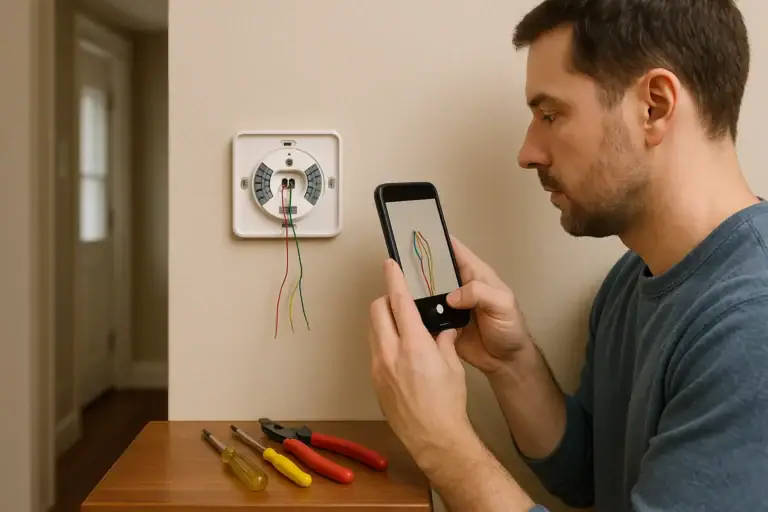 How to Install a Smart Thermostat Safely
 Smart Thermostat Blank After Power Outage: What To Check
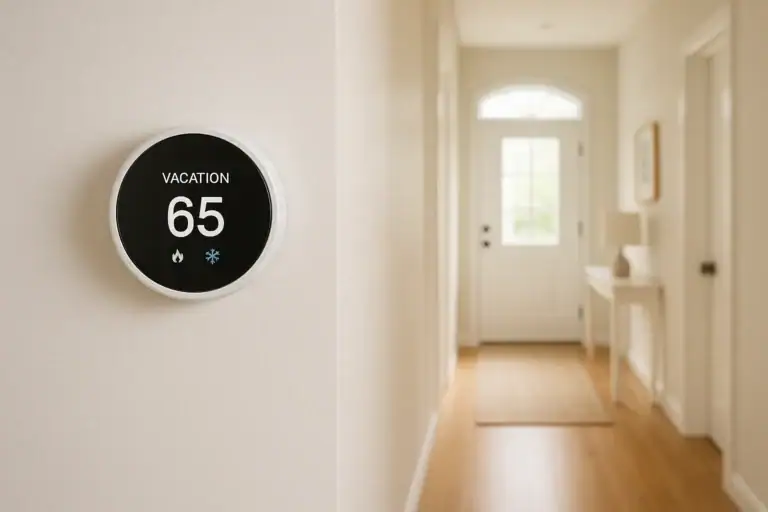 Smart Thermostat Vacation Mode Settings: A Complete Homeowner Guide