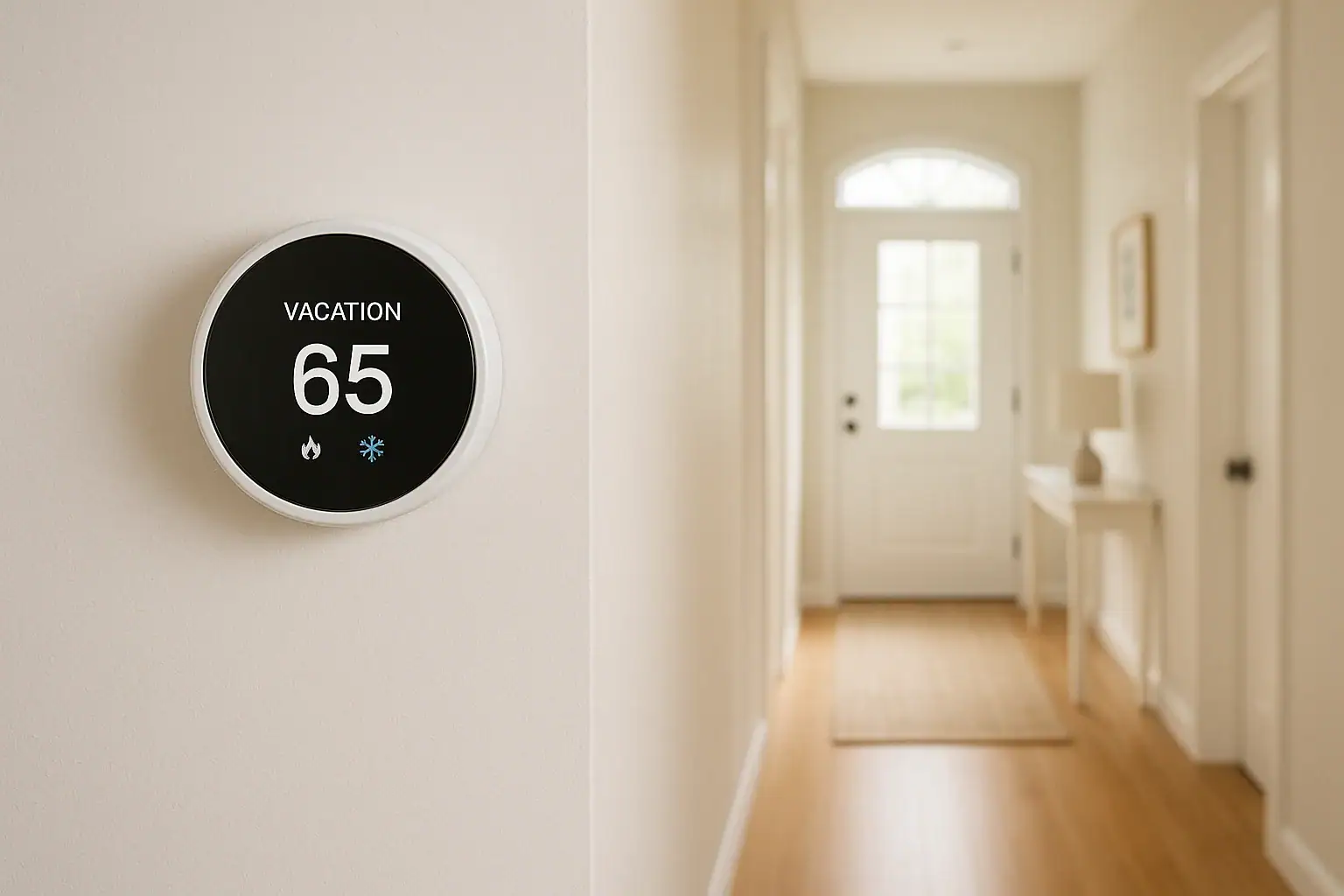
Heading out of town is exciting, but it also means leaving your home unattended. One of the easiest ways to protect your home and avoid wasting money while you are away is to use your smart thermostat’s vacation mode settings correctly. When set up well, vacation mode keeps your home safe from extreme temperatures, prevents frozen pipes, reduces humidity problems, and cuts energy bills without sacrificing comfort when you return.
This guide walks you through how vacation mode works, recommended temperature ranges for different seasons, and practical step‑by‑step settings you can follow before you leave. You will also learn how to coordinate your thermostat with other smart home and safety devices so your whole home works together while you are on vacation. Whether you are gone for a weekend or several weeks, these tips will help you come back to a comfortable, well‑protected home.
What Is Vacation Mode on a Smart Thermostat?
Vacation mode is a temporary schedule that tells your smart thermostat to use energy‑saving temperatures while you are away, then return to your normal comfort schedule when you get back. Instead of heating or cooling an empty house as if you were home, the thermostat maintains a safe but more efficient temperature range.
Most smart thermostats offer some version of vacation or away mode. It may be called:
- Vacation mode
- Holiday mode
- Away schedule
- Hold temperature
Regardless of the name, the goal is the same: reduce energy use while avoiding damage to your home and belongings. The thermostat will typically ignore your normal daily schedule until the end of the vacation period or until you manually turn it off.
Benefits of Using Vacation Mode Instead of Turning Your System Off
It can be tempting to simply turn your heating or cooling system off before a trip. However, vacation mode offers several important advantages over a complete shutdown.
1. Protects Your Home From Temperature Extremes
In winter, turning the heat off completely can allow indoor temperatures to drop low enough to freeze pipes, damage flooring, or harm electronics and stored items. In summer, shutting off cooling can lead to excessive heat and humidity that may damage wood, paint, and sensitive electronics.
2. Saves Energy Without Risk
Vacation mode lets you raise or lower the temperature to a more efficient setting without going to risky extremes. You are not paying to keep the home as comfortable as when you are present, but you still maintain a safe range.
3. Provides a Comfortable Return
Many smart thermostats can start heating or cooling before you arrive home. When you set an end date and time for vacation mode, your system can bring the house back to your normal comfort temperature so you walk into a pleasant environment instead of a freezing or sweltering house.
4. Supports Other Smart Home and Safety Devices
Stable indoor temperatures help other devices work better. For example:
- Water leak and freeze sensors are less likely to trigger false alarms.
- Smart locks and cameras stay within safe operating temperatures.
- Smoke and carbon monoxide detectors operate in a more stable environment.
Recommended Vacation Mode Temperature Settings
The best vacation mode settings depend on the season, your local climate, and your home’s insulation. The goal is to balance energy savings with protection for your home and belongings.
Winter Vacation Mode Settings
In cold weather, your main concern is preventing frozen pipes and moisture damage while avoiding unnecessary heating costs.
General winter guidelines for a typical US home:
- Minimum heat setting: 55–60°F to protect pipes and structure
- Recommended range: 58–62°F for most homes
- Colder climates or drafty homes: Aim closer to 62°F
Factors that may justify a slightly higher setting:
- Plumbing runs through uninsulated exterior walls
- You have an older home with poor insulation
- You store temperature‑sensitive items such as musical instruments or artwork
Summer Vacation Mode Settings
In hot weather, the main concerns are excessive heat, humidity, and the impact on wood, finishes, and electronics.
General summer guidelines for a typical US home:
- Maximum cooling setpoint: 80–85°F
- Recommended range: 78–82°F for most homes
- Very humid regions: Consider 76–80°F to better control humidity
If your thermostat allows humidity control, set a maximum indoor humidity target, often around 50–55 percent. This helps prevent mold and protects wood furniture and floors.
Short Trips vs. Long Trips
Your trip length can also influence your settings:
- Weekend or 3–4 day trip: Adjust 3–5°F from your normal schedule.
- One to two weeks: Use the full vacation ranges above.
- More than a month: Stay within safe ranges, but consider the condition of stored items, houseplants, and any pets or aquariums that will remain in the home.
How to Set Vacation Mode on a Smart Thermostat
Exact steps vary by model, but most smart thermostats follow a similar process. Use this as a general checklist and adjust for your specific device.
Step 1: Open the Thermostat App or Wall Unit Menu
Before your trip, open the thermostat’s mobile app or use the wall unit. Look for options labeled schedule, away, vacation, or hold.
Step 2: Choose Vacation or Away Mode
Once in the scheduling or mode menu:
- Select the option to create a vacation or away schedule.
- If there is no dedicated vacation mode, choose a temporary hold or custom schedule that spans your travel dates.
Step 3: Set Start and End Dates and Times
Enter the date and time you plan to leave and the date and time you expect to return. Many thermostats will automatically resume your normal schedule at the end time.
If you are not sure exactly when you will be home, set a conservative end time and remember that you can adjust it from your phone while you travel.
Step 4: Choose Your Vacation Temperatures
Set your heating and cooling setpoints based on the season:
- Winter: Heat set to around 58–62°F, cooling usually off unless needed for equipment or pets.
- Summer: Cooling set to around 78–82°F, heat off unless nights can get unusually cool.
If your thermostat supports separate heating and cooling setpoints in auto mode, set a safe range. For example, 60°F for heat and 82°F for cooling.
Step 5: Confirm and Save
Review your start and end times and your temperature settings. Confirm and save the vacation schedule. Make sure the thermostat displays the vacation or away status before you leave.
Step 6: Test Remote Access
Before your trip, step outside your home and confirm that you can adjust the thermostat from your phone using cellular data. This ensures you can make changes while you are away if needed.
Special Considerations for Winter Trips
Winter vacations require extra attention because of the risk of frozen pipes and water damage. Use these additional tips when setting vacation mode in cold weather.
Protecting Pipes and Plumbing
- Keep the heat set no lower than 55–60°F, especially in colder regions.
- Open cabinet doors under sinks on exterior walls so warm air can circulate around pipes.
- If you have a basement, ensure vents and doors are open enough for heat to reach vulnerable plumbing.
- Consider shutting off the main water supply and draining faucets if you will be gone for an extended period and your area is prone to deep freezes.
Coordinating With Freeze Sensors
If you use smart freeze or water leak sensors, verify that their alert temperatures align with your vacation mode settings. For example, if a sensor alerts at 45°F, your thermostat setting should be high enough that the home never gets close to that threshold under normal conditions.
Special Considerations for Summer Trips
Summer heat and humidity can be just as damaging as winter cold. When using vacation mode in hot weather, think about more than just comfort.
Managing Heat Buildup
- Set cooling to no higher than 80–82°F in most US climates.
- Close blinds or curtains on sun‑exposed windows to reduce solar heat gain.
- Leave interior doors open so air can circulate more freely throughout the home.
Controlling Humidity
High humidity can cause mold growth, musty odors, and damage to wood floors and furniture. If your thermostat or system supports humidity control:
- Set a maximum indoor humidity target around 50–55 percent.
- Use dehumidification features that work alongside your cooling system.
- In very humid regions, consider a slightly lower temperature setpoint to help the system remove more moisture.
Using Geofencing and Smart Home Integrations
Some smart thermostats and home systems can automatically adjust settings based on your location or the status of other devices. This can make vacation mode easier and more reliable.
Geofencing for Automatic Away Mode
Geofencing uses your phone’s location to determine if you are home or away. When the last registered phone leaves a defined area around your home, the system can switch to away or vacation settings automatically.
Tips for using geofencing:
- Enable location services on your smartphone and in the thermostat app.
- Include all household members who regularly come and go.
- Test geofencing on a normal day to make sure it behaves as expected.
Integrating With Other Smart Devices
For a more complete home and safety setup while you travel, coordinate your thermostat with:
- Smart locks: Lock doors automatically when the home switches to away mode.
- Smart lights: Use schedules or occupancy simulations to make the home appear lived‑in.
- Security cameras: Adjust motion sensitivity and notifications when you are away.
- Water leak sensors: Receive alerts if a leak occurs while you are gone.
Common Vacation Mode Mistakes to Avoid
Even with a smart thermostat, a few simple mistakes can reduce protection or waste energy. Watch out for these issues before you leave.
Setting Temperatures Too Extreme
Trying to maximize savings by setting the temperature too low in winter or too high in summer can backfire. You may risk frozen pipes, mold, or damage to belongings. Stay within the recommended ranges and consider your local climate.
Forgetting to Resume Normal Settings
If you do not set an end time for vacation mode, you may come home to an uncomfortable house and spend hours waiting for it to reach a normal temperature. Always set an end time or use your phone to switch back to your regular schedule a few hours before you arrive.
Ignoring System Maintenance
Vacation mode cannot make up for poor system maintenance. Before long trips, verify that:
- Air filters are clean.
- Vents and returns are not blocked.
- Any recent system issues or error codes have been addressed.
Safety and Security Tips to Pair With Vacation Mode
Smart thermostat vacation settings are one piece of a larger smart home and safety plan. Consider these additional steps before you travel.
Before You Leave
- Test smoke and carbon monoxide detectors.
- Verify that door and window sensors, if installed, are working.
- Set smart lights on varied schedules to simulate occupancy.
- Confirm that security cameras and doorbell cameras are online and recording.
- Share emergency contact information and, if appropriate, limited access with a trusted neighbor or friend.
While You Are Away
- Periodically check your thermostat app to confirm that the home temperature is within your expected range.
- Review alerts from water leak sensors, smoke detectors, and security systems promptly.
- If extreme weather is forecast, adjust your thermostat settings remotely to provide extra protection.
Adjusting Vacation Settings for Different Home Types
Not all homes respond to temperature changes in the same way. Tailor your vacation mode settings based on how your home is built and used.
Apartments and Condos
- Shared walls often reduce heat loss and gain, so you may be able to use slightly more aggressive energy‑saving settings.
- Check building rules; some communities require minimum heat settings in winter.
- Consider neighbors above or below you who may be affected by extreme temperature changes.
Single‑Family Homes
- Larger homes may take longer to heat or cool back to normal, so plan your end time accordingly.
- Pay attention to unconditioned spaces such as garages, attics, and crawl spaces where pipes or equipment may be located.
Vacation Homes and Rentals
- Use persistent away schedules when the home is unoccupied for long stretches.
- Set clear temperature limits for guests and use remote monitoring to ensure the system is not misused.
- Coordinate thermostat settings with any professional property management services you use.
Simple Pre‑Trip Checklist for Smart Thermostat Vacation Mode
Use this quick checklist as you prepare to leave:
- Confirm your thermostat is connected to Wi‑Fi.
- Enable vacation or away mode in the app or on the wall unit.
- Set start and end dates and times.
- Choose safe, energy‑saving temperatures for the season.
- Test remote access from your phone using cellular data.
- Coordinate with other smart home devices and alerts.
- Walk through the home to check vents, windows, and doors.
With these steps in place, you can leave home with confidence, knowing your smart thermostat is helping protect your property and manage energy use while you enjoy your time away.
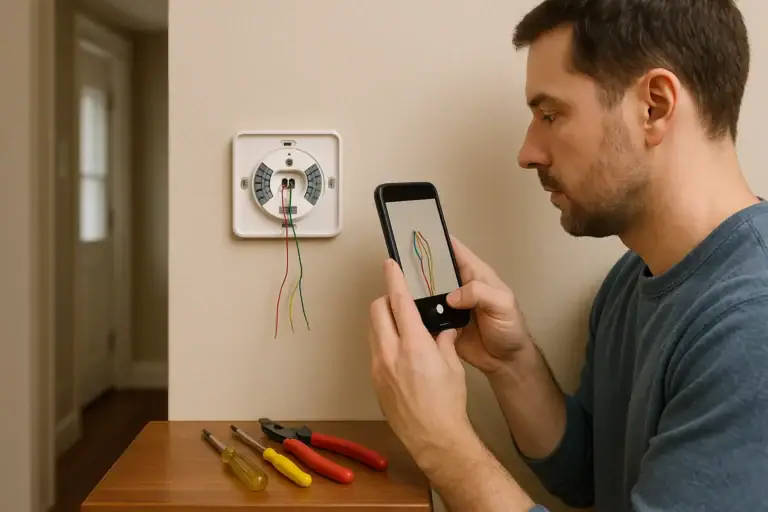 How to Install a Smart Thermostat Safely
 What Is a Smart Thermostat and How Does It Work?
 Smart Thermostat Blank After Power Outage: What To Check