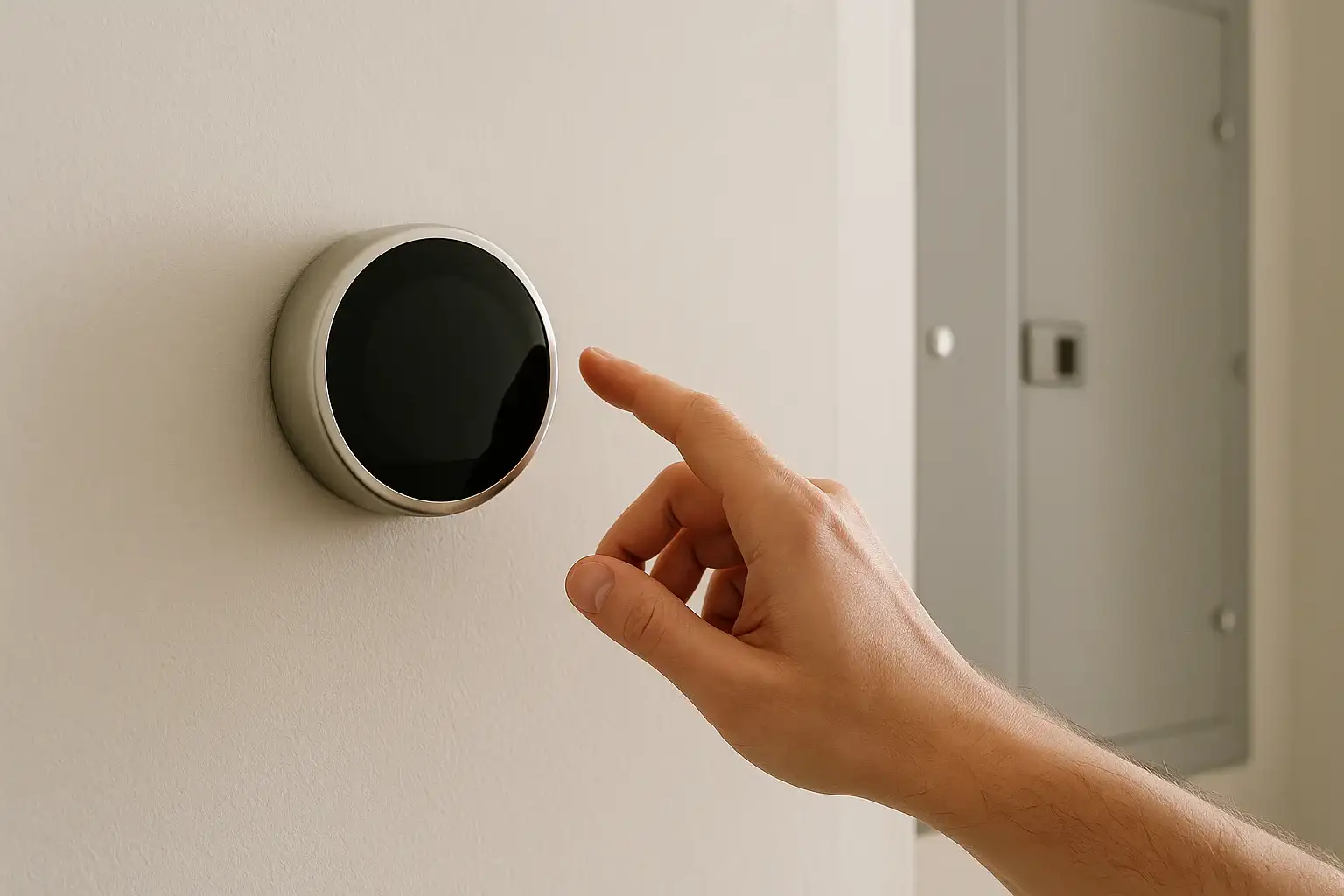
First steps when your smart thermostat is blank
If your smart thermostat screen is blank after a power outage, it usually means it is not getting power. In many cases, the thermostat itself is fine and the problem is with the breaker, furnace or air handler power, or low-voltage wiring.
Before you start, know that your thermostat is powered by low-voltage wiring that ultimately connects to high-voltage equipment. If you are not comfortable around electrical panels or furnace wiring, stop and call a qualified HVAC technician or electrician.
Here is a safe, step-by-step way to narrow down the cause and decide what you can handle yourself versus what needs a pro.
Step 1: Confirm the rest of the house has power
- Check that lights and outlets near the thermostat and HVAC equipment are working.
- If only part of the home is out, you may have a tripped breaker or blown fuse feeding that area.
If the whole home is still without power, your thermostat will stay blank until service is restored.
Step 2: Check the HVAC breaker and any switches
Smart thermostats usually get power from the furnace, air handler, or boiler. If that equipment lost power during the outage, the thermostat screen often goes dark.
- Find your main electrical panel. It is often in a basement, garage, utility room, or outside.
- Look for breakers labeled: “Furnace,” “Air Handler,” “HVAC,” “AC,” or similar.
- Reset any tripped breakers:
- If a breaker handle is in the middle or feels loose, push it firmly to OFF, then back to ON.
- If it immediately trips again, do not keep resetting it. Call a professional; there may be a fault in the system.
- Check any furnace or air handler switch:
- Many systems have a regular wall switch near the unit that looks like a light switch.
- Make sure it is in the ON position.
If the breaker was tripped and now stays on, give the system a few minutes. Some thermostats take a short time to reboot after power is restored.
Step 3: Look for a furnace or air handler door safety switch
Most furnaces and air handlers have a safety switch that cuts power when the front panel is removed. A power outage or service visit may have left the panel slightly ajar.
- Turn the furnace or air handler switch OFF for safety.
- Check that the front access panel is fully seated and latched.
- Turn the switch back ON and wait a few minutes.
If the panel was loose, restoring it can bring power back to the thermostat.
Step 4: Check for a blown low-voltage fuse on the furnace board
Many modern furnaces and air handlers have a small low-voltage fuse (often 3–5 amp, blade-style) on the control board. A power surge during an outage can blow this fuse, cutting power to the thermostat.
Important: This step involves opening the equipment cabinet. If you are not comfortable doing this, or if your local codes require a professional, stop and call an HVAC technician.
- Turn off power to the furnace or air handler at the switch and breaker.
- Remove the access panel to expose the control board.
- Look for a small automotive-style fuse on the board.
- If the metal strip inside the fuse is broken or burned, it is blown.
- Replace it only with the same type and rating, if you are allowed and comfortable doing so.
If the new fuse blows again, there is likely a short in the thermostat wiring or components. Do not keep replacing fuses; call a professional.
Step 5: Verify thermostat batteries (if your model uses them)
Some smart thermostats use batteries as a backup or primary power source. A power outage can coincide with weak batteries finally dying.
- Remove the thermostat from its wall plate or open the battery compartment.
- Replace batteries with fresh ones in the correct orientation.
- Reattach the thermostat and wait a minute to see if the screen lights up.
If new batteries do not help, the thermostat may not be getting enough power from the HVAC system, or there may be a wiring issue.
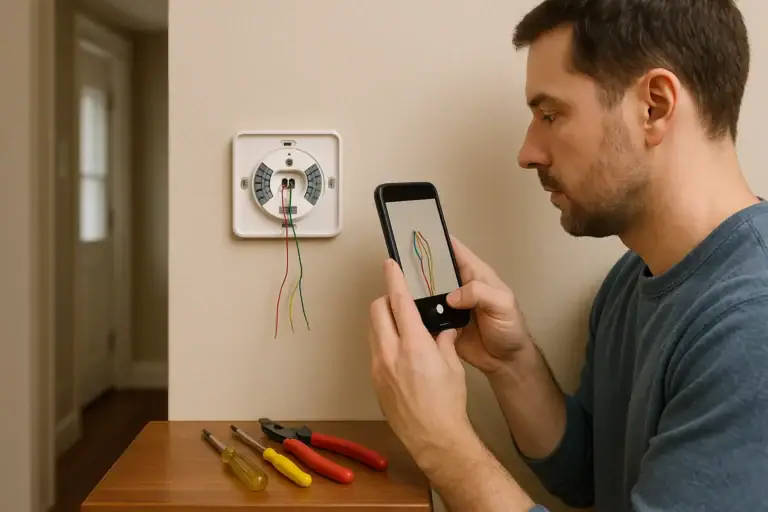
Step 6: Inspect thermostat wiring for obvious issues
Power surges and outages can sometimes loosen or damage low-voltage wiring. Only do visual checks; do not touch bare wires with power on.
- Turn off power to the furnace or air handler at the breaker.
- Remove the thermostat from the wall plate.
- Look for:
- Loose wires that have slipped out of their terminals
- Corroded or damaged wire ends
- Exposed copper touching other terminals
If you see a wire clearly out of its terminal and you are comfortable, you can:
- Loosen the terminal screw or release the clamp.
- Strip a small amount of insulation if needed (with the power off).
- Reinsert the wire firmly into the correct labeled terminal (for example, R, C, W, Y, G).
After reattaching, restore power and see if the thermostat boots up. If you are unsure about wire labeling or connections, it is safer to leave this to an HVAC technician.
Step 7: Give the system time to reboot
Some HVAC systems and smart thermostats have built-in delays after power is restored. This protects compressors and other components from rapid cycling.
- After restoring power, wait 3–5 minutes before assuming the thermostat has failed.
- Watch for any faint backlight, logo, or boot screen.
If the screen stays completely blank after several minutes, move on to the next checks.
When the thermostat is still blank: likely causes
If you have restored power, checked breakers and switches, confirmed the furnace panel is secure, and the thermostat is still blank, these are common possibilities:
- Blown low-voltage fuse on the furnace or air handler control board
- Damaged control board from a power surge
- Shorted thermostat wiring (for example, from a nail through the wall or insulation damage)
- Failed thermostat due to surge or internal fault
At this point, most homeowners are better off calling a qualified HVAC technician. They can safely test low-voltage circuits, control boards, and the thermostat itself with a multimeter.
Surge protection and prevention for next time
Power outages and the surges that follow can stress sensitive electronics, including smart thermostats and HVAC control boards.
- Ask an electrician about whole-house surge protection at your main panel.
- Use surge-protective devices where appropriate, following manufacturer instructions.
- Consider having an HVAC professional review your system wiring and low-voltage fuse protection.
The U.S. Department of Energy offers general guidance on thermostats and home energy systems, which can help you understand how your smart thermostat fits into the broader system.
When to call a professional immediately
Stop troubleshooting and contact a licensed HVAC technician or electrician if:
- A breaker will not reset or keeps tripping.
- You smell burning, see scorch marks, or hear buzzing from the panel or HVAC equipment.
- You are unsure how to safely access the furnace or air handler interior.
- You suspect damage to wiring inside walls.
For more smart home and safety guidance, including how connected devices interact with your electrical and HVAC systems, explore the Smart Home & Safety hub at Signature Home Guide.
Quick recap
- Most blank smart thermostats after an outage are caused by lost power from a tripped breaker, open furnace door switch, or blown low-voltage fuse.
- Start with simple, safe checks: whole-house power, HVAC breakers, switches, and thermostat batteries.
- If the thermostat stays blank after these steps, or if breakers or fuses keep failing, it is time for a qualified professional to diagnose the system.
 How to Install a Smart Thermostat Safely
 What Is a Smart Thermostat and How Does It Work?
 GFCI Outlet Will Not Reset: Simple Checks and When to Call Help