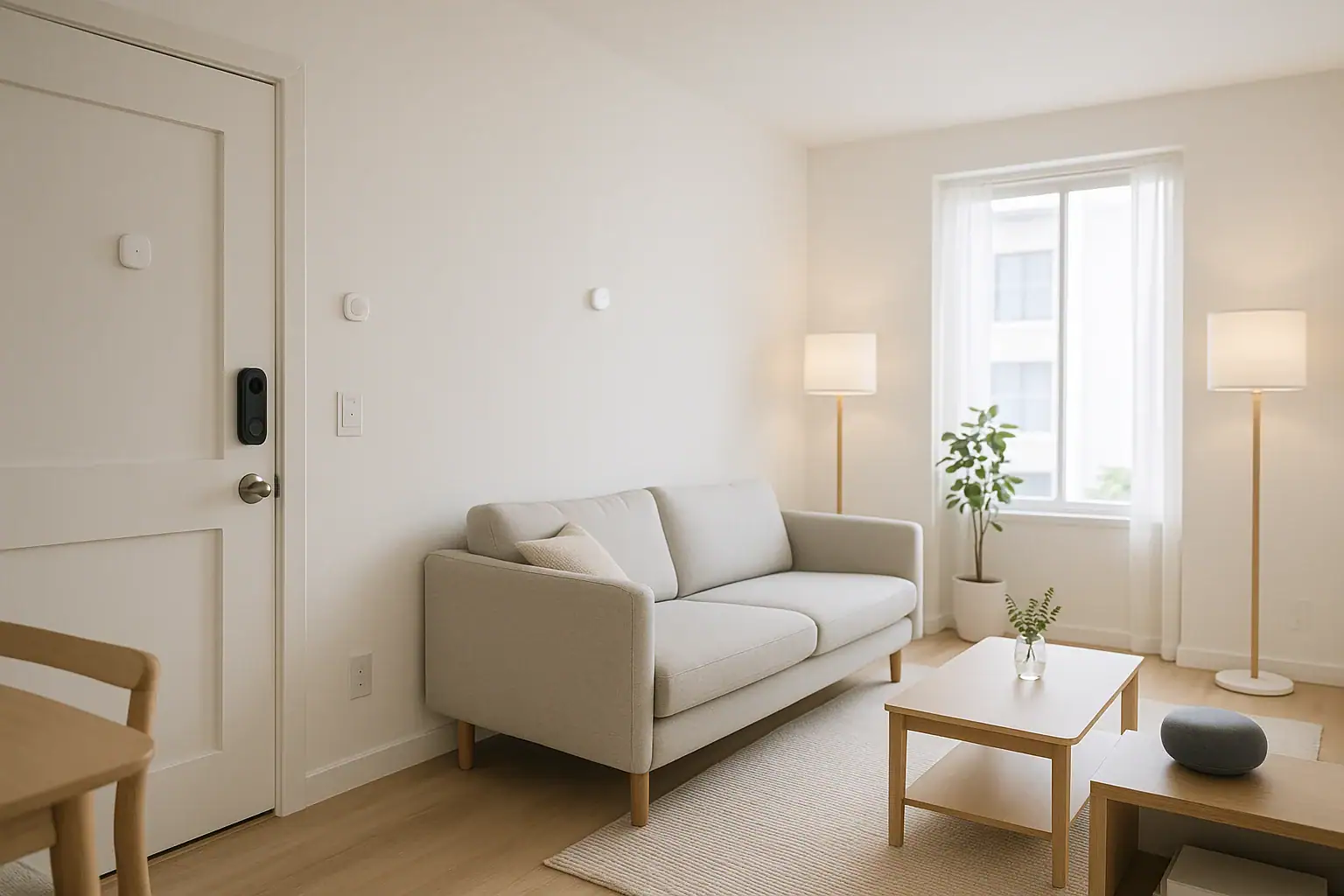
Living in a rental does not mean you have to miss out on smart home convenience and extra security. Many modern devices are designed specifically for renters, with simple installation methods that avoid drilling, rewiring, or permanent changes to the property. With the right choices, you can enjoy keyless entry, better lighting, and peace of mind security while still protecting your deposit and staying within your lease rules.
This guide walks through renter-friendly smart home options that do not require drilling, how to choose the right devices for your space, and practical tips for installing and removing everything cleanly when it is time to move. Whether you are in a studio apartment or a single-family rental, you can build a smart home that feels comfortable, safe, and easy to control from your phone.
Before You Start: Check Your Lease and Plan Your Setup
Before buying any smart home devices, take a few minutes to review your lease and think about how you use your space day to day.
Review Lease Restrictions
Most leases include rules about changes to the property. Look for sections that mention:
- Drilling into doors, windows, or exterior walls
- Replacing locks or door hardware
- Altering electrical wiring or light fixtures
- Mounting equipment on the exterior of the building
If anything is unclear, send a short, polite email to your property manager and ask for written approval before installing devices that might be considered modifications. Save that approval in case questions come up later.
Decide Your Priorities
You do not need to automate everything at once. Focus on one or two goals:
- Security: See who is at the door, monitor entry points, and get alerts for unexpected motion.
- Comfort: Automate lighting, temperature, and fans for a more comfortable living space.
- Convenience: Use voice control, routines, and app control to simplify daily tasks.
- Energy savings: Cut down on wasted heating, cooling, and lighting.
Once you know your top priorities, you can choose renter-friendly devices that deliver the biggest benefits with the least hassle.
No-Drill Smart Entry and Access Options
Entry is one of the most important areas for renters, but it is also where leases are strictest. Many landlords do not allow replacing the main lock or drilling into the door. Fortunately, there are alternatives that keep your lease intact.
Smart Locks That Do Not Replace the Deadbolt
Some smart locks are designed to work with your existing deadbolt on the inside of the door only. They typically:
- Attach over the interior thumb turn using a clamp or adapter
- Leave the exterior keyhole and hardware unchanged
- Allow you to lock and unlock with a phone or keypad while still using your regular key
Because the exterior hardware stays the same, these options are usually more acceptable to landlords. Always confirm that you are not removing any original parts permanently and that you can return the lock to its original state when you move out.
Keypads and Access Without Drilling
If you want keyless entry but cannot install a hardwired keypad, consider:
- Adhesive-mounted keypads: Battery-powered keypads that stick to the wall or door frame with strong removable adhesive.
- Portable lock boxes: Combination lock boxes that hang from the doorknob or railing, useful for spare keys or guests.
Look for devices that clearly state they are surface-mounted and removable. When you move out, you can remove the adhesive carefully and clean any residue with a gentle adhesive remover that will not damage paint.
Smart Doorbells Without Drilling
Traditional video doorbells often require drilling into the wall or door frame and connecting to existing doorbell wiring. For renters, wireless options are usually better:
- Battery-powered doorbells: Attach to the wall or door with adhesive strips or a no-drill bracket that grips the door frame.
- Peephole cameras: Replace the interior portion of an existing peephole while leaving the door intact. Many can be reinstalled in a new rental with a similar peephole size.
Before installing, confirm with your landlord that you are not altering the door permanently. Emphasize that the device is removable and that you will restore the original hardware when you leave.
No-Drill Smart Security for Apartments and Rentals
Security is one of the biggest reasons renters explore smart home technology. You can add cameras and sensors without drilling into walls or running wires through the building.
Indoor Cameras With Flexible Mounting
Indoor cameras can help you keep an eye on pets, packages, or your front door area from inside your unit. Renter-friendly features include:
- Freestanding bases: Place the camera on a shelf, table, or windowsill.
- Magnetic mounts: Attach to a metal surface like a refrigerator or metal door frame.
- Adhesive or removable mounts: Use peel-and-stick mounts rated to hold the camera securely without drilling.
Position cameras so they face interior spaces or your private entry. Avoid pointing them at shared hallways, elevators, or neighboring units, which can raise privacy concerns.
Contact Sensors Without Screws
Contact sensors alert you when a door or window opens. Many are designed for adhesive installation:
- One piece attaches to the door or window frame
- The other attaches to the moving part of the door or window
- They communicate wirelessly with a hub or your phone
Choose sensors with:
- Pre-applied adhesive backing
- Battery power instead of wired power
- Compact size so they are less noticeable
When you move out, gently twist the sensors off and use a plastic card or dental floss to separate any adhesive without pulling off paint.
Motion Sensors and Alarms
Standalone motion sensors and sirens can add a layer of security without professional installation. Look for devices that:
- Plug into an outlet or run on batteries
- Use adhesive or freestanding stands instead of screw mounts
- Connect to your phone or smart hub for alerts
These can be especially useful near entryways, hallways, or patio doors. Place them where they will not be triggered constantly by pets or routine movement.
Renter-Friendly Smart Lighting Upgrades
Lighting is one of the easiest and most impactful smart upgrades for renters. You can transform the feel of your home without touching any wiring or drilling into walls.
Smart Bulbs
Smart bulbs are the most straightforward option. They screw into existing light fixtures and lamps, just like regular bulbs, and connect to your Wi-Fi or a hub. Benefits include:
- Remote control from your phone
- Scheduling for wake-up and bedtime routines
- Dimming and color temperature adjustments without a dimmer switch
- Scene presets for reading, movie nights, or work
Because you are not changing the fixture itself, smart bulbs are almost always lease-friendly. When you move, simply swap them back to standard bulbs and take your smart bulbs with you.
Smart Plugs for Lamps and Small Appliances
Smart plugs sit between the wall outlet and your device’s power cord. They are perfect for:
- Floor and table lamps
- String lights
- Fans and space heaters (within safe power limits)
- Coffee makers and small kitchen appliances
With smart plugs, you can:
- Turn devices on and off from your phone
- Create schedules and timers
- Set up routines, such as turning off all lamps at bedtime
Because they plug in like any other device and do not require drilling or wiring, smart plugs are ideal for renters and can be reused in your next home.
Adhesive LED Light Strips
LED light strips can add accent lighting under cabinets, behind TVs, or along shelves. Many smart versions offer:
- Peel-and-stick adhesive backing
- Color and brightness control via app
- Scheduling and scene options
To keep them renter-friendly:
- Test a small section of adhesive on an out-of-sight area first
- Avoid sticking strips to textured or delicate painted surfaces
- Consider using removable mounting clips instead of direct adhesive on walls
Climate Control and Comfort Without Hardwiring
In many rentals, the thermostat is off-limits. Even if you cannot replace the main thermostat, you still have options for smarter temperature control and comfort.
Portable Smart Thermostats and Room Sensors
If your landlord allows it, some smart thermostats can replace the existing unit and be swapped back when you move. If that is not allowed, consider:
- Room temperature sensors that help you monitor hot and cold spots
- Smart plugs connected to space heaters or fans (used safely and within guidelines)
- Window and door sensors that remind you when openings are left ajar
These tools help you stay comfortable and avoid wasting energy, even if you cannot modify the main heating and cooling controls.
Smart Window Coverings Without Drilling
Some smart shade kits are designed for renters and attach to existing blinds or shades using clamps or adhesive instead of screws. They can:
- Open and close blinds on a schedule
- Respond to sunlight or temperature conditions
- Be controlled by app or voice
Always confirm that any adhesive or clamping mechanism will not damage the window frame or existing blinds. When in doubt, test on a small area or choose a non-motorized option.
Voice Control and Hubs for Renters
Voice assistants and smart hubs can tie your devices together into a simple, renter-friendly system.
Choosing a Voice Assistant
Most voice assistants are compact speakers or displays that plug into a wall outlet. They do not require drilling or permanent installation. When choosing one, consider:
- Which devices you already own and want to control
- Whether you prefer voice-only or a screen for visual controls
- Privacy settings and microphone controls
Place the device in a central area, such as the living room or kitchen, where it can hear you clearly.
Do You Need a Dedicated Hub?
Some smart devices connect directly to Wi-Fi, while others use a hub or bridge. A hub can:
- Improve reliability for multiple devices
- Allow local control even if the internet is down
- Support low-power sensors and switches
Hubs usually sit on a shelf near your router and plug into power and Ethernet. They are completely portable, so you can take them with you to your next rental.
Installation Tips for No-Drill Smart Home Devices
Even when drilling is not required, careful installation helps you avoid damage and keep your landlord happy.
Use Removable Mounting Solutions
Whenever possible, choose mounting options that are clearly labeled as removable. Common options include:
- Removable adhesive strips rated for the device’s weight
- Adhesive hooks and cable clips for routing cords neatly
- Freestanding stands or clamps that grip shelves or door frames
Follow the manufacturer’s instructions for surface preparation and curing time so the adhesive can reach full strength before putting weight on it.
Protect Surfaces and Cables
To keep your rental in good shape:
- Avoid running cables across doorways or high-traffic areas
- Use cable covers or cord channels along baseboards instead of taping cords directly to painted walls
- Label power adapters so you can reconnect everything easily after moving furniture or traveling
Document Your Setup
Take a few photos of:
- How devices are mounted
- Original hardware before any temporary changes
- Any written approvals from your landlord
These photos will help you restore everything to its original condition when you move out and provide proof that you respected the property.
Moving Out: How to Remove Smart Devices Cleanly
When your lease ends, you want to leave the unit looking just like it did when you moved in. With no-drill devices, removal is usually straightforward.
Step-by-Step Removal Checklist
- Power down and unplug all smart devices.
- Remove smart bulbs and replace them with standard bulbs.
- Detach adhesive-mounted sensors, keypads, and cameras slowly, following the adhesive manufacturer’s directions.
- Clean any remaining residue with a gentle adhesive remover and a soft cloth.
- Reinstall any original hardware you temporarily removed, such as standard lock thumb turns or peephole covers.
Do a final walkthrough to check for any marks or residue. Address small issues before your landlord’s inspection to avoid deposit deductions.
Building a Smart Home That Moves With You
One of the biggest advantages of renter-friendly smart home devices is that they are portable. Almost everything in your setup can come with you to your next place. Over time, you can build a collection of smart bulbs, plugs, sensors, and hubs that adapt to each new home without major installation work.
By focusing on no-drill, no-wiring options, you can enjoy the comfort, security, and convenience of a smart home while protecting your deposit and staying on good terms with your landlord. Start with a few key devices that match your priorities, learn how they fit into your daily routines, and expand from there. A smarter, safer rental is well within reach without picking up a drill.
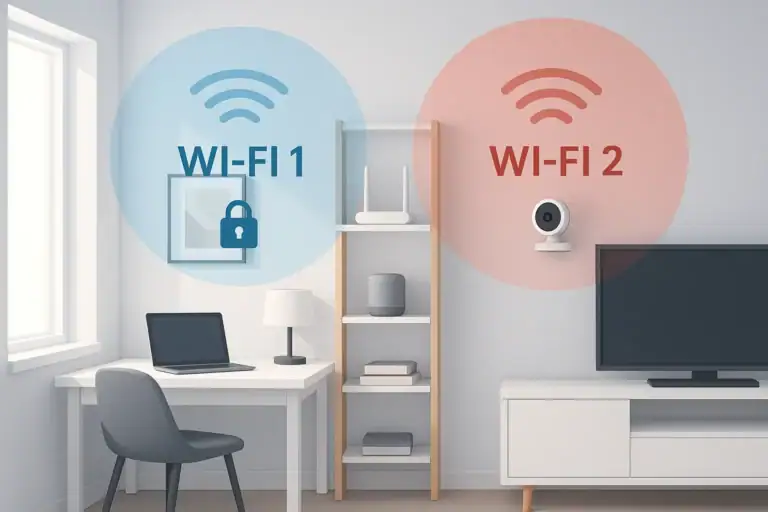 How to Set Up a Secure Home WiFi Guest Network for Smart Devices
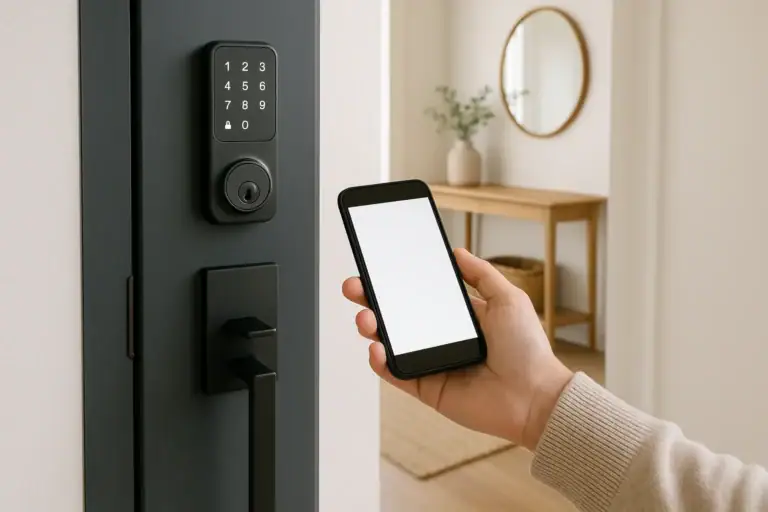 Smart Lock Guest Code Audit Checklist
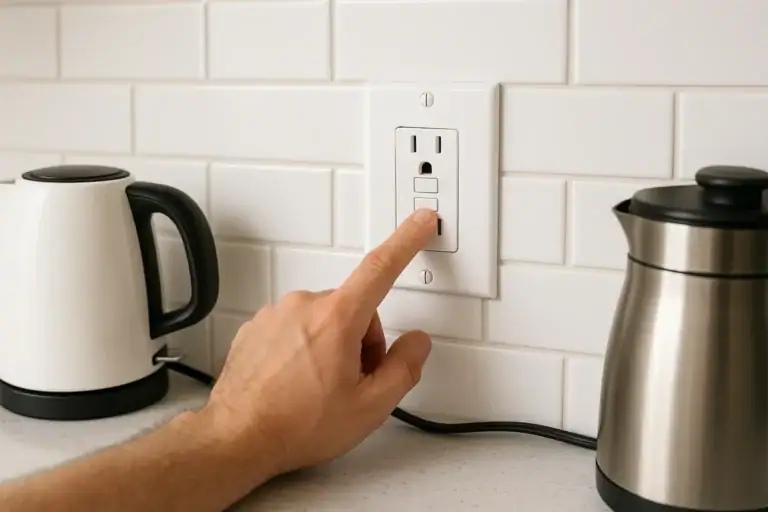 GFCI Outlet Will Not Reset: Simple Checks and When to Call Help