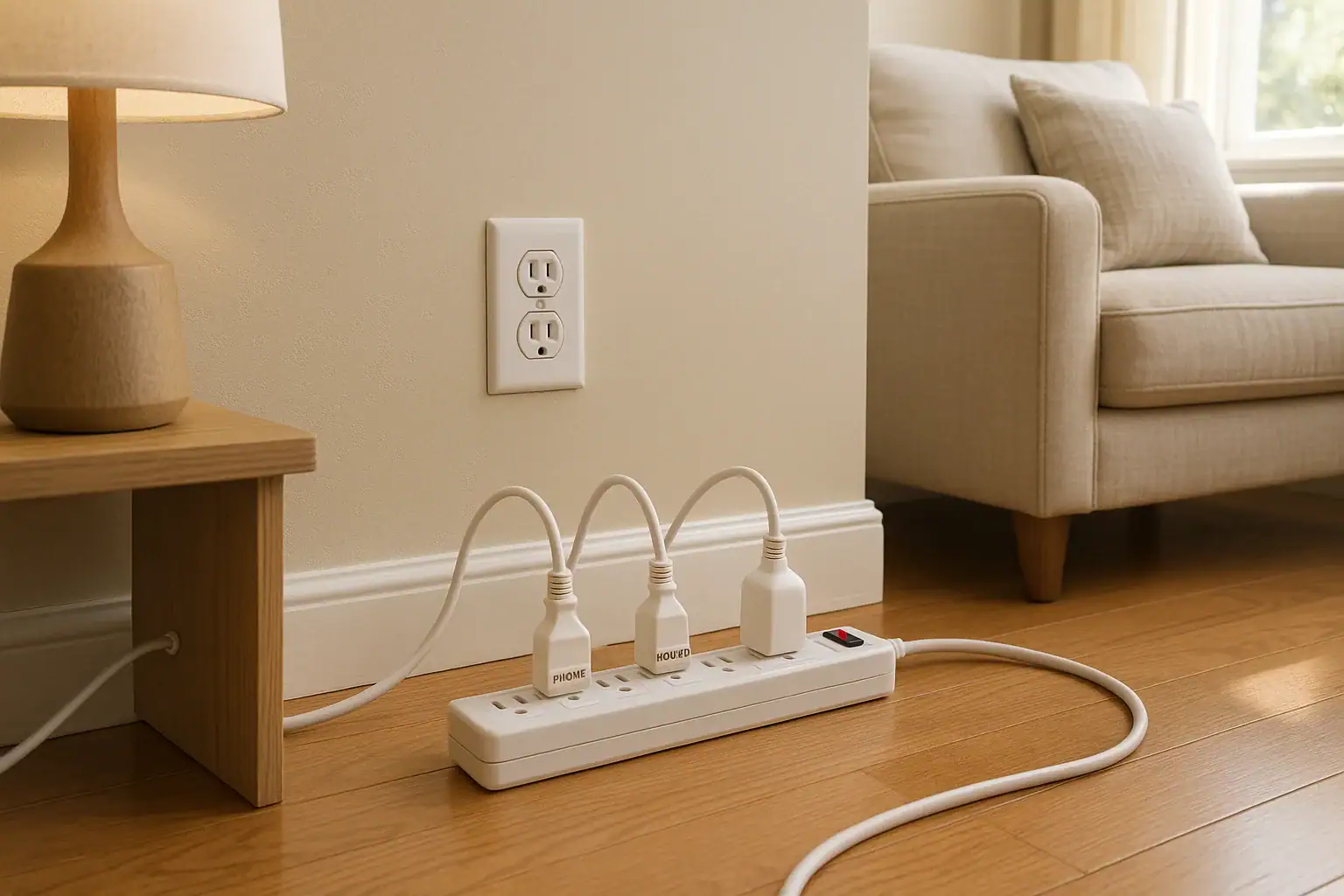
Modern homes rely on more plug-in devices than ever before, but most outlets were not designed with today’s power demands in mind. Overloaded outlets and misused power strips are a leading cause of preventable home fires. The good news is that you can dramatically reduce your risk by learning the warning signs of overload and following a few simple safety habits. This guide walks you through what to look for, how to use power strips correctly, and when you should call a qualified electrician. The goal is to help you keep your home comfortable and connected without putting your family or property at risk.
Why Outlet Overload Is a Serious Safety Risk
Every outlet and circuit in your home is designed to handle only a certain amount of electrical load. When you plug in too many devices, or a few devices that draw a lot of power, you can exceed that safe limit. This is called an overload.
Overloading does not always cause an instant failure. Often, the wiring and connections heat up slowly over time. That heat can damage insulation, weaken connections, and in the worst cases, ignite nearby materials. Even if a fire never starts, repeated overloads can shorten the life of your electrical system and appliances.
Understanding the signs of overload and respecting the limits of your outlets and power strips is one of the most important steps you can take to improve home safety.
Common Signs Your Outlet or Circuit May Be Overloaded
Overload is not always obvious. Pay attention to these warning signs around outlets, cords, and power strips. If you notice any of them, reduce the load and consider having the circuit checked.
1. Warm or Hot Outlet Covers and Plugs
It is normal for some devices, like chargers or small transformers, to feel slightly warm. However, the outlet faceplate itself should not feel hot.
- Outlet cover feels warm or hot to the touch
- Plug blades are hot when you unplug a device
- Discoloration or browning around the outlet slots
These are strong clues that the outlet is carrying more current than it should, or that connections inside are loose and generating heat.
2. Frequently Tripping Breakers or Blown Fuses
Your circuit breaker or fuse is designed to protect wiring from overload. If a breaker trips often, especially when multiple devices are in use, it is signaling a problem.
- Breaker trips when you use several devices at once
- Lights dim or flicker when a large appliance turns on
- You reset the same breaker repeatedly in a short period
Do not ignore a breaker that keeps tripping. Repeated resets without fixing the cause can be dangerous.
3. Buzzing, Crackling, or Sparking
Electricity should be silent. Any noise or visible sparking from an outlet or power strip is a red flag.
- Buzzing or crackling sounds when you plug in or use devices
- Small sparks when inserting or removing a plug
- Intermittent power when a plug is jiggled
These signs may indicate loose connections, worn contacts, or damage from past overloads. Stop using that outlet or strip until it is inspected.
4. Burning Smell or Scorch Marks
A burning odor near an outlet, power strip, or wall is an urgent warning sign.
- Smell of hot plastic or burning near outlets or strips
- Yellowing, browning, or black scorch marks on covers
- Cracked or discolored plastic around the receptacle
If you notice any of these, unplug devices immediately, turn off the circuit at the breaker if safe to do so, and contact a qualified electrician.
5. Too Many Adapters and Extension Cords
Visually, one of the clearest signs of potential overload is an outlet or power strip packed with multiple adapters.
- Multiple plug-in adapters stacked on a single outlet
- Extension cords daisy-chained from one to another
- Power strips plugged into other power strips
Even if nothing feels hot yet, these setups often push circuits beyond safe limits and should be corrected.
How Much Can a Typical Outlet Safely Handle?
Most household outlets in the United States are on 15-amp or 20-amp circuits. Understanding what that means in practical terms helps you avoid overload.
Basic Load Guidelines
- Standard household voltage is about 120 volts.
- A 15-amp circuit can handle up to 1,800 watts (15 × 120) on paper.
- A 20-amp circuit can handle up to 2,400 watts (20 × 120) on paper.
However, it is recommended to use only about 80 percent of a circuit’s rated capacity for continuous loads. That means:
- 15-amp circuit: aim for 1,400 watts or less
- 20-amp circuit: aim for 1,900 watts or less
Keep in mind that multiple outlets are often connected to the same circuit. What you plug in across a room may all count toward the same total load.
Safe Power Strip Use: What You Should and Should Not Do
Power strips are convenient, but they are often misunderstood. They do not magically increase the capacity of your outlet or circuit. They simply divide the available power among more receptacles. Used correctly, they can be safe and helpful. Used incorrectly, they become a fire hazard.
Choose the Right Power Strip for the Job
Before you plug anything in, consider where and how you plan to use the strip.
- Check the rating label: Look for the maximum amperage or wattage printed on the strip. Do not exceed this rating.
- Match the environment: Use only strips designed for indoor use inside the home. Do not use them outdoors or in damp areas unless specifically rated for that purpose.
- Use grounded outlets: Whenever possible, plug power strips into three-prong grounded outlets, not two-prong adapters.
Devices That Should NOT Go on a Power Strip
Some appliances draw a lot of power or cycle on and off, creating surges. These should be plugged directly into a wall outlet, not a power strip.
- Space heaters
- Portable air conditioners
- Refrigerators and freezers
- Microwaves and toaster ovens
- Dishwashers and garbage disposals
- Clothes washers and dryers
- Hair dryers and irons
- Power tools and air compressors
These items can easily overload a strip and should have their own dedicated outlets whenever possible.
Smart Ways to Use Power Strips Safely
For low- to moderate-power devices, power strips can be used safely with a few simple habits.
- Group low-wattage electronics: Use strips for items like lamps, chargers, computers, monitors, and entertainment devices, which typically draw less power.
- Spread the load: Avoid plugging multiple high-draw items into the same strip or the same outlet. Use outlets on different walls or circuits when possible.
- Leave some space: Do not fill every outlet on a strip just because it is available. If you need more plugs, you may need more circuits, not more strips.
- Turn off when not in use: Switch off or unplug strips when you are away for extended periods to reduce risk and save energy.
Power Strip Placement and Cord Safety
Where and how you place a power strip matters as much as what you plug into it.
- Keep strips off soft surfaces: Do not bury them under rugs, carpets, bedding, or clothing. Heat needs to escape.
- Avoid tight spaces: Do not wedge strips behind furniture where air cannot circulate or where plugs can be easily damaged.
- Protect from moisture: Keep strips away from sinks, bathtubs, laundry areas, and pet water bowls.
- Prevent tripping hazards: Route cords along walls, not across walkways. Use cord covers if needed.
- Inspect cords regularly: Replace any strip with a frayed, cracked, or pinched cord.
What You Should Never Do With Power Strips
Certain practices are so risky that they should always be avoided, regardless of the type of power strip you own.
- Do not daisy-chain strips: Never plug one power strip into another, or into an extension cord. This can quickly overload the circuit and defeat built-in safety features.
- Do not exceed ratings: Add up the wattage of devices plugged into a strip and keep it below the strip’s maximum rating and the circuit’s safe limit.
- Do not use damaged strips: If a strip is cracked, loose, discolored, or missing parts, replace it immediately.
- Do not modify plugs: Never remove the grounding prong, file down blades, or use makeshift adapters.
- Do not run cords under rugs: Cords under rugs can overheat and are more likely to be damaged without being noticed.
Room-by-Room Tips to Prevent Outlet Overload
Certain rooms tend to have more electrical demand. A few targeted adjustments can keep them safer.
Living Room and Home Office
- Use one power strip for entertainment devices and another for office equipment, on separate outlets if possible.
- Avoid running a space heater on the same circuit as your computer and television.
- Label strips so you know which devices are on which circuit, especially in a home office with many electronics.
Kitchen
- Plug high-power appliances like microwaves and toaster ovens directly into wall outlets.
- Avoid using power strips near sinks or on countertops where they can get wet.
- Unplug small appliances when not in use to reduce load and wear.
Bedroom
- Use a power strip for lamps, alarm clocks, and chargers, but avoid adding heaters or air conditioners to the same circuit.
- Keep strips visible and accessible rather than hidden under the bed or behind heavy furniture.
- Check that children’s rooms do not have overloaded strips powering multiple electronics and decorative lights.
Garage and Workshop
- Plug power tools directly into outlets whenever possible.
- Use only heavy-duty, properly rated cords and strips for tools and equipment.
- Keep flammable materials away from outlets, strips, and cords.
When to Call a Qualified Electrician
Some issues go beyond simple load management and require professional attention. Do not attempt to repair wiring or outlets yourself unless you are properly trained and licensed.
Contact a qualified electrician if you notice:
- Repeated breaker trips on the same circuit
- Outlets that are loose, wobbly, or show scorch marks
- Frequent flickering lights not caused by a loose bulb
- Burning smells or buzzing sounds from walls or panels
- Older wiring that has never been evaluated for current needs
An electrician can add circuits, install additional outlets, and upgrade panels so that you rely less on power strips and extension cords. This is often the safest long-term solution in homes with growing electrical demands.
Simple Safety Checklist for Outlets and Power Strips
Use this quick checklist to review your home and reduce overload risks:
- Feel outlets and power strips after devices have been running. They should not be hot.
- Look for discoloration, cracks, or scorch marks on covers and strips.
- Remove any daisy-chained power strips or extension cords.
- Move high-power appliances to dedicated outlets.
- Replace damaged cords and strips immediately.
- Keep cords visible and out from under rugs and furniture.
- Label circuits and avoid loading one area of the home heavily.
Making Safe Power Use Part of Your Home Routine
Outlet overload and unsafe power strip use are problems that build up slowly as you add more devices and look for quick ways to plug them in. By taking a few minutes to inspect your outlets, cords, and strips, you can catch issues before they turn into emergencies.
Teach everyone in your household basic electrical safety: do not force plugs, do not stack adapters, and do not ignore tripping breakers or burning smells. Consider reviewing your setup whenever you add new electronics or rearrange a room.
With a little attention and a few habits, you can enjoy the convenience of modern devices while keeping your home and family safer from electrical hazards.
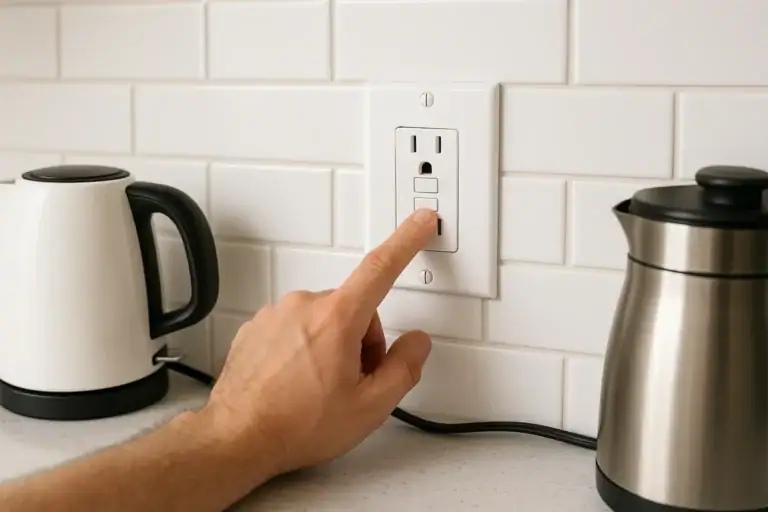 GFCI Outlet Will Not Reset: Simple Checks and When to Call Help
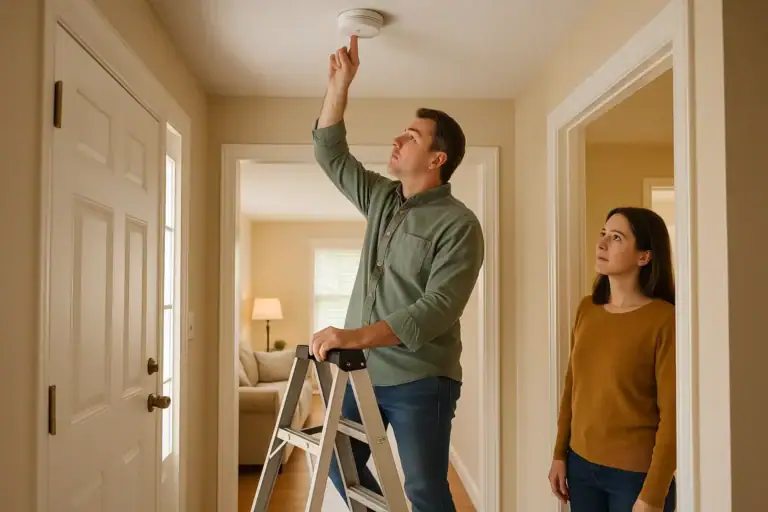 How to Test a Smoke Alarm Safely: Simple Checklist
 Medication Lockbox and Cleaning Supply Safety Storage Checklist