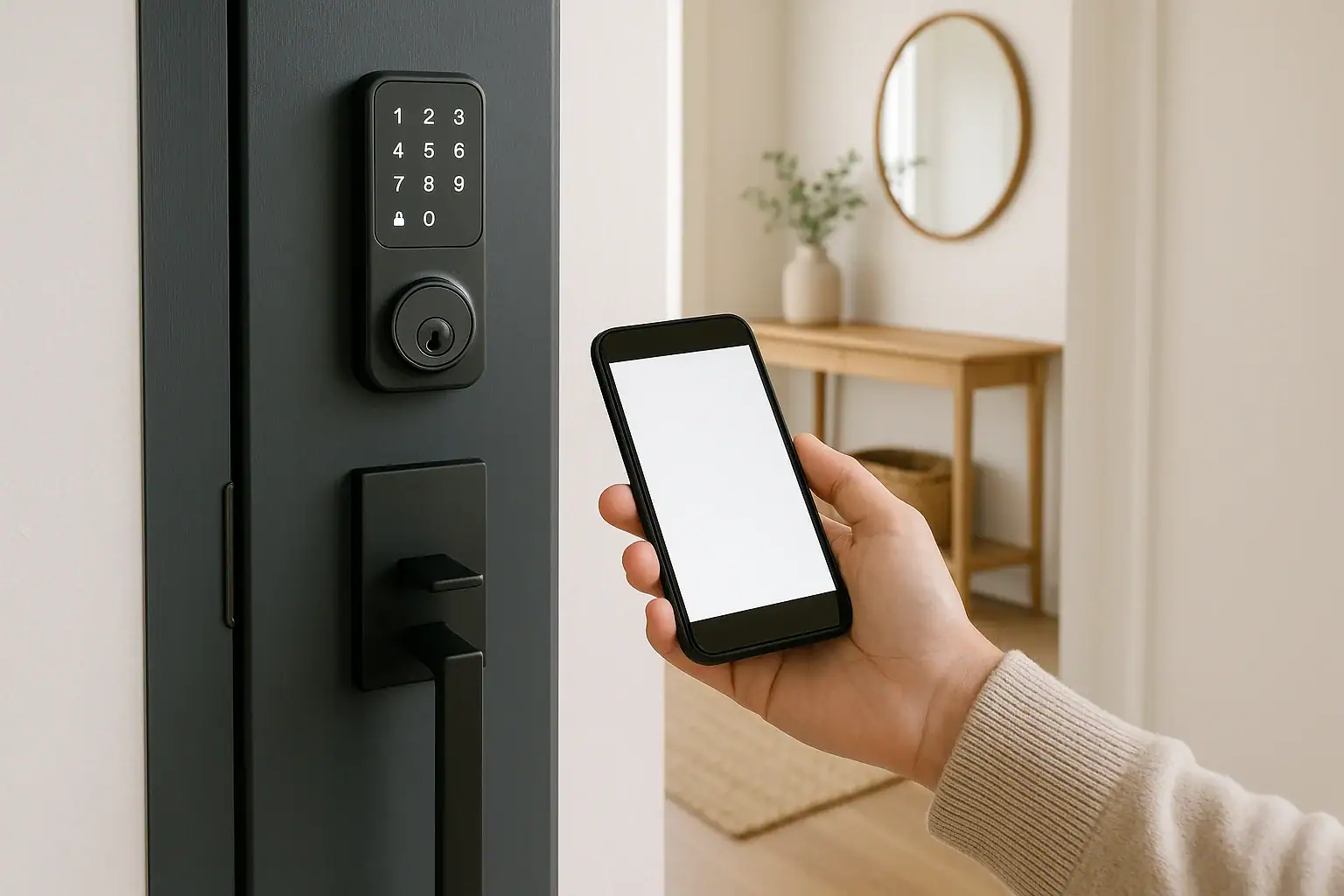
Auditing guest codes on your smart lock means reviewing who has access, how long their codes work, and whether any old codes should be removed. A quick audit helps keep temporary access convenient without leaving long-term gaps in your home’s security.
Use this checklist whenever guests change, after a busy season of visitors, or at least every few months to keep your smart lock codes organized and under control.
1. Prepare for your guest code audit
Before changing anything, get a clear picture of how your lock is currently set up.
- Confirm your lock model and app: Open the manufacturer’s app and note the lock name and model so you can look up the official manual if needed.
- Check for activity logs: Many smart locks show when each code was used. Find the “History,” “Activity,” or “Access log” section in your app.
- Verify your own access: Make sure your primary admin code or app login works correctly before you delete or change guest codes.
- Decide your audit schedule: For most homes, plan a code review every 3–6 months, plus after any major event (long-term guest, remodel, home sale, or lost phone).
For a broader look at smart home security habits, you can also review your routines against the guidance in the Smart Home & Safety hub at Signature Home Guide.
2. Inventory all existing codes
Your first task is to list every code that can unlock your door.
- Open the user/guest list: In the app, find the section labeled “Users,” “Guests,” “Access,” or “PIN codes.”
- Capture the details: For each code, note:
- Code name or label (e.g., “Dog Walker,” “Cleaning Service”)
- Type (owner, family, permanent guest, temporary guest, service)
- Whether it’s time-limited or always on
- Any schedule (days of week, hours)
- Check for unnamed or generic codes: Flag any code labeled “Guest 1,” “User 2,” or similar. These are easy to forget and should be reviewed carefully.
- Look for shared logins: If anyone uses your main app login instead of their own code, add them to your list as well.
3. Match codes to real people and services
Every active code should belong to a specific person or role. Anything you cannot confidently match is a risk.
- Confirm each code’s owner: Go down your list and write who actually uses each code today.
- Identify expired relationships: Mark codes for former guests, ex-roommates, past babysitters, or contractors who finished work.
- Check shared or reused codes: If multiple people share the same PIN, note that you will likely want to change it to separate codes.
- Review family codes: Make sure each household member still needs their code and that it’s not shared with friends.
If you cannot identify who uses a code, plan to disable or delete it after confirming that no one in your household relies on it.
4. Review access levels and schedules
Next, confirm that each person has the right level of access and that time limits match how they actually use your home.
- Permanent vs. temporary:
- Permanent codes: Owners and full-time household members.
- Temporary codes: Guests, sitters, cleaners, and contractors.
- Check time windows: For temporary users, verify that start and end dates match their current needs. Shorten or remove access when their role ends.
- Use schedules for recurring services: If your lock supports it, limit cleaners or dog walkers to specific days and times instead of 24/7 access.
- Limit admin rights: Ensure only trusted adults have “admin” or “owner” status that can add or remove codes.
5. Clean up old and risky guest codes
This is where you tighten things up. Remove or change anything that no longer makes sense.
- Delete unused codes: Remove codes for anyone who no longer needs access. Do this directly in the app rather than just asking them to stop using it.
- Disable instead of delete (when available): Some locks let you temporarily disable a code. This is useful for seasonal guests or services you may use again.
- Change shared codes: If multiple people know the same PIN, replace it with separate codes for each person so you can track usage and revoke access cleanly.
- Avoid obvious patterns: When creating new codes, avoid birthdays, addresses, or repeating digits that are easy to guess.
If your lock supports it, consider enabling features like lockout after several wrong attempts, as recommended in many manufacturer manuals and by general home security guidance from agencies such as the Cybersecurity and Infrastructure Security Agency’s home security resources.
6. Check and interpret your access logs
Access logs help you confirm that your code changes match real-world use.
- Review recent activity: Look at the last few weeks of lock/unlock events. Note which codes are used regularly and which haven’t been used in months.
- Spot unusual times: Look for unlocks at odd hours or on days when no one should have been there.
- Match events to people: Confirm that each code’s activity lines up with the person who owns it (for example, cleaner code used during cleaning hours).
- Investigate unknown events: If you see unlocks you can’t explain, consider changing that code immediately and talking with household members.
7. Improve how you name and organize codes
Clear naming makes future audits much easier.
- Use descriptive labels: Instead of “Guest 1,” use names like “Guest – Sam June 2026” or “Cleaner – Tuesday AM.”
- Include time hints: Add a month or season to temporary codes (for example, “Holiday Guest Dec”).
- Group by type: If your app allows, group users as “Family,” “Guests,” and “Services” so you can review each category quickly.
- Keep a private reference: If you maintain a separate list, store it securely (for example, in an encrypted notes app) and avoid writing full PINs on paper.
8. Set alerts and notifications
Notifications help you monitor guest access without constantly checking logs.
- Enable critical alerts: Turn on notifications for lock/unlock events, especially for guest and service codes.
- Customize per user (if supported): Some systems let you receive alerts only when certain codes are used, such as a child arriving home or a contractor entering.
- Review notification settings after app updates: Updates can reset permissions or change how alerts work, so it’s worth a quick check.
9. Protect your app and backup access
Guest code security depends on how well you protect the app and your own credentials.
- Use strong authentication: Enable a strong password and, if available, multi-factor authentication for your smart lock account.
- Secure your phone: Use a screen lock (PIN, fingerprint, or face recognition) so someone can’t open your lock app if they find your phone.
- Review shared accounts: If you share your login with a partner, confirm they also use secure device settings.
- Keep a physical backup: Maintain at least one physical key or an alternate way to enter in case the app, lock, or power fails. For general guidance on emergency planning, see resources from agencies such as Ready.gov’s home safety planning page.
10. Build a recurring guest code routine
Once you’ve completed a full audit, make it a simple routine rather than a one-time project.
- Set a reminder: Add a calendar event every 3–6 months labeled “Smart lock guest code review.”
- Audit after key events: Repeat this checklist after long-term guests leave, contractors finish work, or you change cleaning or pet-care services.
- Update household members: Let everyone know when codes change and remind them not to share their PINs.
- Review other smart devices: While you’re in the habit, consider reviewing access on cameras, alarms, and other devices as part of your broader smart home safety routine.
When to get extra help
If your lock is part of a larger security system or you’re unsure how to interpret logs and user roles, it can be reasonable to contact the manufacturer’s support team or a qualified home security professional. They can help you confirm that guest codes, admin rights, and notifications are set up in a way that matches how your household actually uses the home.
By running this guest code audit regularly, you keep your smart lock working for you: easy access for the right people, and fewer lingering codes that outlive their purpose.
 Smart Lock Battery Dead? How to Create a Reliable Backup Access Plan
 How to Set Up a Secure Home WiFi Guest Network for Smart Devices
 How to Keep Security Camera Footage Private Inside Your Home