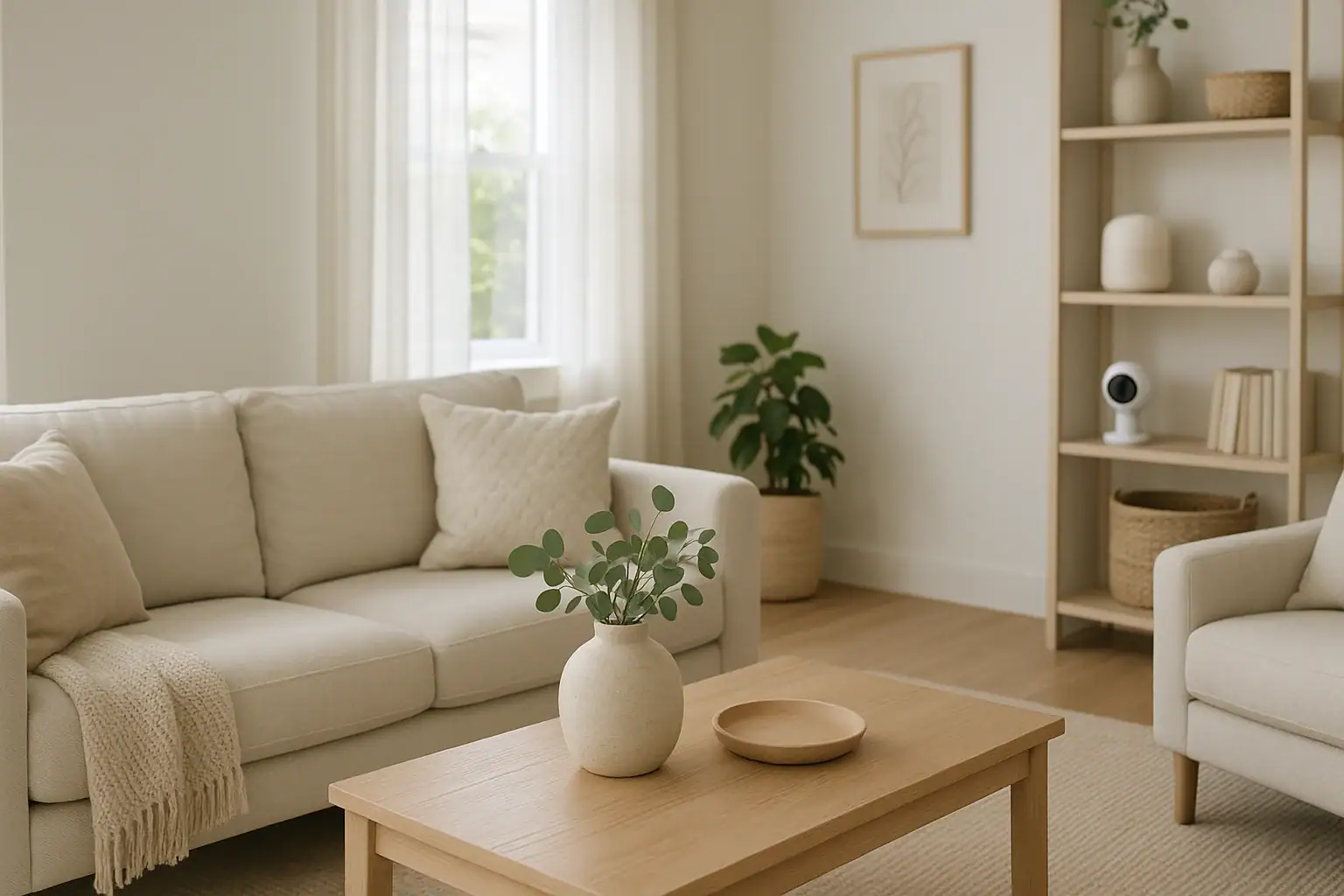
Indoor cameras can add a valuable layer of security and peace of mind, but they also bring microphones, constant recording, and potential noise into your living space. Used carelessly, they can feel intrusive, disturb sleep, and even capture conversations that household members or guests never expected to be recorded. Choosing and setting up indoor cameras responsibly is about more than image quality and price. It is about balancing safety with privacy, and security with everyday comfort.
This guide walks you through the key decisions that affect both noise and privacy when adding cameras inside your home. You will learn how microphones, alerts, and placement affect what is recorded and how loud your system feels. You will also see practical ways to limit unnecessary recording, reduce notification fatigue, and respect the privacy of everyone who shares or visits your home. The goal is a safer home that still feels like home, not a surveillance zone.
Start With Your Goals and Comfort Level
Before comparing technical features, get clear on why you want indoor cameras and what you are comfortable recording. This helps you avoid overbuying or installing devices that feel invasive later.
Questions to ask yourself
- What are you trying to protect? Examples: entry doors, valuables, deliveries, pets, or checking in on kids after school.
- Where do you spend most of your time? Areas like living rooms and kitchens may be fine for cameras, while bedrooms and bathrooms are almost always off-limits.
- How often do you want alerts? Constant notifications can be as disruptive as constant noise from the camera itself.
- How sensitive are you to being recorded? Some people are fine with audio in shared spaces; others prefer video-only or limited recording schedules.
- Do you have frequent guests or roommates? Their expectations and comfort matter, too.
Write down your answers and treat them as guidelines when you compare camera features and plan placement. This keeps your setup aligned with your values rather than just what is technically possible.
Understanding Noise From Indoor Cameras
Indoor cameras can generate noise in several ways: spoken alerts, chimes, status beeps, and even the sound of motors if the camera can pan or tilt. Individually, these sounds may be quiet, but over time they can disturb sleep, work, or relaxation.
Common sources of camera noise
- Motion or person alerts: Some cameras announce activity out loud or play tones when they detect movement.
- Connection and power sounds: Beeps when the camera connects to Wi‑Fi, reboots, or loses power.
- Two-way audio: Voices coming through the camera speaker when someone talks through the app.
- Mechanical movement: Soft whirring or clicking when the camera pans, tilts, or zooms.
- Night vision switching: A faint click when infrared night vision turns on or off.
When you shop for a camera, look for models that allow you to adjust or disable these sounds in the settings. A quiet camera is easier to live with and less likely to startle children, pets, or light sleepers.
Noise considerations for different rooms
Where you place the camera affects how noticeable its sounds will be.
- Bedrooms: If you must place a camera near a bedroom, choose one with fully configurable sound settings and consider disabling all audible alerts at night.
- Nurseries: Many people want visibility into a nursery but not loud alerts that might wake the child. Look for silent notification options and low-light performance so you do not need extra lights.
- Home offices: In a workspace, the biggest issue is often distraction. Turn off spoken announcements and rely on subtle phone notifications instead.
- Living areas: Shared spaces can tolerate more noise, but chimes and voice alerts can still be annoying during movie nights or conversations.
Plan your setup so the camera does its job without becoming the loudest “voice” in the room.
Privacy Basics for Indoor Cameras
Indoor cameras can capture some of the most personal parts of your life: how you relax, who you live with, and what you talk about. Responsible use means thinking through what is recorded, who can see it, and how long it is stored.
Video vs. audio: deciding what to record
Audio recording is often more sensitive than video because it can capture private conversations word-for-word. Consider whether you truly need sound in each location.
- When audio may be helpful:
- Checking on kids or older family members who may call out for help
- Monitoring for unusual sounds like breaking glass or alarms
- Using two-way talk to calm pets or speak to someone at home
- When to consider video-only:
- Rooms used for conversations you expect to be private
- Shared housing with roommates or frequent guests
- Any space where recording voices feels intrusive
Choose cameras that let you disable the microphone per device or per room. If you keep audio on, let people in your home know that sound may be recorded.
Placement: where cameras should and should not go
Responsible placement is one of the most important privacy decisions you will make.
- Generally acceptable locations:
- Entryways and foyers
- Living rooms and family rooms
- Kitchens and dining areas
- Garages and basements used for storage or laundry
- Locations to avoid:
- Bathrooms
- Bedrooms used by adults or guests
- Changing areas or closets where people may undress
- Any space where someone reasonably expects complete privacy
Angle your cameras so they focus on doors, windows, and main walkways rather than couches, beds, or desks. This limits how much personal activity is captured while still providing useful security footage.
Key Features to Look For in a Privacy-Conscious Indoor Camera
Once you know your comfort level with noise and recording, you can look for features that support those choices. The following options make it easier to use indoor cameras responsibly.
Physical privacy shutters and status lights
A physical shutter or lens cover is one of the strongest privacy tools. When the shutter is closed, the camera cannot see, regardless of software settings. This is especially useful in multipurpose rooms that sometimes need monitoring and sometimes need complete privacy.
Status lights can also help. A clear, visible light when the camera is recording makes it obvious when the device is active. Look for cameras where you can control the brightness of these lights so they do not disturb sleep at night.
Customizable alerts and quiet modes
To keep noise under control, choose cameras with flexible alert settings.
- Adjustable sensitivity: Reduce motion sensitivity to avoid constant alerts from pets or tree shadows seen through windows.
- Notification types: Use silent phone notifications instead of loud spoken alerts or chimes from the camera speaker.
- Do not disturb schedules: Set quiet hours at night or during work calls when you only want critical alerts.
- Zone-based alerts: Focus notifications on doors and windows instead of every movement in the room.
These features help you stay informed without turning your home into a constant source of beeps and announcements.
Activity zones and privacy zones
Many cameras let you draw boxes on the screen to define where motion is important and where it should be ignored.
- Activity zones: Areas where motion will trigger recording or alerts, such as an entry door or hallway.
- Privacy zones: Areas that are blurred or not recorded at all, such as a couch, desk, or part of a neighboring property visible through a window.
Use these tools to keep cameras focused on security rather than constant monitoring of everyday life.
Local vs. cloud storage and retention
Where your video is stored affects who might access it and for how long it exists.
- Local storage: Saves footage to a memory card or home recorder. This keeps video in your physical control but may be lost if the device is damaged or stolen.
- Cloud storage: Stores footage online so you can view it from anywhere. Check how long clips are kept and what controls you have to delete them.
Whichever you choose, look for options to limit how long video is stored. Shorter retention reduces the amount of personal history sitting in storage.
Setting Up Indoor Cameras With Privacy in Mind
Responsible use does not end when you open the box. How you configure the camera and app matters just as much as the hardware you pick.
Step 1: Plan your coverage on paper
Before mounting anything, sketch a simple floor plan and mark where you want coverage. Consider:
- Which doors and windows you want to see
- Which rooms should never have cameras
- Where people usually sit, sleep, or work
- How far the camera’s field of view will reach
This extra step helps you avoid placing a camera where it feels intrusive or captures more than you intended.
Step 2: Test angles and sound before final mounting
Temporarily place the camera on a shelf or tripod and walk through the room. Check:
- What parts of the room are visible on screen
- Whether neighbors’ windows or public areas are in view
- How loud the camera sounds when it sends alerts or moves
- How bright any status lights appear in a dark room
Adjust the angle, distance, and settings until the camera covers the areas you care about with minimal intrusion.
Step 3: Configure privacy and noise settings
Once you are satisfied with placement, open the camera app and work through each setting carefully.
- Turn off audio recording in rooms where you do not need it.
- Set up activity and privacy zones to control what is recorded.
- Choose notification types that are quiet but still useful.
- Enable schedules so cameras record less when you are home and more when you are away, if that fits your comfort level.
- Adjust storage duration so older clips are automatically deleted after a reasonable time.
Review these settings every few months, especially if your household changes or you move furniture.
Respecting Family Members, Roommates, and Guests
Indoor cameras affect everyone who enters your home, not just the person who installed them. Clear communication builds trust and reduces misunderstandings.
Talk openly about where cameras are located
Let household members know:
- Which rooms have cameras
- Whether audio is recorded
- When cameras are usually on or off
- Who can view live feeds and recordings
Invite feedback. If someone is uncomfortable with a camera in a certain room, see if you can adjust placement, disable audio, or add a physical shutter.
Inform guests about cameras in shared spaces
Guests should not be surprised to learn they were recorded. Simple steps include:
- Mentioning cameras in shared areas when people arrive
- Posting a small, polite note near the entryway
- Avoiding cameras in guest bedrooms or bathrooms
Being transparent shows you value both safety and respect for others’ privacy.
Managing Notifications to Protect Your Peace and Quiet
Too many alerts can be as stressful as too much noise from the camera itself. A responsible setup filters out routine activity so you only hear from your system when it truly matters.
Reduce alert fatigue
- Limit alerts to key events: Focus on doors opening, glass breaking, or motion at unusual times instead of every movement.
- Use different alert levels: Silent notifications for routine motion, louder alerts for potential emergencies.
- Adjust pet settings: If available, enable options that ignore small animals.
Create time-based rules
Many systems allow schedules or modes such as “Home,” “Away,” and “Night.” Use them to match your routine:
- Daytime at home: Fewer alerts, especially in high-traffic rooms.
- Night: More alerts for entryways and ground-floor windows, but keep audible sounds low or off in sleeping areas.
- Vacations: Broader monitoring since no one is home to trigger false alarms.
Thoughtful notification rules keep your phone — and your home — from constantly buzzing and chiming.
Security Hygiene for Indoor Cameras
Privacy is not just about what you choose to record. It is also about keeping unauthorized people from accessing your cameras or stored video.
Strengthen account and network security
- Use a unique, strong password for your camera account.
- Enable multi-factor authentication if the service offers it.
- Keep your home Wi‑Fi secured with a strong password and modern encryption.
- Update camera firmware and apps regularly to patch security vulnerabilities.
Review access and sharing settings
Many systems let you share camera access with family members. Review:
- Who has live view access
- Who can download or share clips
- Whether any integrations with other apps are still needed
Remove access for anyone who no longer needs it, and periodically review your sharing history.
Finding the Right Balance for Your Home
Indoor cameras can make your home feel safer, help you check on loved ones, and provide evidence if something goes wrong. At the same time, they bring microphones, lenses, and alerts into private spaces. A responsible approach recognizes both sides and aims for balance.
By clarifying your goals, choosing features that support privacy, and configuring noise and recording settings carefully, you can build a system that protects your home without overwhelming it. Revisit your setup as your household changes, and continue talking openly with the people who share your space.
When used thoughtfully, indoor cameras become just one part of a broader home safety plan — not a constant reminder that you are being watched.
For more ideas on creating a secure, comfortable home, explore additional smart home and safety resources at Signature Home Guide.
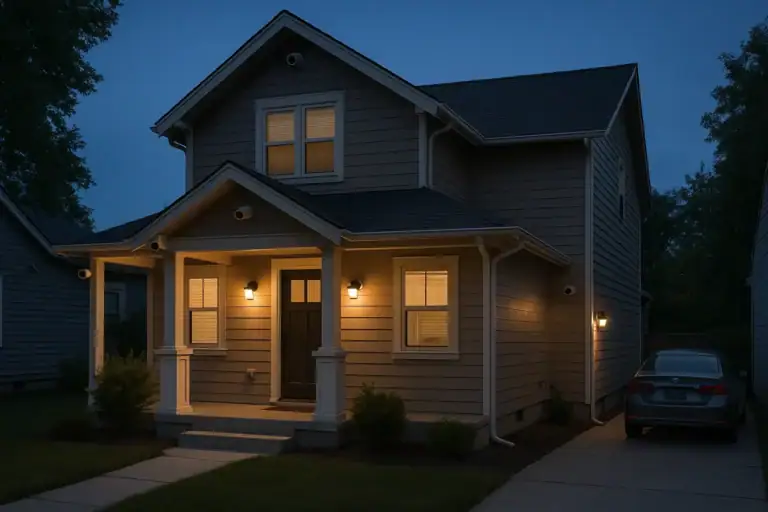 Security Camera Placement Without Blind Spots: A Practical Homeowner’s Guide
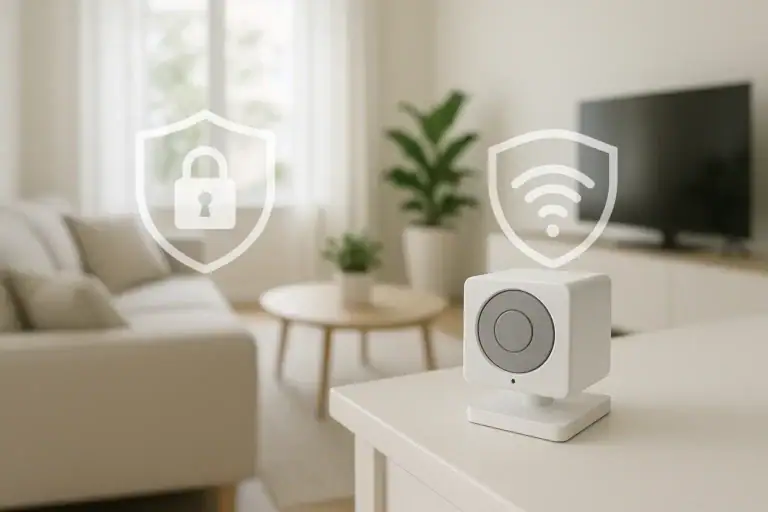 How to Keep Security Camera Footage Private Inside Your Home
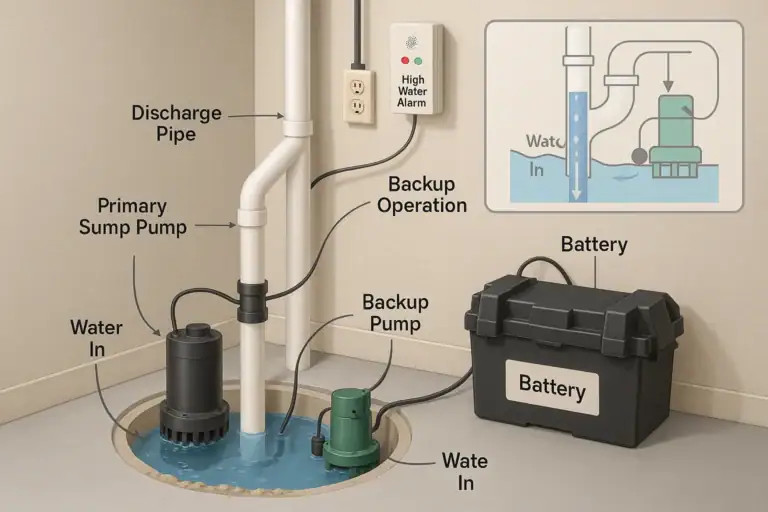 Sump Pump Alarm and Battery Backup Basics: A Practical Homeowner Guide