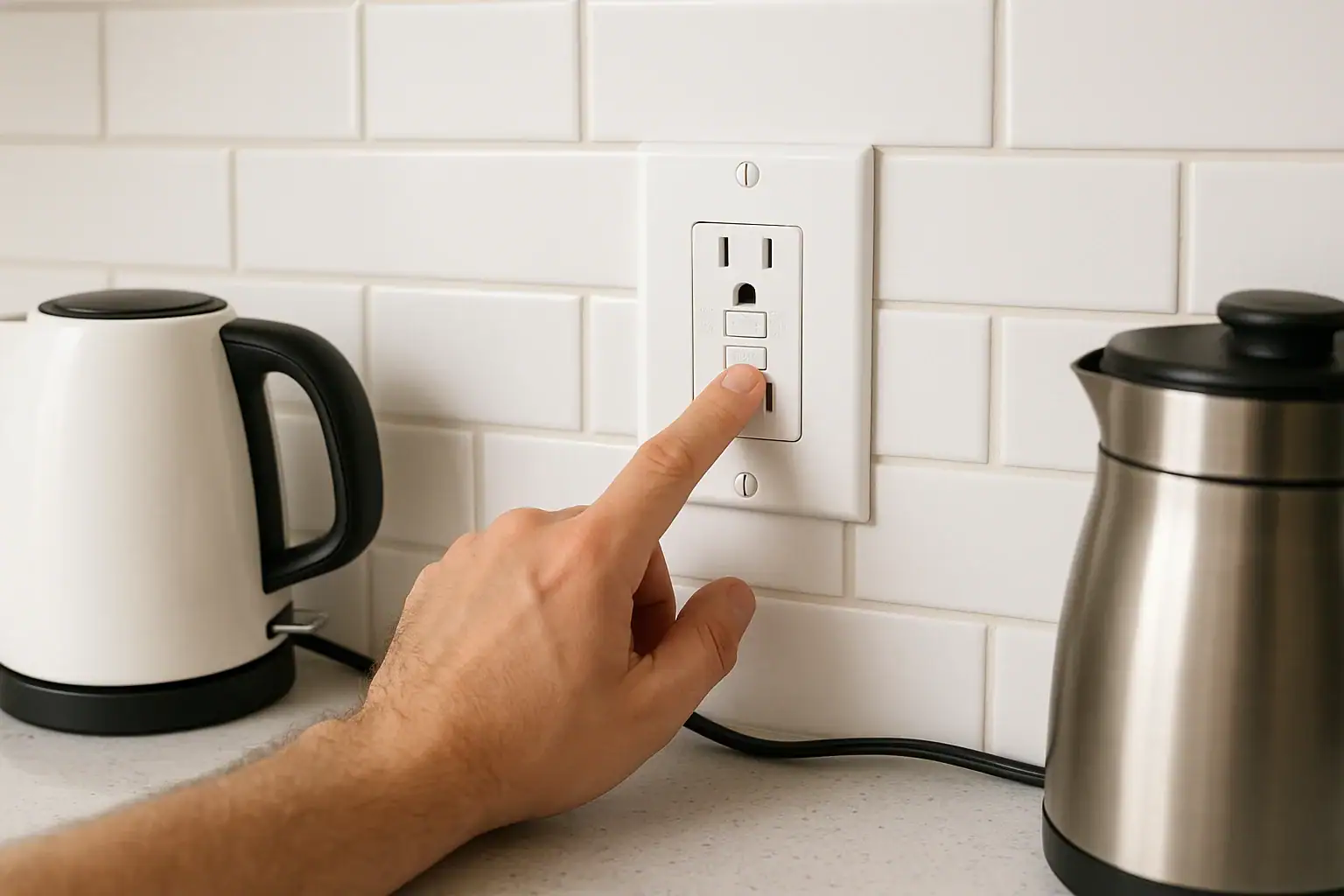
First things first: is the GFCI actually tripping?
If a GFCI outlet will not reset, it usually means one of three things:
- There is still a ground fault or wiring problem on the circuit
- The GFCI has no power feeding it (a breaker or upstream device is off)
- The GFCI device itself has failed and needs replacement
Modern GFCI outlets are designed to refuse to reset when they detect a problem. For safety, never force the button or keep trying to reset a clearly faulty device. Work through basic checks, and if the cause is not obvious, contact a licensed electrician.
This guide walks through simple, homeowner-level steps. If anything feels unclear or unsafe, stop and get professional help. For a broader look at electrical safety around the home, you can also see the smart safety resources on Signature Home Guide’s Smart Home & Safety hub.
Safety precautions before you touch the outlet
- Do not work on wet surfaces or with wet hands.
- Do not remove the outlet from the box unless you are comfortable identifying hot, neutral, and ground conductors.
- If you remove the cover plate or outlet, turn off the correct breaker first and verify power is off with a tester.
- If you see burn marks, melted plastic, or smell burning, leave the breaker off and call an electrician.
The U.S. Consumer Product Safety Commission explains how GFCIs reduce shock risk in their guidance on outlet and receptacle safety. A non‑resetting GFCI can be a sign that it is doing its job by refusing to energize a hazardous circuit.
Step 1: Confirm the GFCI has power
A GFCI cannot reset if it is not receiving power from the panel or from another device upstream.
- Check the main panel
- Look for any tripped breakers. A tripped breaker handle usually sits between ON and OFF.
- To reset, push the handle fully to OFF, then firmly back to ON.
- If the breaker immediately trips again, leave it OFF and call an electrician.
- Check for other GFCIs on the same circuit
- Bathrooms, garages, kitchens, basements, and outdoor outlets often share a GFCI circuit.
- Look for another GFCI receptacle or a GFCI breaker in the panel that may be protecting this outlet.
- If you find one, try resetting that device first. Your non‑resetting outlet may be a downstream “load” outlet.
- Use a simple plug‑in tester or lamp
- Plug in a small lamp or known‑working device.
- If it never turns on, even when you press RESET, the GFCI likely has no power or has failed internally.
If there is no power to the GFCI and you cannot find a tripped breaker or upstream device, that is usually the point to involve a professional.
Step 2: Unplug everything on the circuit
A GFCI that will not reset may be sensing a ground fault from something plugged into it or into another outlet on the same circuit.
- Unplug all devices from the GFCI and from any outlets that go dead when it trips.
- Turn off and unplug items like:
- Countertop appliances (coffee maker, toaster, microwave)
- Garage tools (air compressor, charger, power tools)
- Outdoor items (holiday lights, pond pumps, extension cords)
- With everything unplugged, press the RESET button firmly.
If the GFCI now resets and stays on:
- Plug devices back in one at a time and test after each.
- When the GFCI trips or refuses to reset after plugging in a specific item, that item or its cord may be faulty.
- Do not continue using any device that repeatedly trips a GFCI; have it inspected or replaced.
If the GFCI still will not reset with everything unplugged: move on to checking for moisture and visible damage.
Step 3: Look for moisture or outdoor issues
Moisture is a common reason a GFCI will not reset, especially outdoors, in bathrooms, near sinks, or in basements.
- Check for condensation, water inside the cover, or damp walls around the outlet.
- Inspect in-use covers on outdoor outlets; if they are cracked or left open, water can enter.
- Do not try to dry the outlet with a hair dryer or heater while it is energized.
If you suspect moisture:
- Turn the breaker for that circuit OFF.
- Allow time for the area to dry naturally. This may take hours or longer depending on conditions.
- Once fully dry, turn the breaker back ON and try resetting the GFCI again.
If the GFCI still will not reset after the area is dry, there may be wiring damage or internal failure.
Step 4: Use the TEST and RESET buttons correctly
Many GFCIs must be in the correct state before they will reset.
- Press the RESET button firmly until it clicks and stays in. A loose or partial press may not latch.
- If the outlet has a small indicator light, note its meaning. Some designs glow when tripped; others glow when powered.
- Press TEST; the outlet should click and cut power. Then press RESET again.
If the TEST button does nothing (no click, no loss of power) or the RESET button will not stay in, the GFCI is likely defective or miswired.
The National Electrical Code requires GFCI protection in many locations, and the National Fire Protection Association’s NEC information explains where they are used. A GFCI that cannot be tested or reset properly should be replaced so that protection is restored.
Step 5: Consider the age and condition of the GFCI
GFCI devices do not last forever. Over time, internal components can wear out and cause nuisance tripping or failure to reset.
- If the outlet is older, discolored, cracked, or loose in the box, replacement is often the safest option.
- Some newer GFCIs have an internal lockout feature: if they detect a failure, they permanently refuse to reset until replaced.
Replacing a GFCI is usually a straightforward job for a licensed electrician. If you are not comfortable identifying line vs. load connections or verifying grounding, it is safer to have the work done professionally.
When wiring or load issues are likely
If your GFCI still will not reset after the simple checks above, the problem may be in the wiring or in another part of the circuit:
- Loose connections in the outlet box or in a junction box upstream
- Damaged cable in a wall, attic, or buried run to an outdoor outlet
- Incorrect line/load wiring on the GFCI terminals
- Shared neutrals or other wiring configurations that cause nuisance tripping
These issues usually require test equipment and experience to diagnose safely. At this point, continuing to reset the GFCI repeatedly does not fix the underlying problem and may mask a shock or fire hazard.
When to stop troubleshooting and call an electrician
Stop DIY troubleshooting and contact a licensed electrician if:
- The breaker trips again immediately after you reset it.
- The GFCI will not reset even with everything unplugged and the area dry.
- You see scorch marks, melted plastic, or smell burning at the outlet or panel.
- You are unsure which breaker controls the outlet or how the circuit is routed.
- The GFCI controls critical equipment (sump pump, medical devices, etc.).
For general electrical safety guidance, the U.S. Fire Administration provides homeowner tips on preventing electrical fires, and the CPSC offers information on home electrical safety. These resources can help you decide when a situation is beyond DIY troubleshooting.
Keeping your GFCI outlets reliable
A few simple habits can reduce future problems:
- Test monthly using the TEST and RESET buttons to confirm the outlet trips and then restores power.
- Protect outdoor outlets with intact in-use covers and avoid leaving cords plugged in during storms.
- Avoid overloading circuits with multiple high‑wattage appliances on the same GFCI‑protected run.
- Replace damaged cords and avoid using makeshift or permanent extension‑cord setups.
Consistent testing and prompt attention to outlets that will not reset help keep your home’s electrical system safer. For more ways to build safety into your everyday setup, explore the broader smart home safety topics at the Signature Home Guide Smart Home & Safety hub.
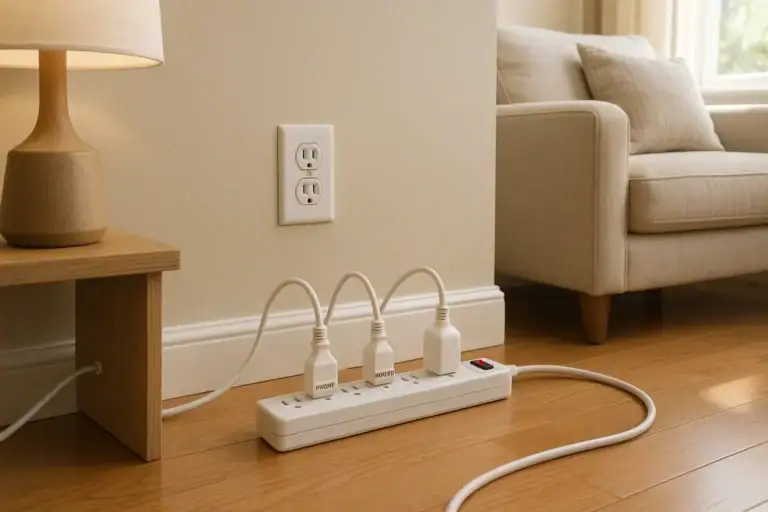 Outlet Overload Signs and Safe Power Strip Use at Home
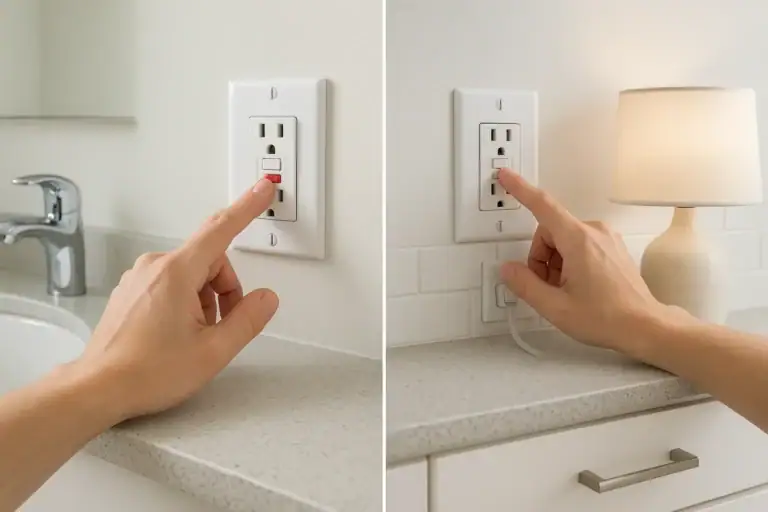 How to Test GFCI Outlets Safely in Bathrooms and Kitchens: A Simple Checklist
 Smart Thermostat Blank After Power Outage: What To Check