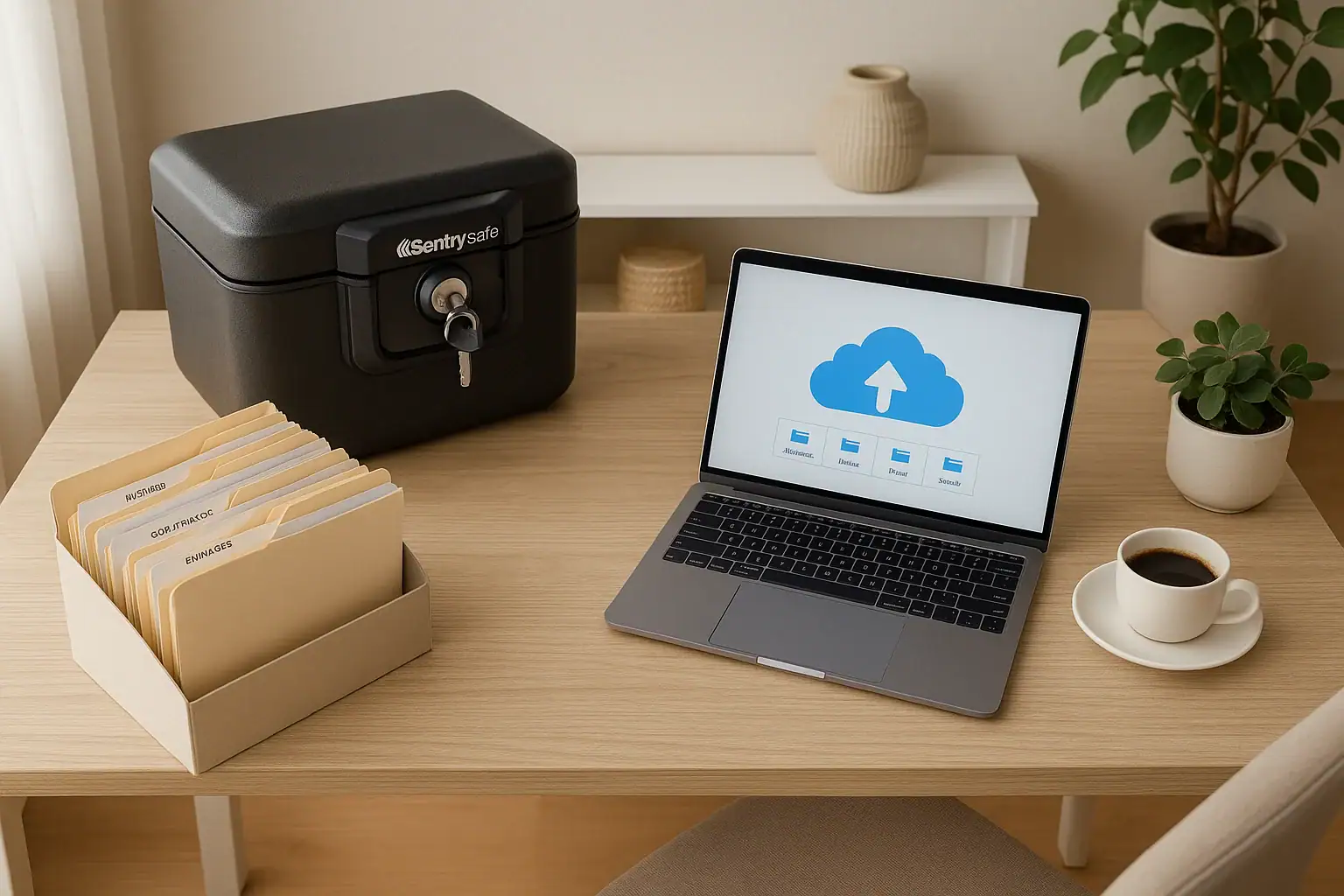
Storing important documents used to mean one thing: a stuffed filing cabinet in the corner of a room. Today, a smart and safe home uses both physical and digital systems to keep vital records organized, protected, and easy to find. Whether you are preparing for an emergency, planning your estate, or simply trying to cut down on paper clutter, a clear strategy for storing important documents at home and in the cloud can save you time, money, and stress.
This guide walks you through which documents to keep, how long to keep them, and how to store them securely in both physical and digital formats. You will learn how to build a simple home filing system, set up a secure cloud backup, and create an easy process so your household can find what it needs quickly, even in an emergency.
Step 1: Know Which Documents Are Truly Important
Before you think about where to store documents, you need to decide what is worth protecting. Many homes are full of papers that are outdated, duplicated, or no longer needed. Focus first on documents that would be difficult or time-consuming to replace, or that you might urgently need in an emergency.
Core identity and legal documents
- Birth certificates
- Social Security cards
- Passports and immigration records
- Marriage certificates, divorce decrees, and adoption records
- Military service records
- Wills, trusts, and powers of attorney
- Health care directives and living wills
Financial and property records
- Property deeds and titles
- Mortgage documents and payoff statements
- Vehicle titles and loan documents
- Insurance policies (home, auto, health, life, disability)
- Retirement account and investment account statements
- Bank and credit union account information
- Tax returns and supporting records
Medical, education, and family records
- Immunization records
- Key medical history summaries and allergy lists
- Education records, diplomas, and transcripts
- Custody agreements and child support documents
- Pet vaccination and registration records
Once you know what is important, you can decide what must exist as a physical original, what can be stored digitally, and what should be kept in both formats.
Step 2: Decide What to Keep Physically vs. Digitally
Not every document needs to live in a fire-resistant box. Some papers can be scanned and stored only in the cloud, while others should always be kept as originals and backed up digitally.
Documents to keep as physical originals
These documents are difficult or time-consuming to replace. Store the originals safely and keep digital copies as backups.
- Birth certificates and Social Security cards
- Passports and immigration documents
- Marriage certificates, divorce decrees, and adoption papers
- Property deeds and vehicle titles
- Wills, trusts, and powers of attorney with original signatures
- Military discharge papers and other key service records
Documents you can keep primarily in digital form
For many records, digital copies are usually enough for day-to-day reference, as long as you can access them when needed.
- Monthly utility and credit card statements
- Most bank and investment statements (if available online)
- Receipts for tax or warranty purposes
- Insurance policy declarations and updates
- User manuals and product guides
Documents to keep both ways
Some documents are best kept both as physical originals and as secure digital scans, especially if you might need to share them electronically or access them while away from home.
- Photo IDs and passports
- Insurance cards and policy summaries
- Medical summaries and emergency contact lists
- Tax returns and key supporting records
- Estate planning documents and beneficiary designations
Step 3: Set Up a Safe Home Storage System
A smart home approach combines security with convenience. You want your documents protected from fire, water, and theft, but also easy to reach when you need them quickly.
Use layered storage at home
Think in terms of layers: everyday access, secure storage, and off-site or digital backup.
- Everyday access: A small file box or drawer for documents you use often, like current bills, active warranties, and recent statements.
- Secure storage: A lockable, fire-resistant container for irreplaceable originals and sensitive records.
- Off-site or digital backup: Secure cloud storage or a trusted off-site location as a backup if your home is damaged.
Organize with a simple folder structure
You do not need a complex filing system. Aim for clear, broad categories that anyone in your household can understand.
- Identity and vital records
- Home and property
- Vehicles
- Insurance
- Banking and credit
- Investments and retirement
- Taxes
- Health and medical
- Education and employment
- Estate planning
Use clearly labeled folders and keep a short index sheet at the front of your file box or cabinet listing what is stored where.
Protect against fire, water, and theft
Even at home, physical documents face risks. Take simple steps to reduce them:
- Store critical documents in a fire-resistant, water-resistant container.
- Place the container in a low, interior area of your home, away from plumbing and windows.
- Keep the container out of obvious sight and avoid labeling it with words that draw attention.
- Limit who has keys or codes, and keep a record of who knows how to access it.
Step 4: Scan and Digitize Your Important Papers
Digitizing your documents creates a powerful backup and makes it easier to search, share, and store them securely in the cloud. You can use a home scanner, a multifunction printer, or a scanning app on your phone.
Basic scanning best practices
- Scan in color or grayscale at a resolution that keeps text sharp and readable.
- Save files as PDF when possible so they are easy to open and share.
- Make sure the entire document is visible, including signatures, seals, and page numbers.
- For multi-page documents, combine pages into a single file rather than separate files.
Use a clear file naming system
A simple, consistent naming pattern makes digital files much easier to find later. Consider including:
- Document type (for example, birth-certificate, tax-return, auto-insurance)
- Name or household member
- Year or date
For example:
- birth-certificate-jordan-smith.pdf
- tax-return-smith-household-2024.pdf
- auto-insurance-policy-suv-2025.pdf
Check the quality and completeness
Before shredding or filing away originals, open each scanned file and confirm:
- All pages are included and in the correct order
- Text is readable and not cut off
- Signatures and seals are clear
- The file name clearly describes the document
Step 5: Store Documents Securely in the Cloud
Cloud storage allows you to access documents from multiple devices and creates an off-site backup if something happens to your home. For sensitive documents, security and privacy should be your top priorities.
Choose a secure cloud storage solution
When evaluating cloud storage options, look for features that support security and long-term access:
- Encryption for files in transit and at rest
- Two-factor authentication for account logins
- Clear policies about data privacy and access
- Automatic backup and version history, if available
Mirror your home filing system in the cloud
Use the same folder structure in your cloud storage that you use at home. This makes it easier to find documents quickly and explain the system to other household members.
- Create a main folder such as “Household Documents”
- Inside, create subfolders that match your physical categories
- Store scanned files in the corresponding folders using your naming system
Secure access with strong authentication
Because your cloud storage may contain sensitive identity and financial information, treat it like a vault:
- Use a strong, unique password that you do not reuse on other sites.
- Turn on two-factor authentication and keep backup codes in a safe place.
- Limit sharing links and set expiration dates when you do share documents.
- Regularly review which devices and people have access to your storage.
Step 6: Create a Simple Backup and Redundancy Plan
Relying on a single copy of anything, physical or digital, is risky. A basic backup plan gives you peace of mind if you lose access to your home, your computer, or your main cloud account.
Use the “3-2-1” rule as a guideline
A common approach to backups is the “3-2-1” rule:
- Three copies of your important documents (original plus two backups)
- Two different formats (for example, physical paper and digital files)
- One copy off-site (such as in the cloud or at another secure location)
Combine home, local digital, and cloud backups
A practical setup for many households is:
- Physical originals in a secure home container
- Scanned copies on an encrypted external drive stored in a separate location in your home
- Encrypted copies in a secure cloud storage account
Schedule regular updates
Backups only work if they are current. Set reminders to:
- Scan and upload new documents every month or quarter
- Update insurance policies, tax records, and statements annually
- Review access settings and passwords at least once a year
Step 7: Protect Privacy and Prevent Identity Theft
Important documents often contain Social Security numbers, account numbers, and other sensitive information. Whether you store them at home or in the cloud, privacy protection is essential.
At home
- Limit who knows where your most sensitive documents are stored.
- Keep sensitive papers in a locked container, not in open drawers.
- Shred old documents that include personal or financial information instead of throwing them away intact.
Online and in the cloud
- Do not store sensitive documents in email inboxes or unsecured shared folders.
- Avoid accessing your cloud storage on public or shared computers.
- Sign out of accounts on shared devices and use screen locks on phones and tablets.
- Be cautious about sending documents over unsecured networks.
Step 8: Make Documents Easy to Find in an Emergency
In a stressful situation, you may not have time to search through files or remember passwords. Part of a smart home safety plan is making sure your household can quickly access what it needs.
Create an emergency document kit
Prepare a small, grab-and-go folder or envelope with copies of the most critical items:
- Copies of IDs and insurance cards
- A list of emergency contacts and medical information
- Home and auto insurance policy summaries
- A short list of account numbers and key logins, described in a way that does not reveal full credentials
Store this kit near your secure container so you can grab both quickly if you need to evacuate.
Prepare a household access plan
Important documents are not helpful if only one person knows how to find them. Create a simple access plan:
- Write down where physical documents are stored and how to open containers.
- Document how to access cloud storage and which folders hold critical records.
- Share this information with a trusted family member or executor, either in person or through a secure method.
Step 9: Keep Your System Up to Date
Life changes fast: moves, new jobs, marriages, births, and other events all generate new paperwork. A simple maintenance routine keeps your document system current without becoming a major project.
Monthly or quarterly tasks
- File new bills, statements, and notices in your home system.
- Scan and upload any new important documents to the cloud.
- Shred outdated documents you no longer need.
Annual review
Once a year, set aside time to:
- Review your folder structure and adjust categories if needed.
- Confirm your cloud storage is working and that you can open key files.
- Update your access plan and share any changes with trusted contacts.
- Check expiration dates on IDs, passports, and important licenses.
Quick Checklist: How to Store Important Documents at Home and in the Cloud
Use this checklist to put the guide into action:
- Gather all important documents into one place.
- Sort them into categories: identity, property, financial, legal, medical, and other.
- Decide which documents must be kept as physical originals.
- Set up a simple home filing system with clear labels.
- Store irreplaceable documents in a fire-resistant, lockable container.
- Scan important documents and save them as clearly named PDF files.
- Create a secure cloud folder structure that mirrors your physical system.
- Protect your cloud account with a strong password and two-factor authentication.
- Set up a backup routine using the “3-2-1” rule.
- Create an emergency document kit and a household access plan.
- Review and update your system at least once a year.
 Medication Lockbox and Cleaning Supply Safety Storage Checklist
 Smart Lock Battery Dead? How to Create a Reliable Backup Access Plan
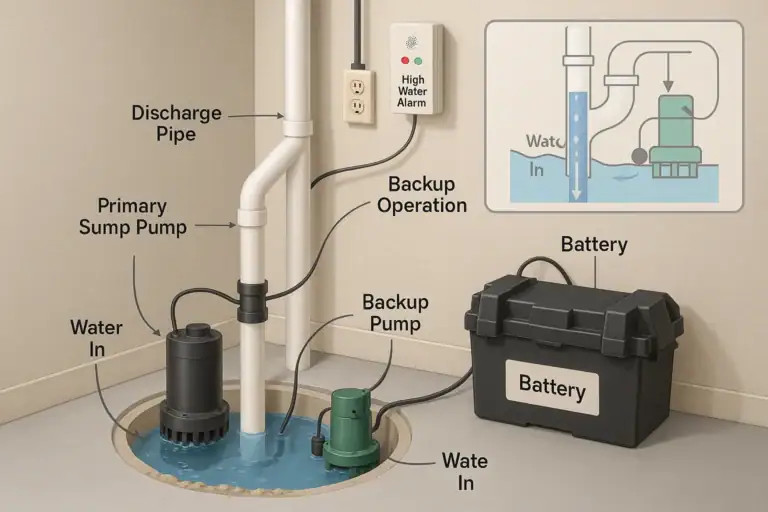 Sump Pump Alarm and Battery Backup Basics: A Practical Homeowner Guide