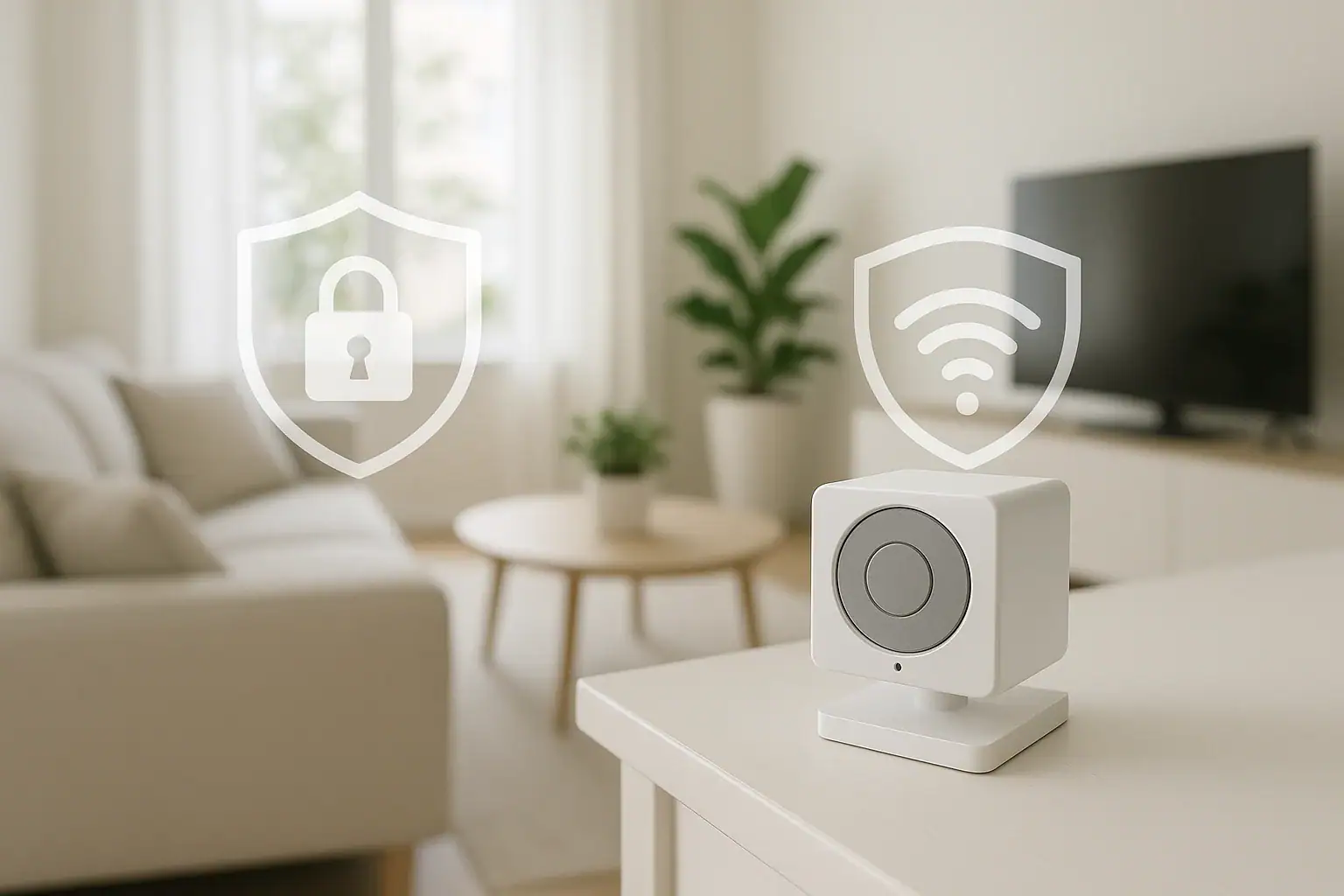
Indoor security cameras can give you peace of mind, but they also raise an important question: who else might be watching? When cameras are placed inside bedrooms, living rooms, or nurseries, the footage can be extremely sensitive. If you are not careful with placement, settings, and network security, strangers could potentially access live video or recordings. The good news is that you can enjoy the benefits of indoor cameras while still protecting your privacy. With a few thoughtful choices and simple habits, you can greatly reduce the risk of unwanted access and keep your home life private and secure.
This guide walks through practical steps for keeping your security camera footage private inside your home. You will learn how to choose safer locations for cameras, adjust privacy settings, secure your home network, control who can view footage, and set clear rules for everyone in your household. You do not need to be a tech expert to follow these tips. A little planning now can prevent serious privacy headaches later.
1. Start With Smart Camera Placement
Where you put your cameras is the first and most important privacy decision. Some areas of your home should never be recorded, while others can be monitored with minimal risk.
Rooms to Avoid Filming
Cameras should not be placed in spaces where people reasonably expect complete privacy. Avoid placing cameras in:
- Bathrooms or powder rooms
- Bedrooms, especially near beds or closets
- Changing areas or walk-in closets
- Guest rooms where visitors stay overnight
Even if your goal is safety, recording these spaces can create serious privacy issues and may violate local laws in some situations. When in doubt, skip the camera.
Better Locations for Indoor Cameras
Focus on common areas and entry points where privacy expectations are lower and security benefits are higher. Good locations include:
- Main entryway or foyer
- First-floor hallways
- Living room or family room (aimed away from private corners)
- Garage interior or door to the garage
- Basement stairwell or utility area
Position cameras to capture doors and windows rather than people relaxing on couches or at dining tables. Try to avoid pointing cameras directly at seating areas where people spend long periods of time.
Adjust Angles to Limit Sensitive Views
Even in common areas, you can fine-tune camera angles to protect privacy:
- Aim slightly downward to capture doorways and floors instead of faces at close range.
- Avoid angles that look into bedrooms, bathrooms, or neighbors’ windows.
- Use the narrowest field of view that still covers the area you care about.
- Test the camera by walking through the space and checking what it records.
Small adjustments can make a big difference in how much of your personal life ends up on camera.
2. Use Privacy Modes and Physical Covers
Most modern cameras include privacy features that let you limit recording when you are home or when you want extra privacy.
Enable Privacy or Home Modes
Check your camera's app or settings for options such as:
- Privacy mode: Temporarily disables video and audio recording.
- Home/away modes: Records only when you are away from home.
- Scheduling: Turns recording on and off at set times, such as during work hours.
- Motion zones: Limits recording to specific areas in the frame.
Set up rules so that cameras automatically reduce or stop recording when you are home, especially in living spaces where you relax and spend time with family.
Use Physical Shutters or Lens Covers
Digital settings are helpful, but a physical barrier is the most reliable way to ensure a camera is not recording. If your camera has a built-in shutter, get in the habit of closing it when you want privacy. If it does not, consider:
- Using a clip-on cover designed for camera lenses
- Turning the camera to face a wall when not in use
- Unplugging cameras in very sensitive areas when you are home
A simple visual indicator, like a closed shutter or a camera turned away, reassures everyone in the household that they are not being watched.
3. Secure Your Home Wi-Fi Network
Most privacy risks come from weak network security, not from the camera itself. If someone can get into your home Wi-Fi, they may be able to access your cameras too.
Use Strong, Unique Passwords
Protect your network with a strong password that is hard to guess. Follow these guidelines:
- Use at least 12 characters.
- Combine letters, numbers, and symbols.
- Avoid names, addresses, or common phrases.
- Do not reuse passwords from other accounts.
Also change the default password for your router's admin page. Default usernames and passwords are widely known and easy to exploit.
Enable Strong Encryption
Check your router settings to make sure you are using modern security options:
- Use WPA2 or WPA3 encryption for your Wi-Fi network.
- Avoid older standards like WEP, which are easily broken.
- Hide or rename your network so it does not reveal your address or family name.
If your router is very old and does not support current security standards, consider replacing it. Network security is a key part of protecting camera footage.
Create a Guest or Smart Device Network
Many routers let you create a separate network for guests or smart devices. This can help isolate your cameras from your main computers and phones. Consider:
- Putting cameras and other smart devices on a separate Wi-Fi network.
- Using a different password for that network.
- Limiting access from the smart device network to your main home network.
This way, if one device is compromised, it is harder for an attacker to reach your other devices or sensitive files.
4. Lock Down Your Camera Accounts and Apps
Indoor camera privacy also depends on how well you protect the accounts and apps used to view footage. Weak account security can undo all your other efforts.
Turn On Two-Factor Authentication
If your camera service offers two-factor authentication, enable it right away. This adds a second step when you log in, such as a code sent by text message or an authentication app. It makes it much harder for someone to break in, even if they guess your password.
Use Separate Logins for Family Members
Instead of sharing one username and password among several people, create separate accounts for:
- Spouse or partner
- Teenagers or older children
- Trusted caregivers or housemates
Separate logins let you control who can:
- View live video
- Access recorded clips
- Change settings
- Share video with others
Review these permissions regularly and remove access when someone no longer needs it.
Sign Out of Shared Devices
If you view camera footage on a shared tablet, family computer, or work device, always sign out of the app or web portal when you are done. Leaving yourself logged in can allow others to view your cameras without your knowledge.
5. Decide Where and How Footage Is Stored
Another key privacy choice is how your recordings are stored. Some systems save footage in the cloud, while others use local storage in your home.
Understand Cloud Storage Risks and Benefits
Cloud storage can be convenient because you can access footage from anywhere and do not have to manage physical drives. However, it also means your video is stored on remote servers. To use cloud storage more safely:
- Limit how long footage is kept. Shorter retention means less data if an account is compromised.
- Turn off continuous recording and use motion-based recording instead.
- Disable audio recording if you do not truly need it.
- Review sharing settings to make sure clips are not publicly accessible.
Check what your provider's privacy policy says about how footage is used, who can access it, and how long it is retained.
Use Local Storage When Possible
Local storage keeps video within your home, often on:
- Memory cards inserted into the camera
- Network video recorders
- External hard drives connected to your router
Local storage can improve privacy because footage is not automatically sent to remote servers. To protect it:
- Keep recording devices in locked or less accessible areas.
- Use strong passwords on any local storage that connects to your network.
- Encrypt drives if that option is available.
- Regularly delete old footage you no longer need.
Local storage may require a bit more setup, but it gives you more direct control over who can access your recordings.
6. Control Audio Recording and Sensitive Conversations
Video is one thing, but audio recording can raise even more serious privacy concerns. Many people forget that their cameras might be recording conversations as well as images.
Turn Off Audio When Not Needed
In many cases, you can safely disable audio recording without losing much security value. Consider turning off audio in:
- Living rooms and dining areas where personal conversations happen
- Home offices where work calls take place
- Playrooms where children talk and play
Check your camera settings for an option to disable or limit audio capture. This simple step can greatly reduce the sensitivity of your recordings.
Be Mindful of Guests and Visitors
Let visitors know if they are entering an area where cameras are in use, especially if audio is recorded. A simple statement like, "We have a camera in the entryway for security," helps set expectations and shows respect for their privacy.
7. Keep Devices and Software Up to Date
Outdated software is a common security weakness. Camera manufacturers often release updates to fix vulnerabilities or improve privacy features.
Update Camera Firmware
Check your camera app for firmware updates and install them regularly. If possible, enable automatic updates so you do not have to remember to check. Updates may:
- Patch security flaws
- Add new privacy controls
- Improve encryption and data protection
Update Your Router and Apps
Along with your cameras, keep your router and mobile apps up to date. New versions often include important security improvements. If your router is no longer supported with updates, it may be time to replace it with a newer model.
8. Set Household Rules Around Cameras
Technology alone cannot solve every privacy concern. Clear communication with family members and housemates is just as important.
Talk With Your Family
Discuss where cameras are located, when they record, and who can view the footage. Cover topics such as:
- Rooms that are off-limits for cameras
- Times when cameras should be off or in privacy mode
- Who can share video clips outside the household
- How to handle footage that captures embarrassing or sensitive moments
Make sure children understand that cameras are for safety, not for spying on them or their friends.
Respect Roommates and Guests
If you share your home with roommates or long-term guests, get their input before installing cameras in shared spaces. Be open about:
- What areas are recorded
- How long footage is kept
- Who can access recordings
Respecting others' comfort levels helps prevent conflict and builds trust.
9. Review Your Privacy Settings Regularly
As your household changes, your privacy needs may change too. New family members, different schedules, or additional devices can affect how you want cameras to behave.
Do a Quick Privacy Checkup
Every few months, take a few minutes to review:
- Camera placement and angles
- Recording schedules and motion zones
- Who has access to live and recorded video
- Cloud storage retention periods
- Wi-Fi passwords and router settings
Adjust settings if you notice cameras capturing more than you intended, or if someone no longer needs access.
10. Balancing Security and Privacy in Your Home
Indoor security cameras can be a valuable part of your home safety plan, but they should not come at the cost of your family's comfort and privacy. By placing cameras thoughtfully, using privacy modes and physical covers, securing your network, and controlling who can view and store footage, you can greatly reduce the risk of unwanted access.
Think of camera privacy as an ongoing habit rather than a one-time setup. Small actions, like closing a shutter, updating a password, or reviewing app permissions, all add up. With a balanced approach, you can keep an eye on what matters most while still keeping your home life private.
If you are planning a broader smart home setup, consider how each new device affects your privacy. The more connected devices you add, the more important it becomes to manage them carefully and protect your personal space.
For more ideas on creating a safe and comfortable home, you can explore additional smart home and safety guides at Signature Home Guide.
 Security Camera Placement Without Blind Spots: A Practical Homeowner’s Guide
 Medication Lockbox and Cleaning Supply Safety Storage Checklist
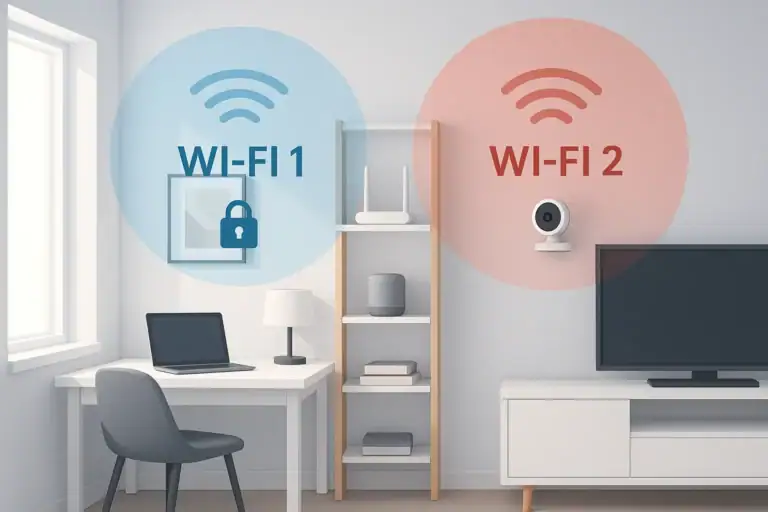 How to Set Up a Secure Home WiFi Guest Network for Smart Devices