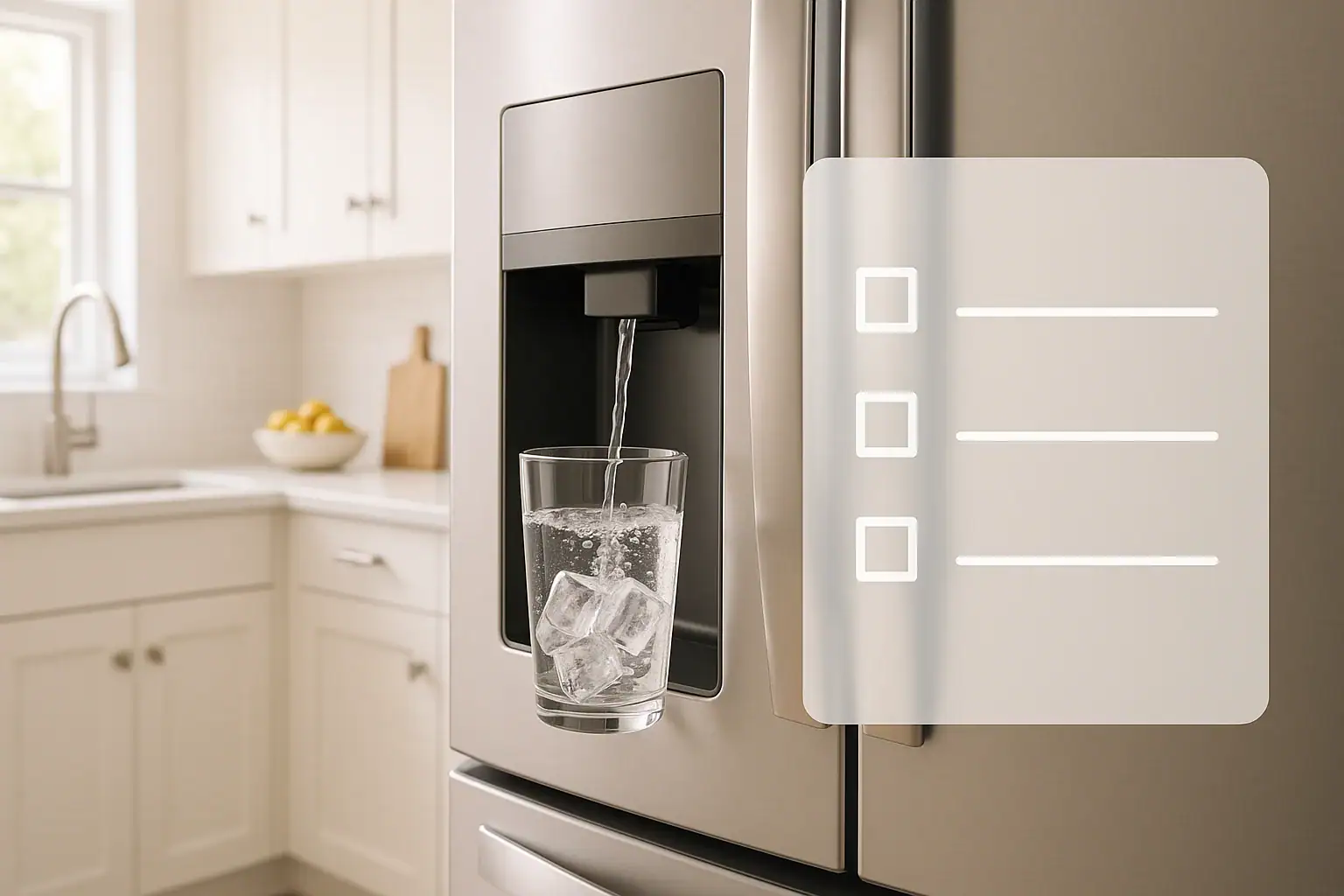
Knowing how often to change a refrigerator water filter is one of those small home tasks that makes a big difference in water quality, taste, and appliance health. Many people forget about the filter until the water starts to taste off or the ice cubes look cloudy. By then, the filter has usually been overdue for replacement for months. This guide walks you through a simple checklist so you can decide when to replace your filter, how to read the signs that it is failing, and how to keep a basic maintenance schedule that fits your household. You do not need plumbing skills or special tools, just a few minutes of attention every few months.
Use this step-by-step checklist to keep your drinking water clear and fresh, protect your family from common contaminants, and avoid unnecessary strain on your refrigerator. You will also find tips for different water sources, such as city water and private wells, and how to track your filter changes so you do not have to guess again.
How Often Should You Change a Refrigerator Water Filter?
Most refrigerator water filters should be changed about every six months, but that is only a general guideline. The right schedule for your home depends on:
- How much water your household uses each day
- Whether you have city water or well water
- The age and condition of your plumbing
- How sensitive you are to changes in taste and odor
For many homes, a good starting point is:
- Light use (1–2 people): Every 9–12 months
- Average use (3–4 people): Every 6 months
- Heavy use (5+ people or frequent guests): Every 3–4 months
Instead of relying only on the calendar, use the checklist below. It combines time-based guidelines with real-world signs that your filter is ready to be replaced.
Quick Checklist: Is It Time to Change Your Refrigerator Water Filter?
Walk through this checklist in order. If you answer “yes” to any of these questions, it is time to replace the filter.
1. Has It Been More Than 6 Months Since the Last Change?
- Check the date you last changed your filter. If you do not remember, assume it has been too long.
- Most filters are designed for about 200–300 gallons of water, which often equals about 6 months of average use.
- If you use your water dispenser and ice maker daily, your filter may reach its capacity sooner.
2. Does Your Water Taste or Smell Different?
Changes in taste or odor are one of the clearest signs that your filter is no longer doing its job well.
- Water tastes flat, metallic, or bitter
- Noticeable chlorine or chemical smell
- Musty or earthy odor
If your tap water used to taste clean and now tastes unpleasant, your filter may be saturated with contaminants and needs to be replaced.
3. Is the Water Flow Slower Than Usual?
Clogged filters restrict the flow of water.
- Water dispenser trickles instead of flowing steadily
- It takes much longer to fill a glass or pitcher
- Ice maker seems to produce ice more slowly than before
When the filter is full of trapped particles, water has a harder time passing through. A new filter usually restores normal flow within minutes.
4. Do Your Ice Cubes Look Cloudy or Have an Odor?
The ice in your freezer is made from filtered water, so it reflects the condition of the filter.
- Cloudy or white ice that used to be clear
- Ice with a strange taste that affects drinks
- Ice cubes that smell like your freezer or have a stale odor
Some cloudiness can be caused by trapped air, but if the problem appears gradually over months, an old filter is a likely cause.
5. Is the Filter Indicator Light On?
Many modern refrigerators include an indicator light or message that tracks time or water usage.
- “Replace filter” or similar message on the display
- Red or yellow light near the dispenser area
- Reminder symbol that appears after several months
This indicator is not perfect, but it is a helpful reminder. If the light is on and it has been several months, it is a good idea to change the filter.
6. Have You Recently Moved, Changed Water Source, or Had Plumbing Work?
Changes to your water system can stir up sediment and introduce new contaminants.
- You moved to a new home with different water quality
- You switched from well water to city water, or the other way around
- You had major plumbing repairs or pipe replacement
In these cases, replacing the filter gives you a fresh start and helps your refrigerator adjust to the new water conditions.
Why Changing Your Refrigerator Water Filter Matters
It can be tempting to delay buying a new filter to save money, but an overdue filter can cost you in other ways.
1. Better Taste and Odor
Fresh filters help remove chlorine taste, sediment, and common off-flavors. When the filter is saturated, those tastes and smells come back, and your drinks and ice suffer.
2. Reduced Contaminants
Refrigerator filters are designed to reduce certain impurities, such as sediment, rust particles, and some chemicals. Over time, the filter media fills up and becomes less effective. Replacing the filter regularly helps maintain the level of protection it was designed to provide.
3. Protecting Your Refrigerator
A clogged filter can make your refrigerator work harder to push water through the system. This can lead to:
- Strain on internal valves and water lines
- Reduced ice production
- Possible leaks if pressure builds up in the wrong places
Regular filter changes are a simple way to support the long-term health of your appliance.
4. Peace of Mind
When you follow a consistent schedule, you do not have to wonder whether your water is still being filtered effectively. A basic checklist and a calendar reminder can remove the guesswork.
Step-by-Step: How to Change a Refrigerator Water Filter
Every refrigerator model is a little different, but most follow one of a few common filter designs. Always check your user manual for exact instructions, but this general process applies to most units.
1. Locate the Filter
Common filter locations include:
- Inside the refrigerator, near the top right corner
- Inside, at the top center or back wall
- In the grille at the bottom front of the refrigerator
2. Turn Off the Water Supply If Recommended
Some models allow you to change the filter without shutting off the water. Others recommend turning off the water line behind the refrigerator to prevent drips. If you are not sure, consult the manual.
3. Remove the Old Filter
Most filters release with a simple motion:
- Push and release: Press the filter in until it clicks, then pull it out.
- Twist and pull: Turn the filter a quarter turn counterclockwise, then pull straight out.
- Drop-down housing: Open a small door, then pull or twist the filter free.
4. Prepare the New Filter
Before installing the new filter:
- Remove all packaging and caps from the new filter.
- Check that the O-rings or seals are in place and not damaged.
- Compare the new filter to the old one to ensure it is the same style and size.
5. Install the New Filter
Insert the new filter using the reverse of the removal method:
- Push until it clicks into place, or
- Insert and twist clockwise until it stops
Make sure it feels secure and properly seated. A loose filter can cause leaks or allow unfiltered water to bypass the filter media.
6. Flush the New Filter
Most new filters need to be flushed to remove air and loose carbon particles. Follow your manual, but a common method is:
- Dispense and discard 2–4 gallons of water in several batches.
- Throw away the first batch of ice after a filter change.
- Check for leaks around the filter housing during and after flushing.
7. Reset the Filter Indicator
After installing the new filter, reset the reminder light or timer. This usually involves:
- Holding down a “filter reset” button for several seconds, or
- Using the control panel menu to confirm a new filter
Check your manual for the exact reset steps for your model.
Special Considerations: City Water vs. Well Water
Your water source affects how quickly your refrigerator filter wears out.
If You Have City Water
City water is usually treated and monitored, but it can still contain:
- Chlorine or chloramine for disinfection
- Trace metals from aging pipes
- Fine sediment or rust particles
For most homes on city water, the standard 6-month schedule is a good baseline. If your area has very hard water or older plumbing, you may benefit from slightly more frequent changes.
If You Have Well Water
Well water quality can vary widely from home to home. It may contain:
- Higher levels of sediment or sand
- Iron that can stain fixtures and affect taste
- Natural minerals that increase hardness
These factors can clog a refrigerator filter more quickly. If you use well water, consider:
- Changing the filter every 3–4 months, especially with heavy use
- Using a whole-house sediment filter to protect all fixtures
- Testing your water periodically to understand what is in it
Simple Ways to Track Your Filter Changes
It is easy to lose track of when you last changed the filter. Use one or more of these simple methods so you do not have to guess.
1. Label the Filter or the Inside of the Door
- Write the installation date directly on the filter with a permanent marker.
- Place a small sticker on the inside of the refrigerator door with “Filter changed on” and the date.
2. Use a Calendar or Phone Reminder
- Add a recurring reminder every 6 months to your digital calendar.
- Set a second reminder a week earlier to order a replacement filter if needed.
3. Keep a Simple Home Maintenance Log
If you keep a notebook or digital document for home tasks, add a line for “Refrigerator water filter” with the date and any notes about water taste or performance. Over time, you will see how often your specific home really needs a new filter.
Frequently Asked Questions About Refrigerator Water Filters
What happens if I never change the filter?
Over time, an unchanged filter can become clogged and less effective. You may notice poor taste, odors, slow water flow, and reduced ice production. In extreme cases, trapped contaminants can build up and potentially support bacterial growth inside the filter housing.
Can I use my refrigerator without a filter?
Some models allow you to use a bypass plug instead of a filter. This means your water will not be filtered by the refrigerator. If you choose this option, consider using another form of water treatment to maintain water quality.
Are all refrigerator filters the same?
No. Filters vary in size, connection style, and what they are designed to reduce. Always choose a filter that is compatible with your refrigerator model and meets your water quality needs.
How do I know if my filter is working?
When the filter is working properly, you should notice clear water, normal flow, and neutral taste and odor. If you have concerns, you can compare filtered water to unfiltered tap water in clear glasses to check for visible differences, or have your water tested before and after filtration.
Putting It All Together: Your Refrigerator Filter Checklist
Use this quick summary checklist to stay on top of filter changes:
- Check the date of your last filter change.
- Plan to replace the filter about every 6 months, sooner with heavy use or well water.
- Watch for warning signs: bad taste, odor, slow flow, cloudy ice, or indicator lights.
- Follow your manual for safe removal, installation, flushing, and resetting the indicator.
- Label the date and set reminders so you never have to guess again.
With a simple routine and this checklist, you can keep your refrigerator water fresh, your ice clear, and your kitchen running smoothly all year long.
If you are organizing other water and kitchen maintenance tasks, consider building a seasonal checklist that includes your refrigerator filter, sink aerators, garbage disposal cleaning, and any other water-related appliances in your home.
 Coffee Maker Descaling Schedule for Better Taste: A Simple Checklist
 Refrigerator Coil Cleaning: How Often and Why It Matters (Checklist)
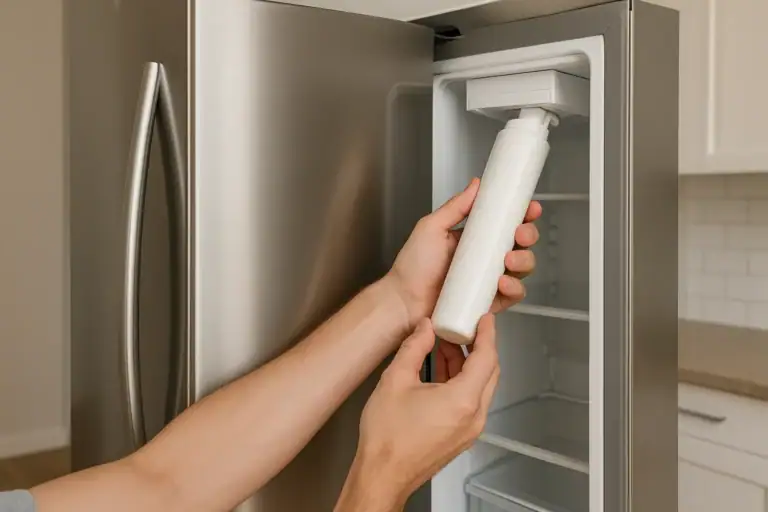 How to Safely Remove a Stuck Refrigerator Water Filter